

Odoo Subscriptions is an application for selling recurring revenue products. Whether you offer online classes, software licenses, or maintenance contracts, this module handles the entire subscription lifecycle — from quoting to automatic billing to upselling.
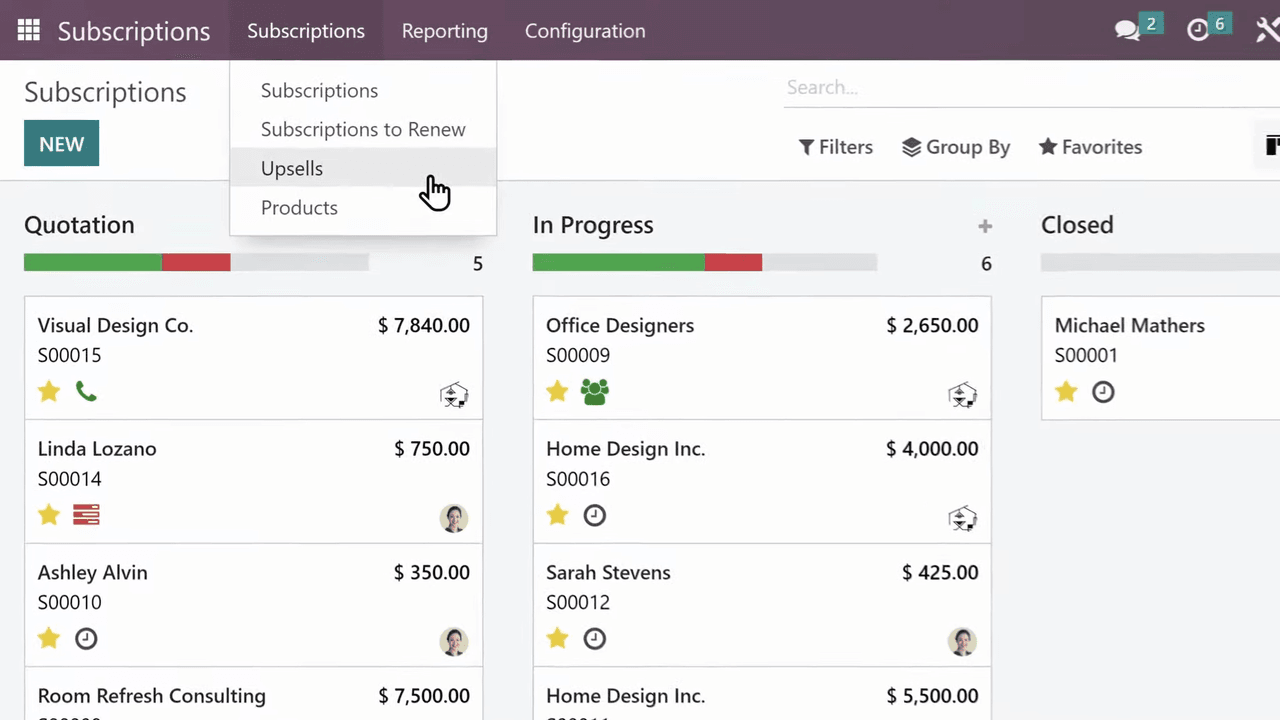
It integrates directly with Odoo Sales, so recurring and one-time products can coexist on the same sales order.
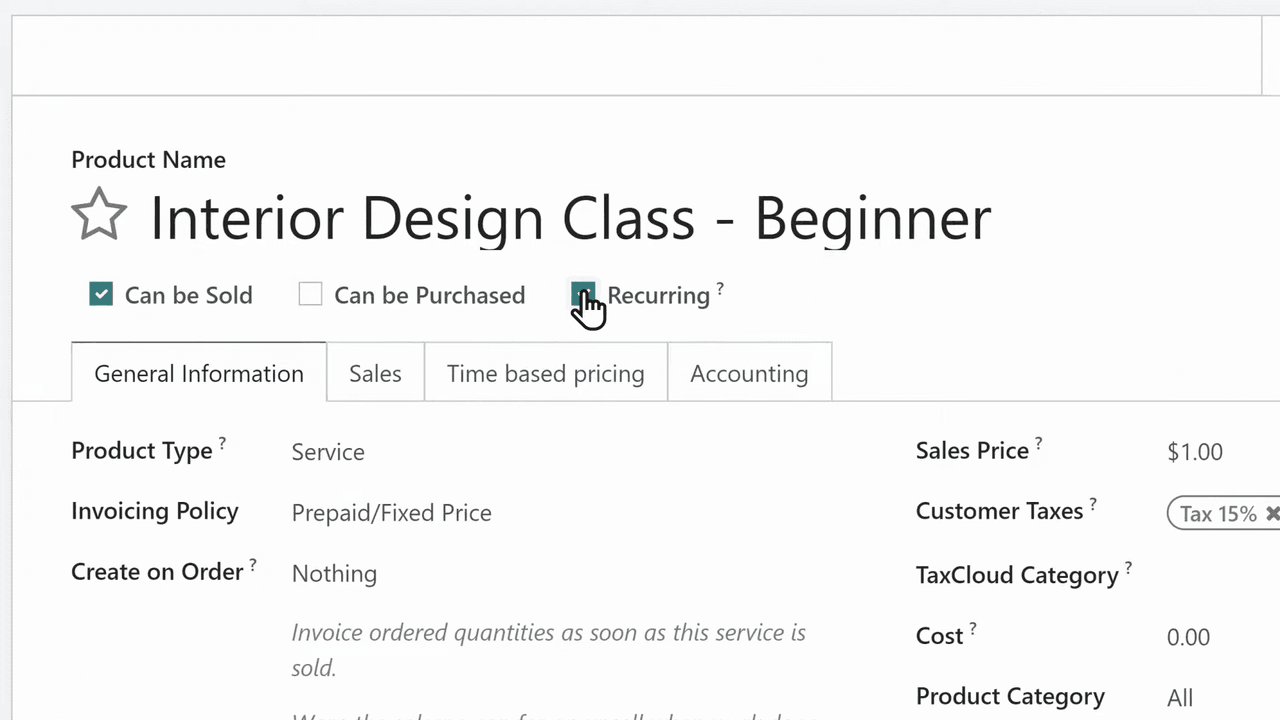
When creating a product in Odoo, mark it as recurring. This tells Odoo to treat it as a subscription product rather than a one-time purchase.
In the Time-based pricing section of the product form, set the price options for each billing interval:
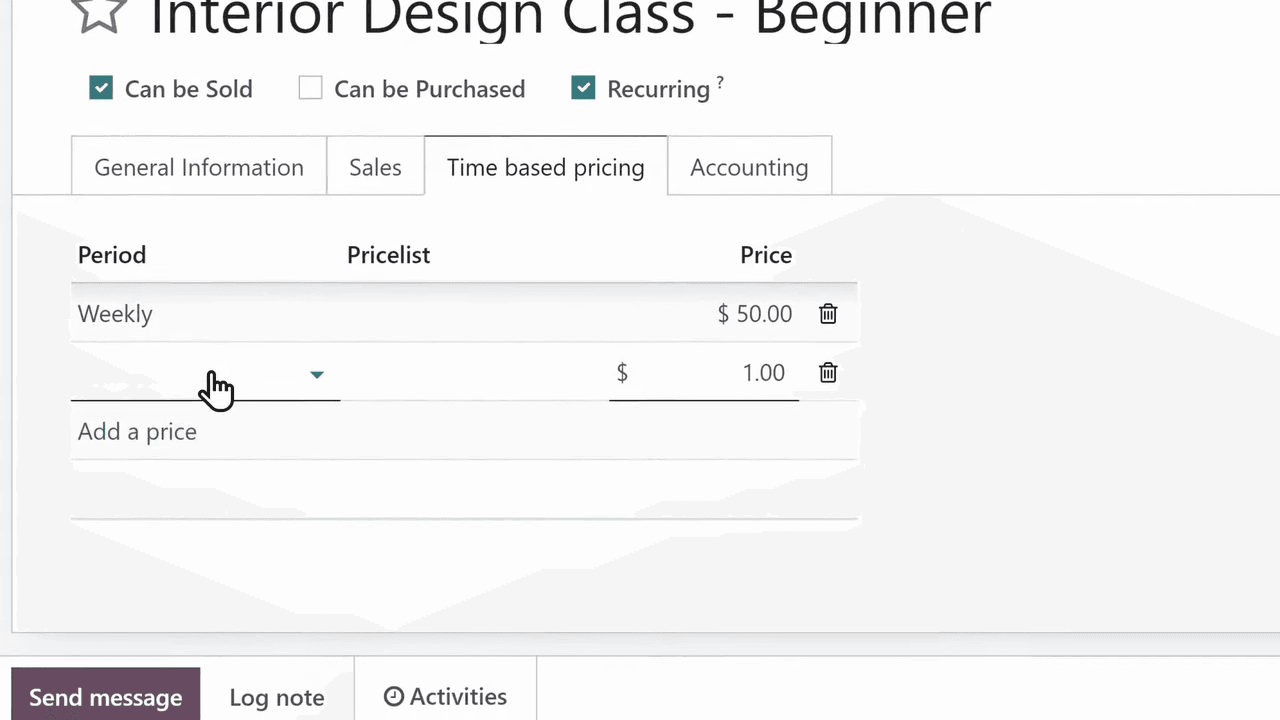
This flexibility lets you offer tiered pricing without managing separate products.
From the Subscriptions dashboard, click New and fill in:
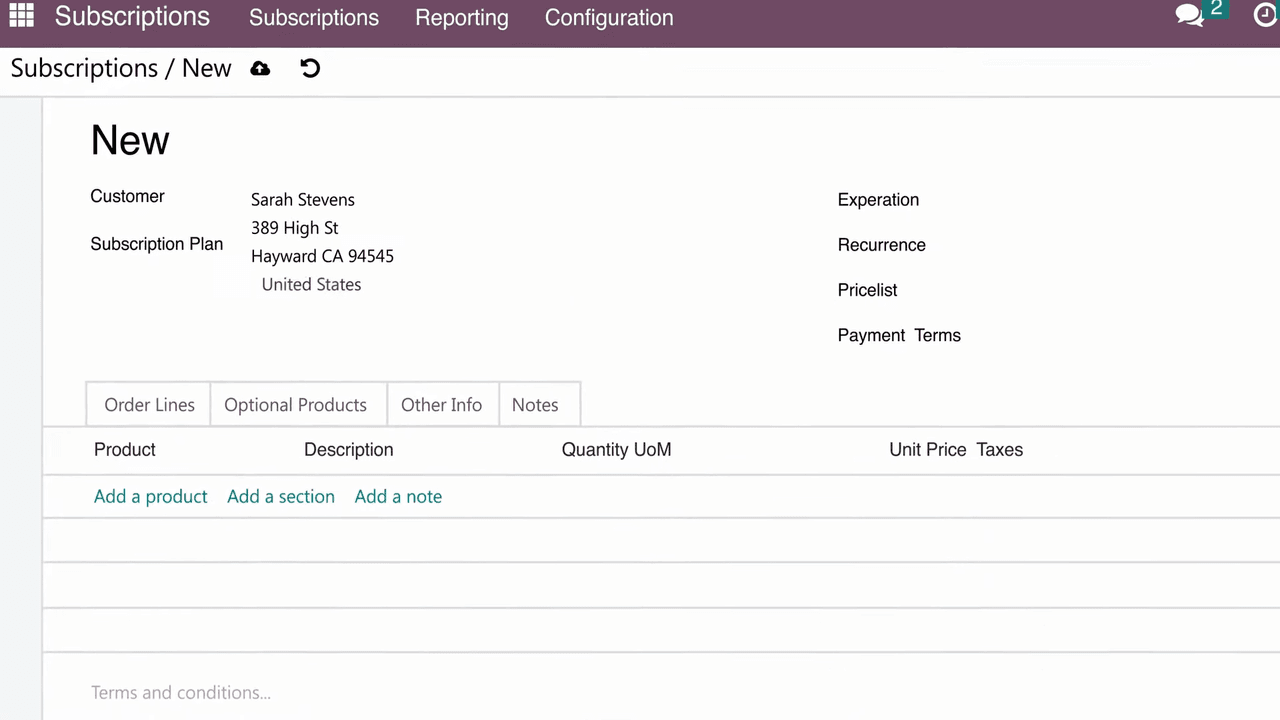
The price adjusts automatically based on the customer's price list and the selected recurrence.
Several features help you present professional quotes:
| Feature | Purpose |
|---|---|
| Sections | Organize line items into logical groups |
| Notes | Add personalized messages at the bottom |
| Optional products | Let customers add extras (e.g., technical support) without cluttering the main quote |
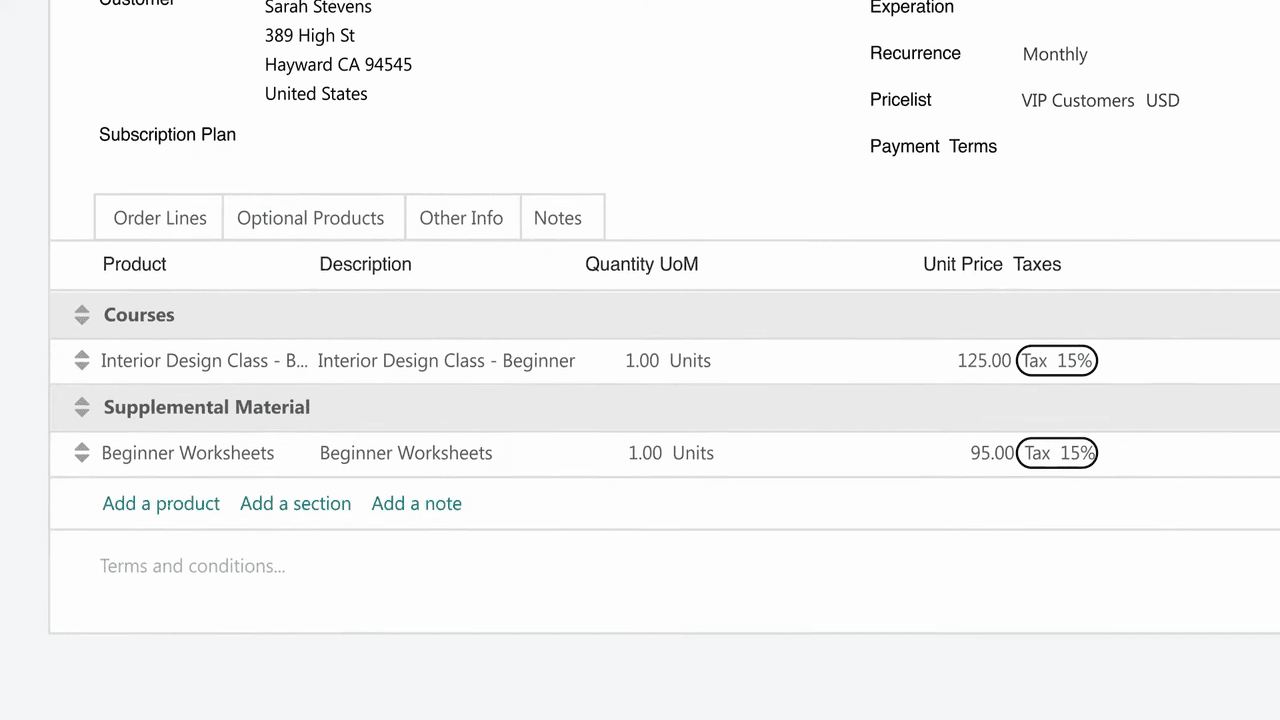
Click Send by email, customize the message, and send. The customer receives a link to their quote in the customer portal.
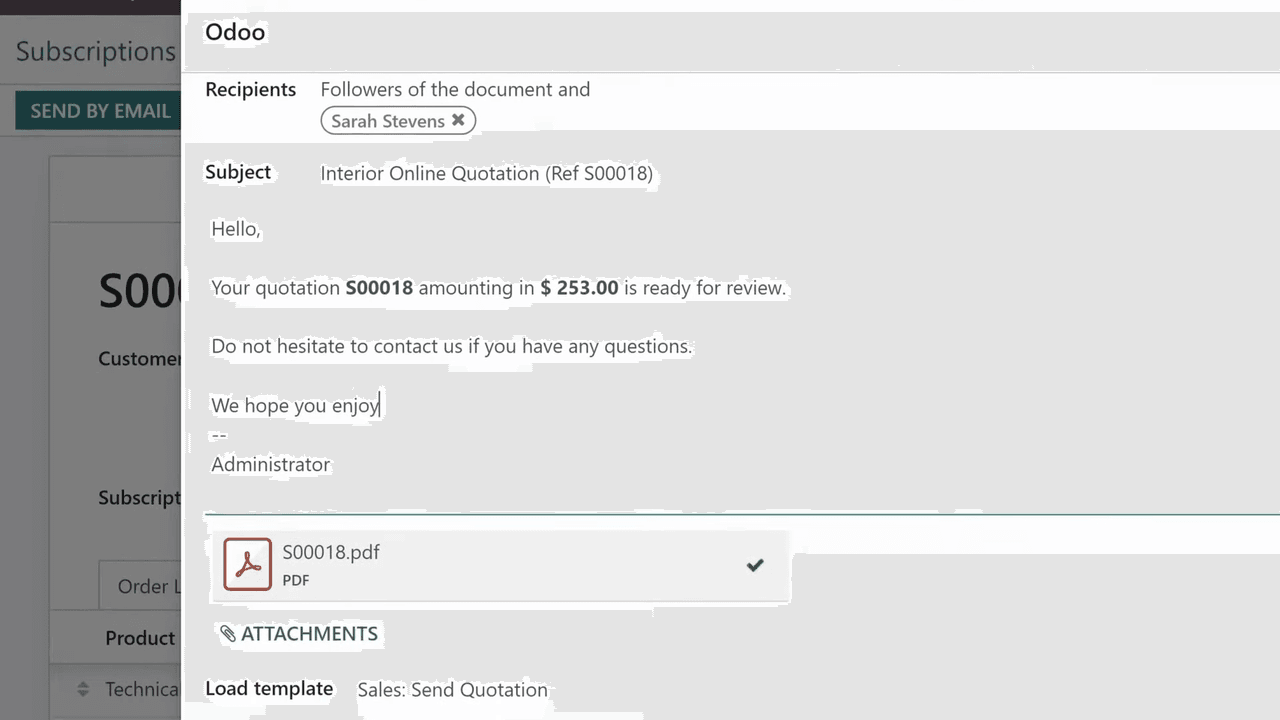
When customers open their quote, they can:
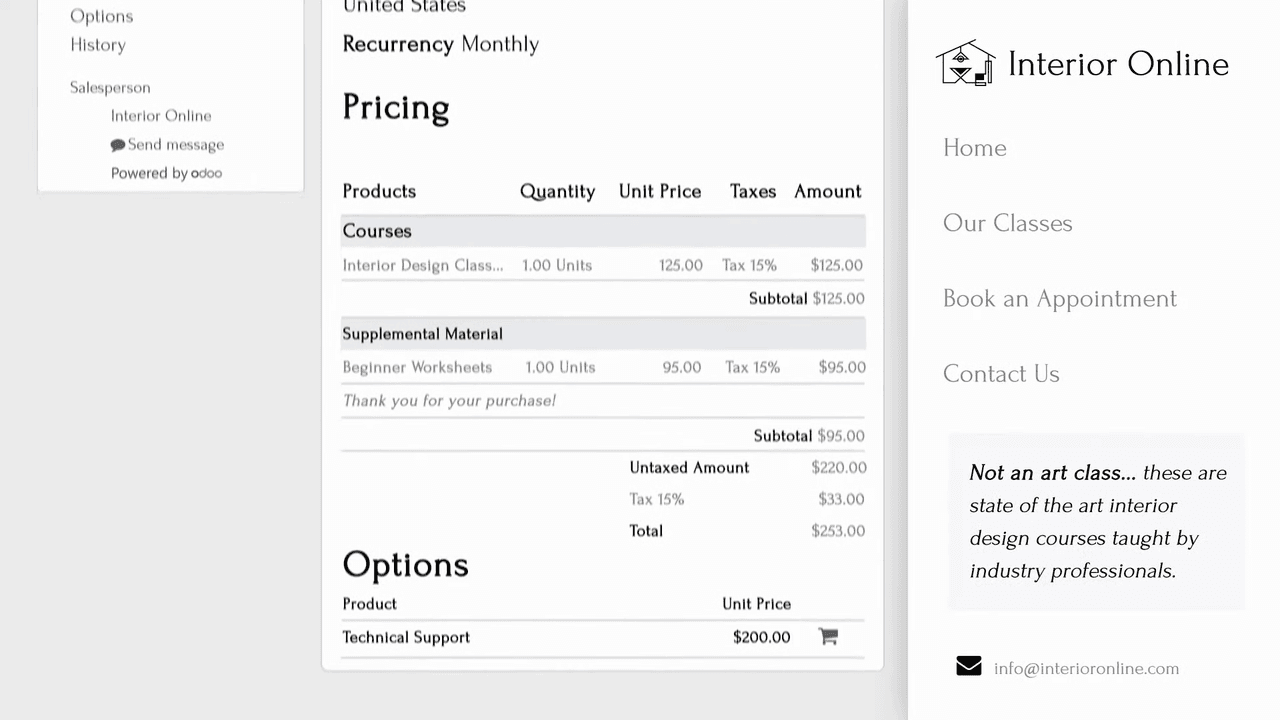
The portal works on desktop and mobile, reducing back-and-forth with your sales team.
Once a subscription is confirmed, Odoo manages automatic recurring charges based on the billing interval. No manual invoicing required.
Set up automatic satisfaction surveys to go out after a defined period (e.g., one month). This gives you direct feedback from subscribers.
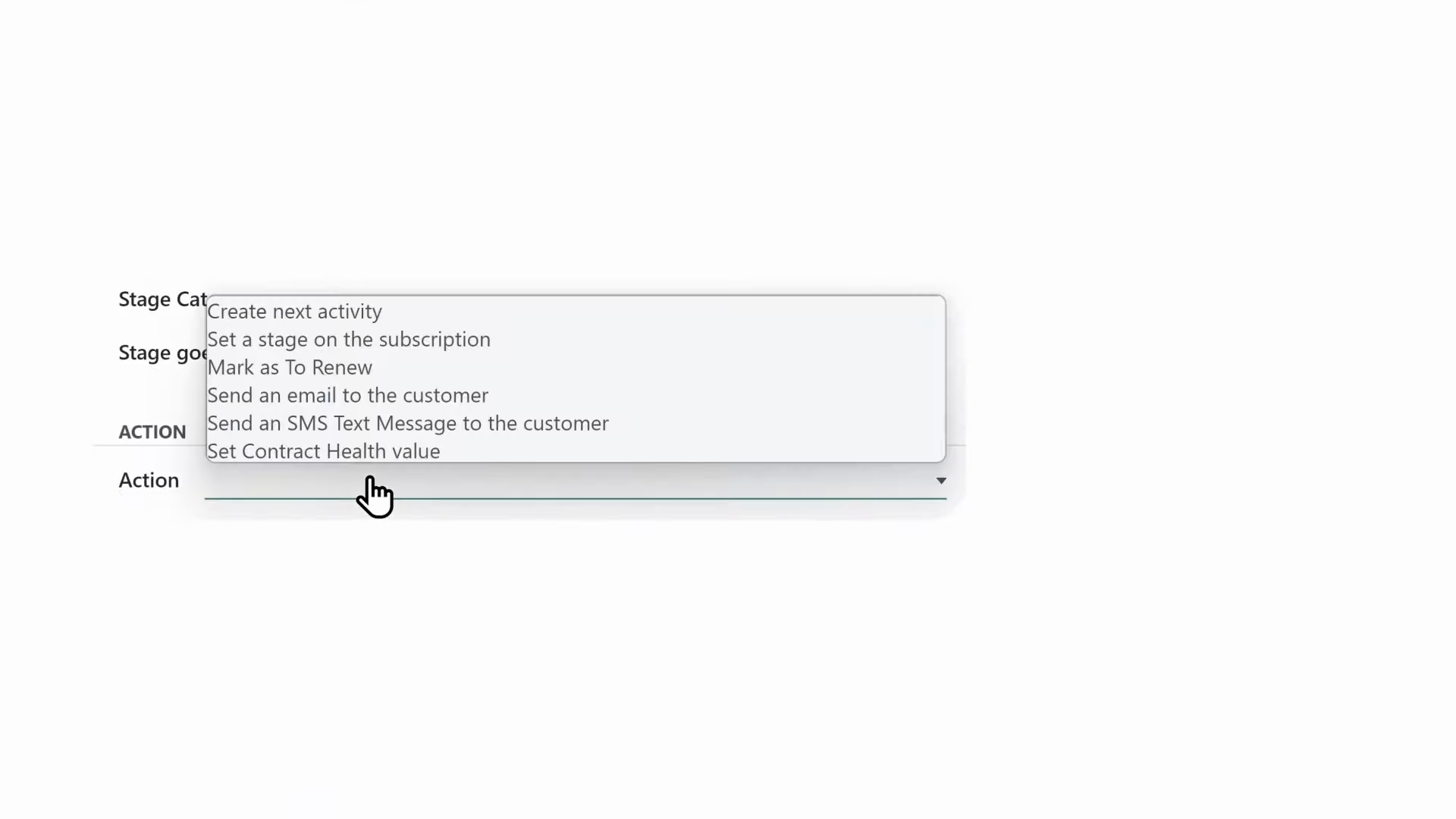
Create alerts that notify your sales team when a customer reports low satisfaction. This proactive approach to customer retention ensures unhappy subscribers get attention before they churn.
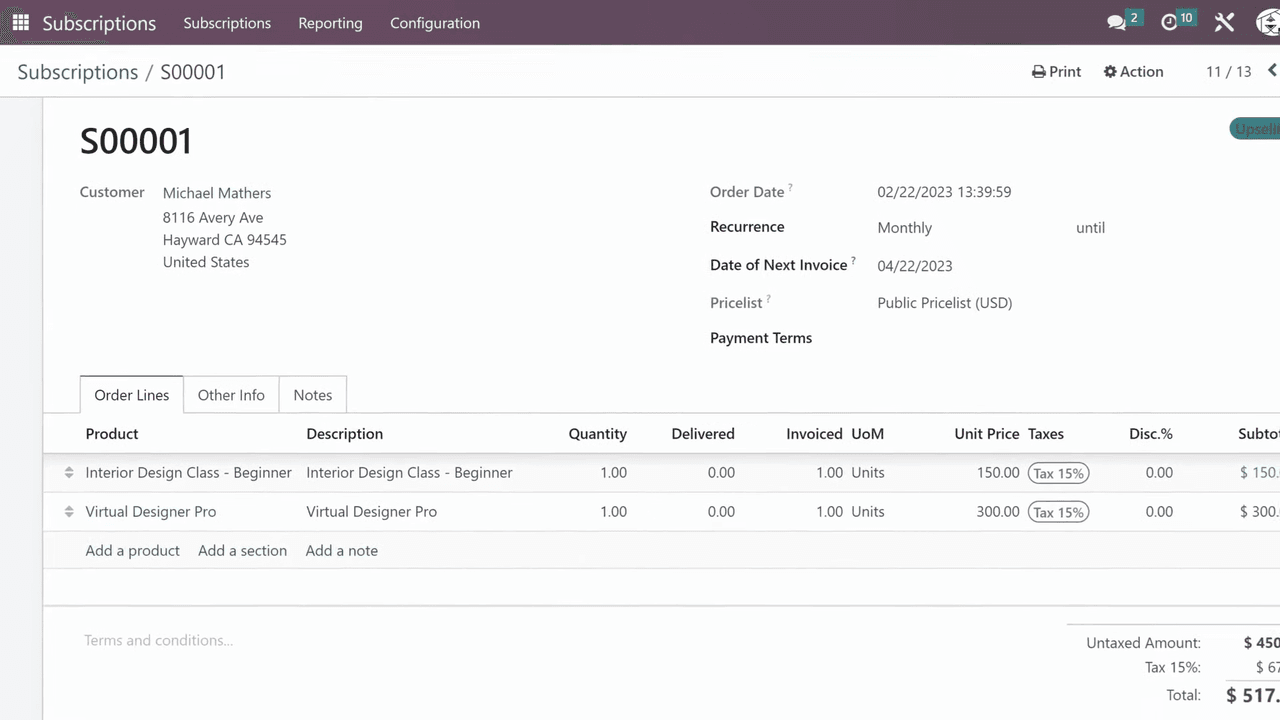
When the time is right, upselling is straightforward:
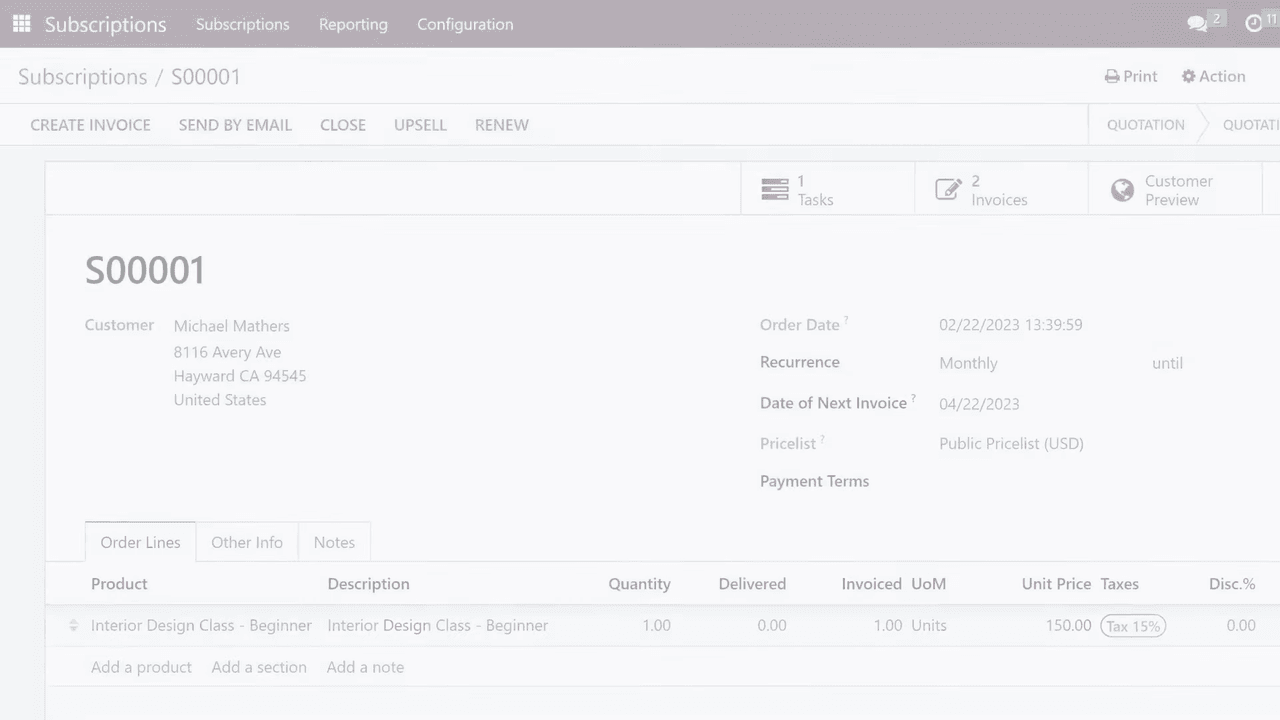
The recurring sales order updates automatically to reflect the new products and pricing for the current pay period.
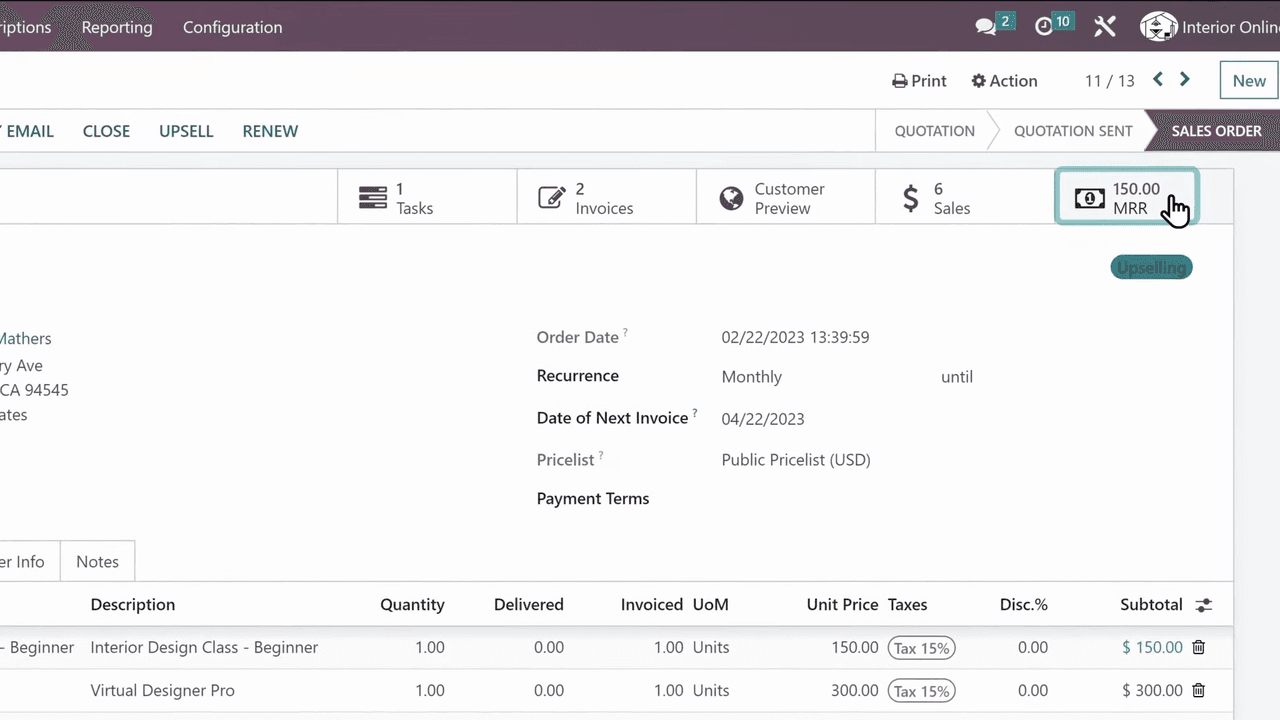
Click the MRR button on any subscription to see how that customer's monthly recurring revenue has changed over time.
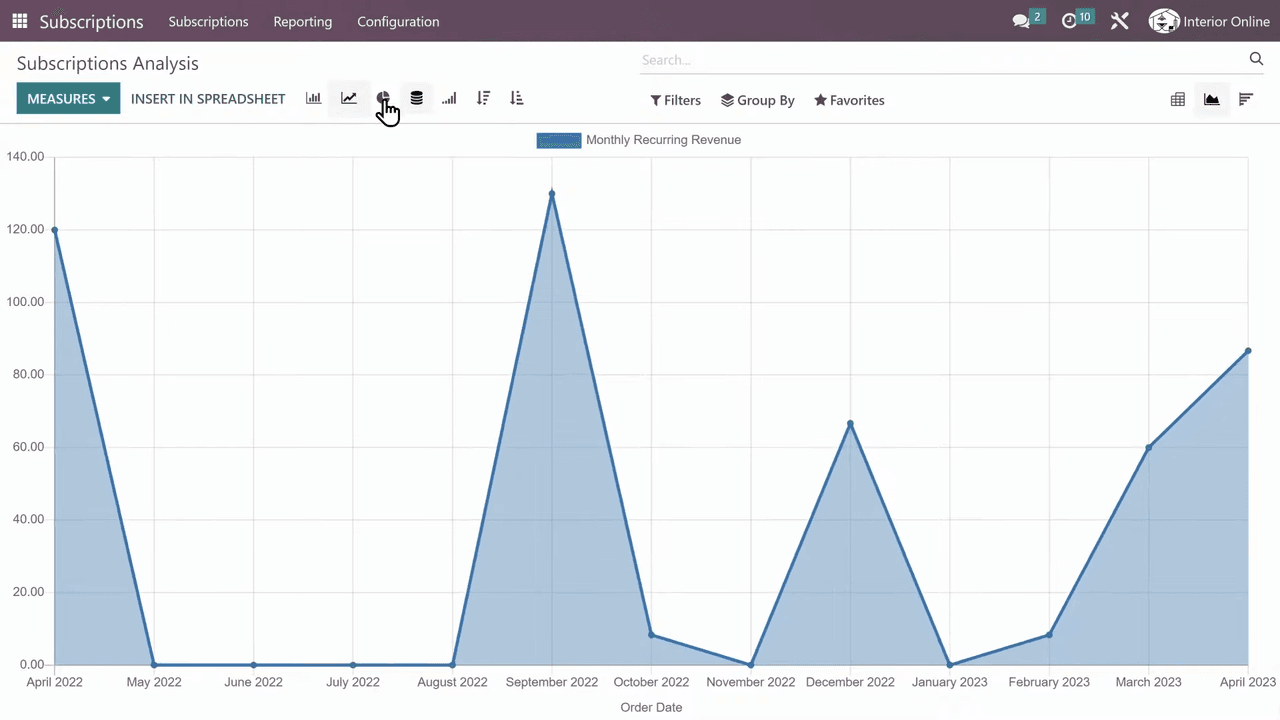
Odoo's built-in reporting shows your total MRR across all subscriptions. Use this to:
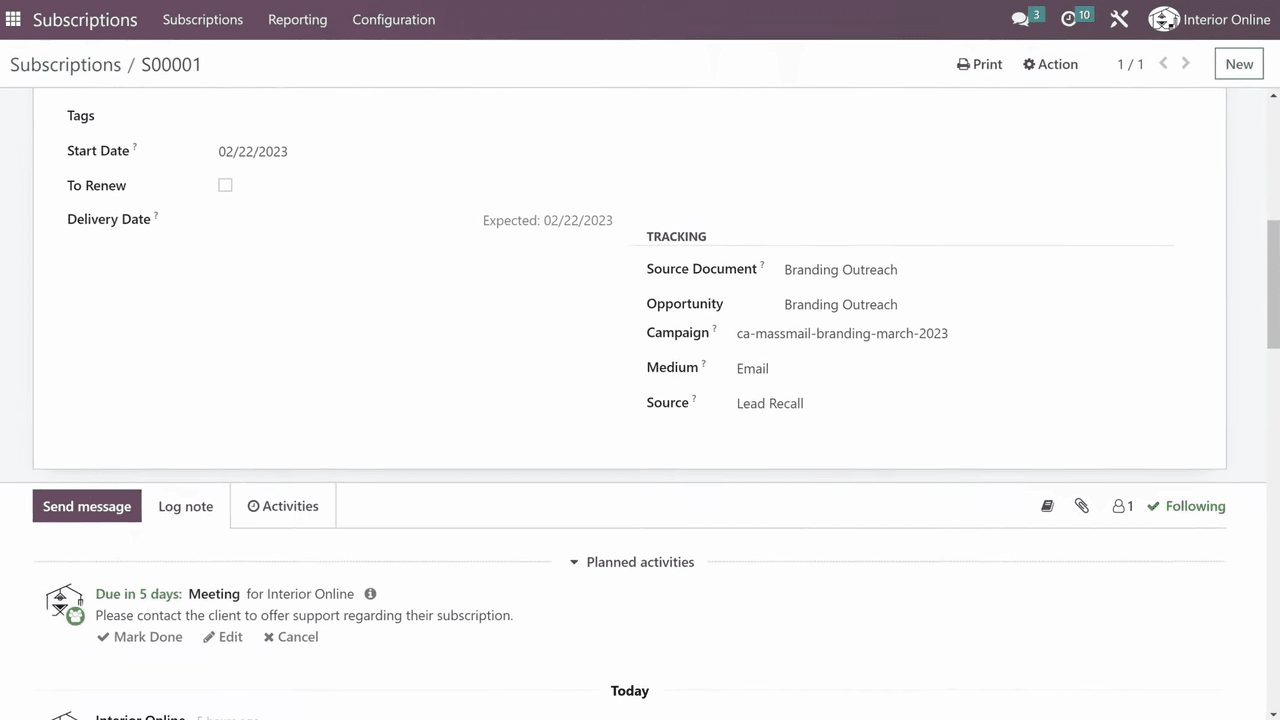
Each subscription order can be linked to the ad campaign or marketing source that brought the customer in. This data integrates with the Odoo CRM app, so you can trace revenue back to specific campaigns like mass mailings or social media ads.
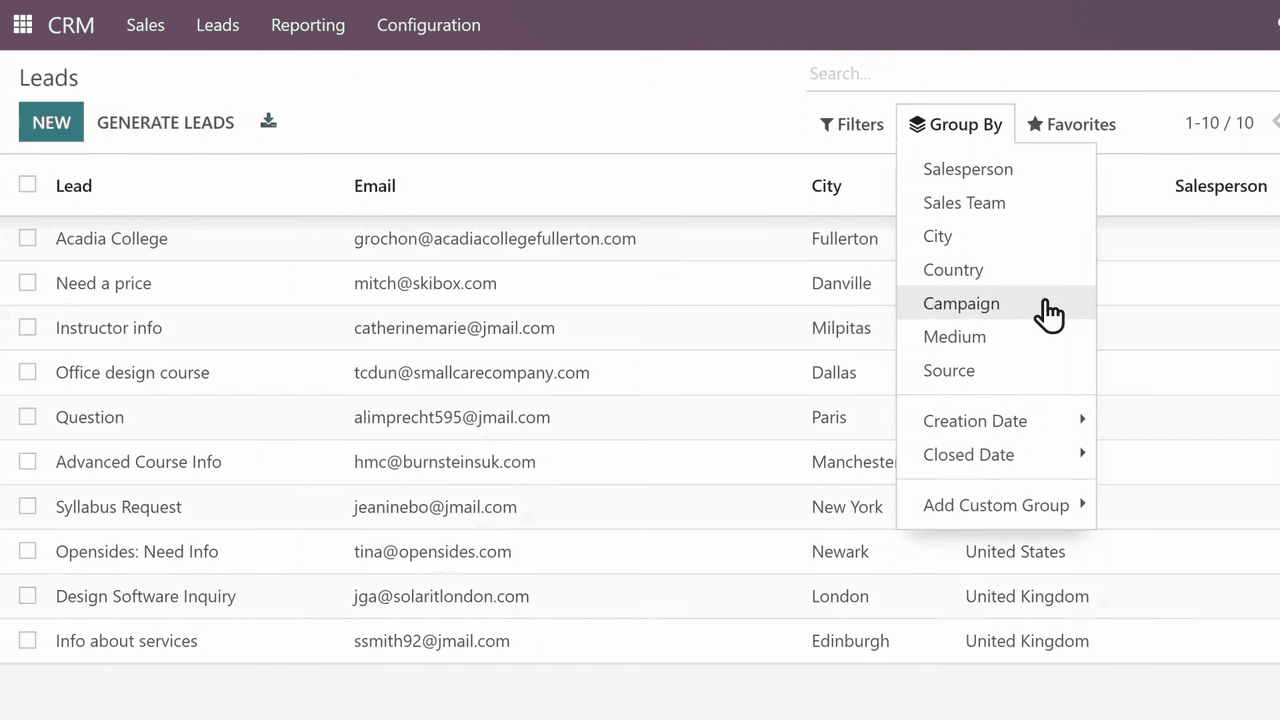
Odoo Subscriptions does not operate in isolation. It connects with:
| App | Integration |
|---|---|
| CRM | Track customer sources (search engines, social media, email marketing) and manage prospects |
| Accounting | Invoices and payments sync automatically, keeping ledgers clean with no extra work |
| Project | Organize cross-functional tasks related to subscription fulfillment |
| Sales | Mix recurring and non-recurring products on the same order |
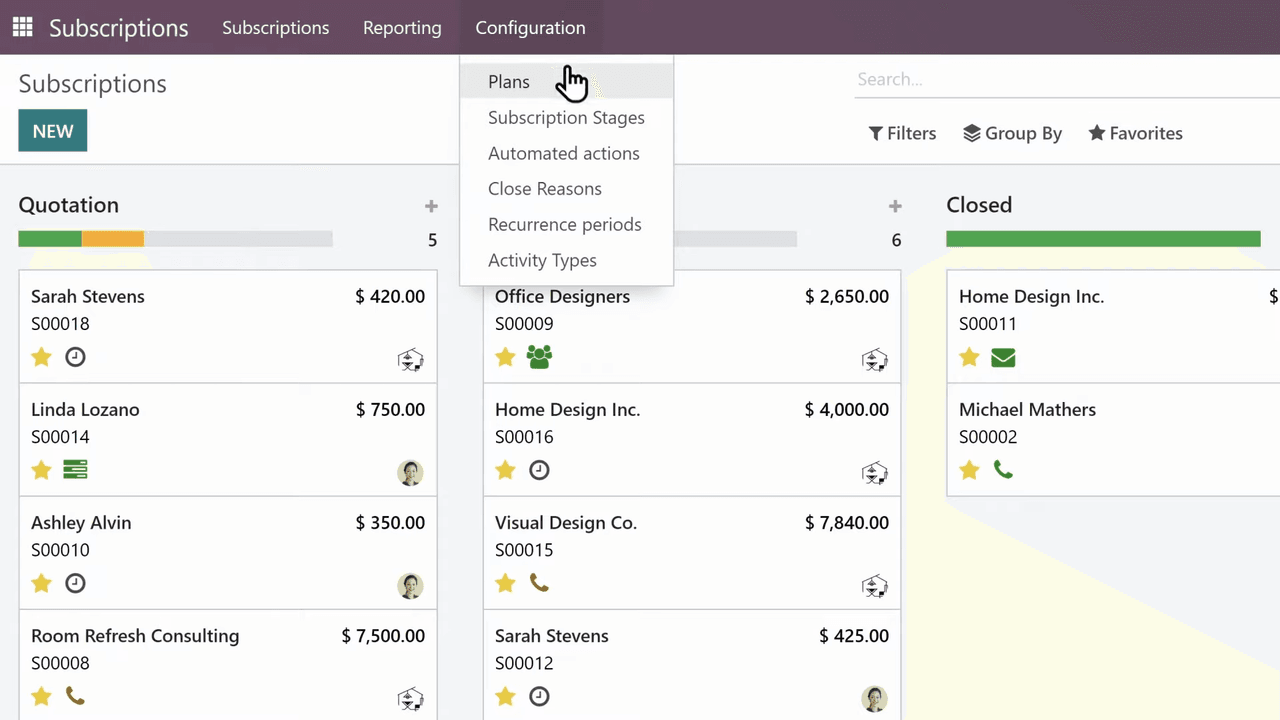
To begin using Odoo Subscriptions:
The combination of automated billing, customer self-service, upselling tools, and integrated reporting makes Odoo Subscriptions a complete solution for managing recurring revenue.

Zoo AI is a certified Odoo partner in Hong Kong, delivering expert ERP implementation and AI automation for SMEs. Get in touch to learn more.