

Every company deals with the same two problems: too much administrative work and not enough time. Sticky notes get lost, mental to-do lists get forgotten, and follow-ups slip through the cracks.
Odoo's activities feature solves this by attaching actionable tasks directly to records — leads, sales orders, project tasks, or any document with a chatter. Each activity has a type, a deadline, an assignee, and an optional note, so nothing gets lost.
Navigate to any module — CRM, Sales, Project, or others. Open the record you want to attach an activity to. For example, open a lead in the CRM pipeline.
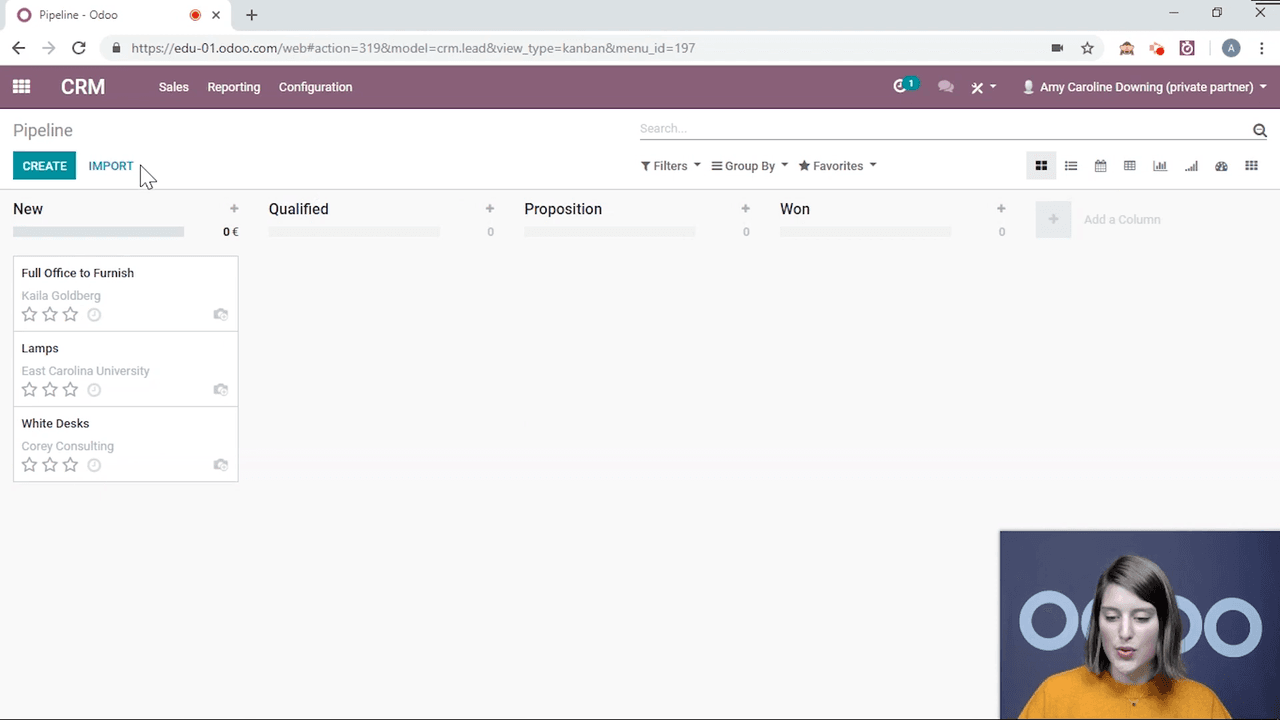
Scroll to the bottom of the record (or look on the right side on larger screens). This is the chatter — the communication and history log for the document.
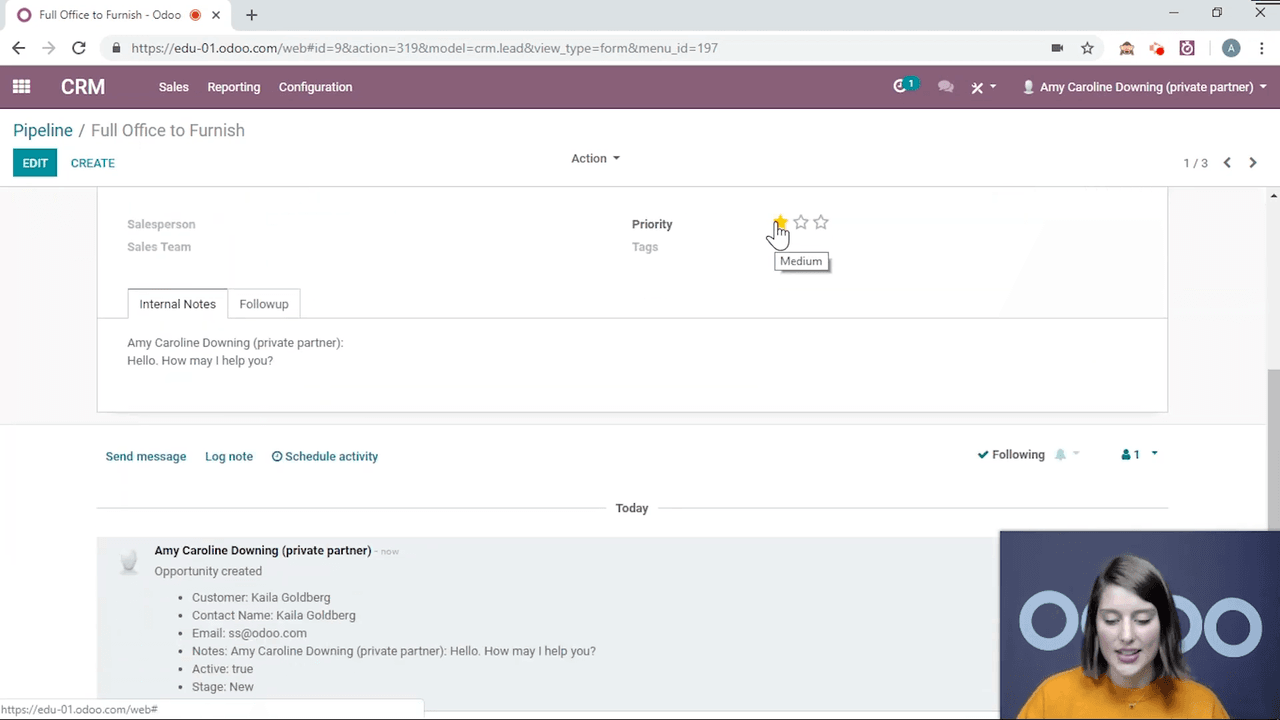
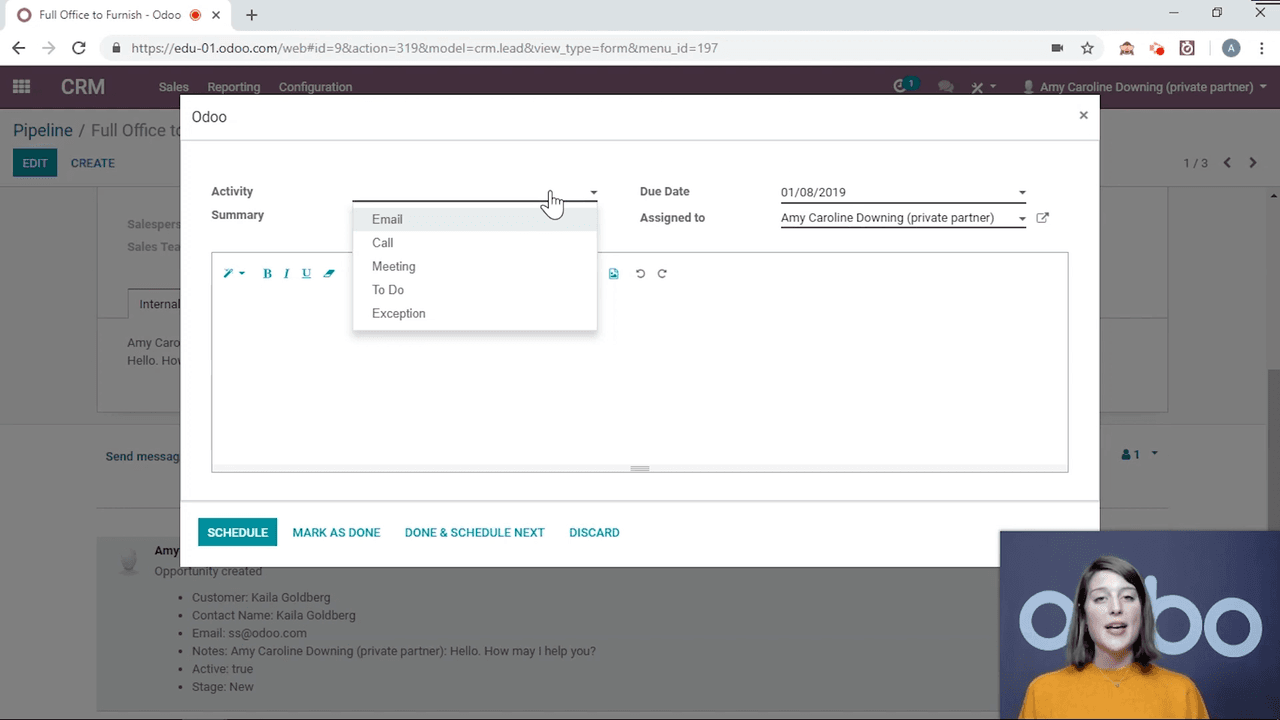
Click the Schedule Activity button in the chatter. A dialog will appear with these fields:
Fill in the details and click Schedule. The activity now appears in the chatter with a countdown showing how many days remain until it is due.
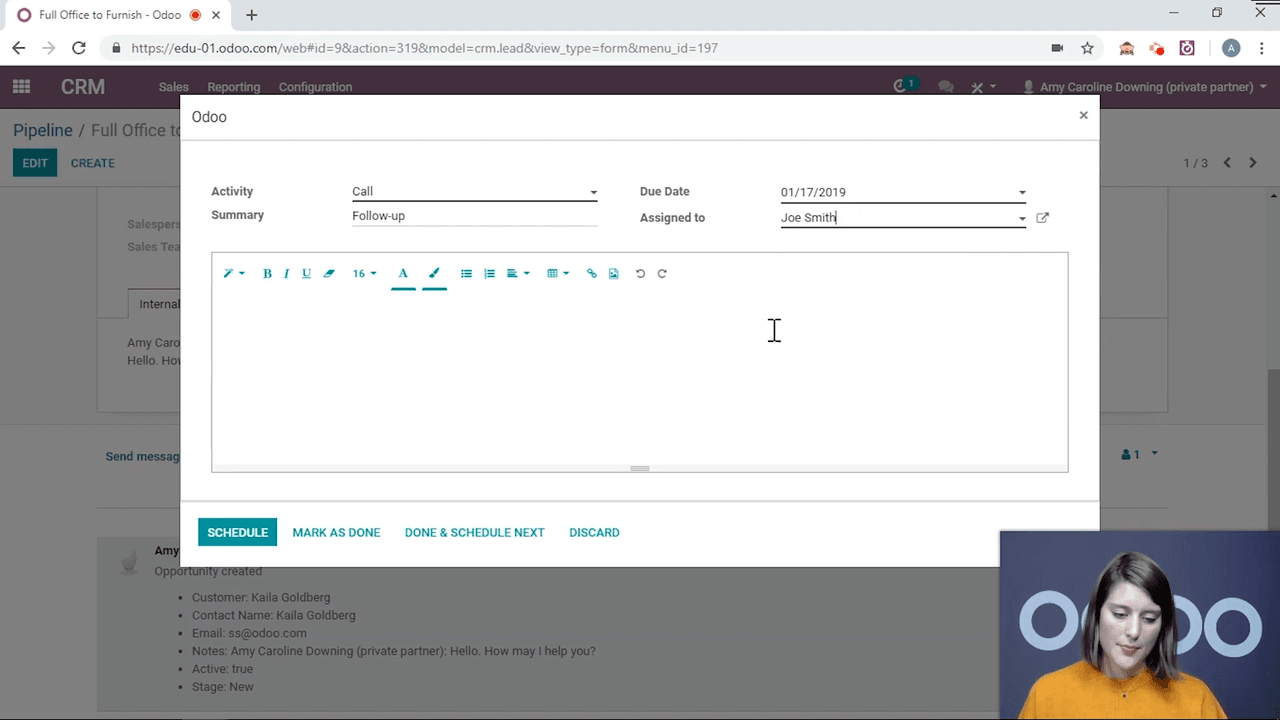
You are not limited to scheduling activities for yourself. Use the Assigned to field to delegate tasks to team members. The assignee will see the activity in their personal activity feed.
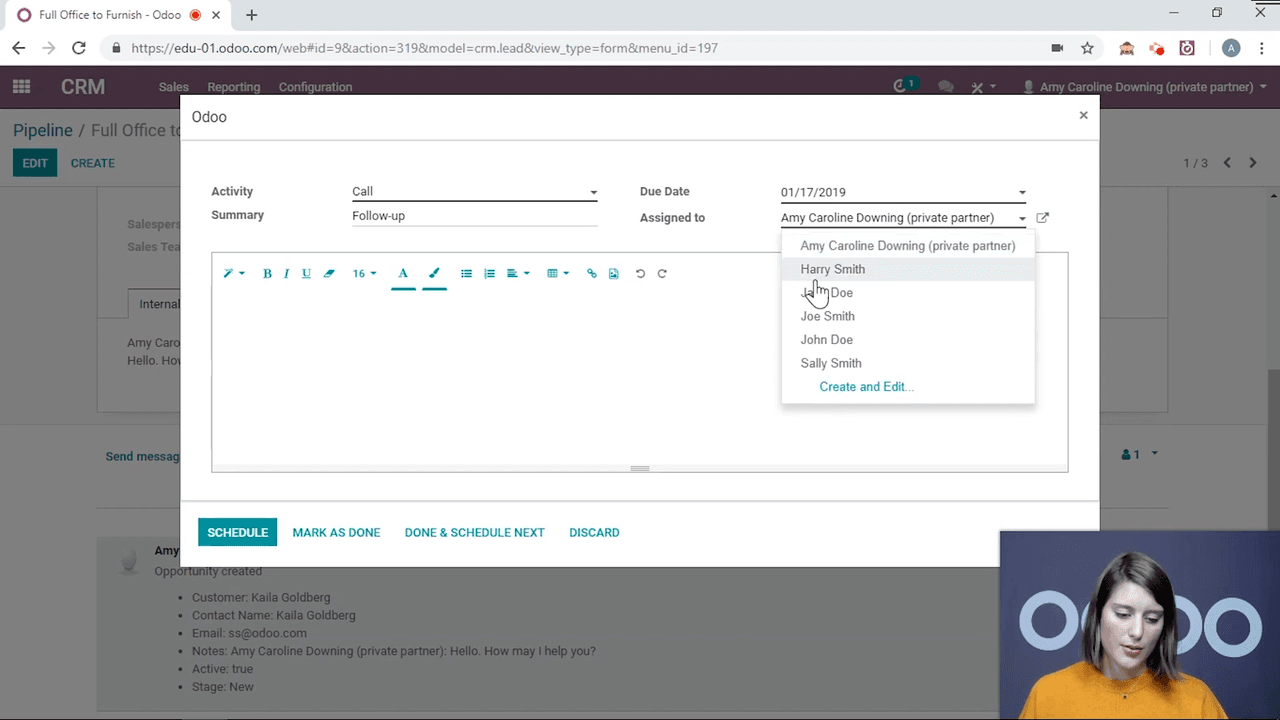
This is useful for managers who need to distribute follow-up tasks across a sales team without losing visibility.
Once an activity is scheduled, you have three options:
| Action | What It Does |
|---|---|
| Edit | Change the deadline, assignee, or details |
| Cancel | Remove the activity entirely from the record |
| Mark Done | Complete the activity, with the option to schedule a follow-up immediately |
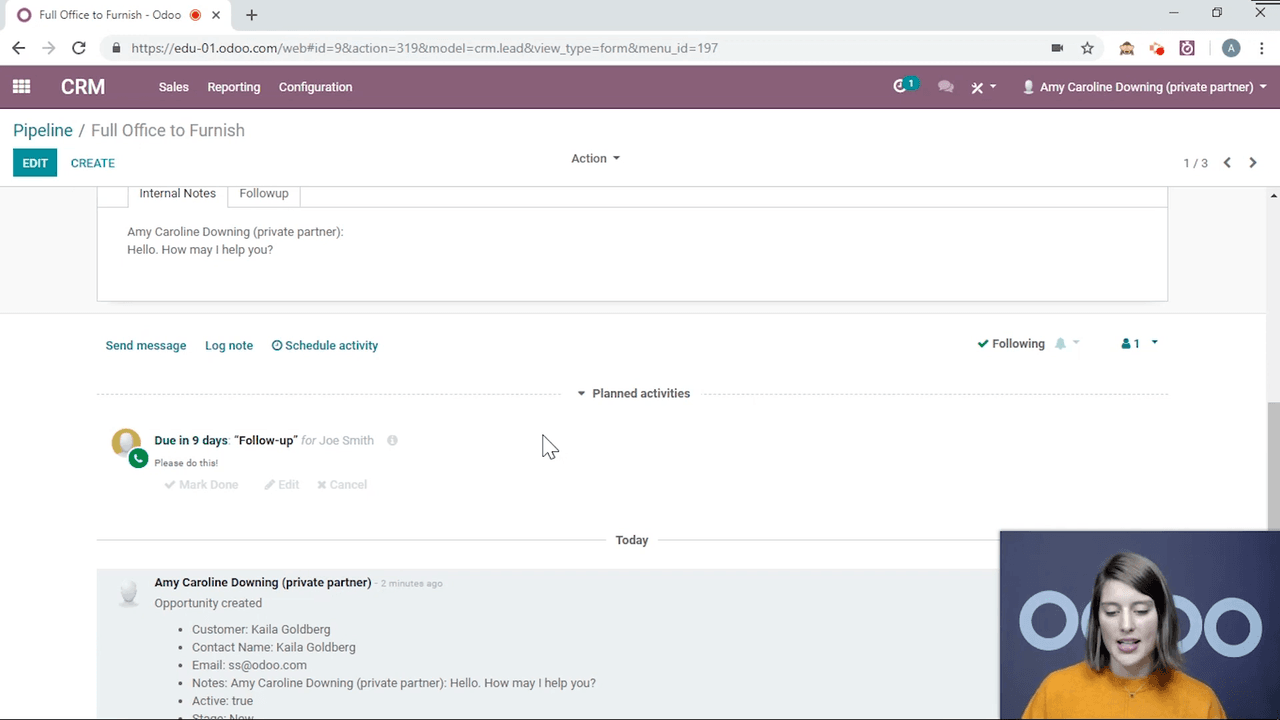
When you click Mark Done, Odoo gives you three choices:
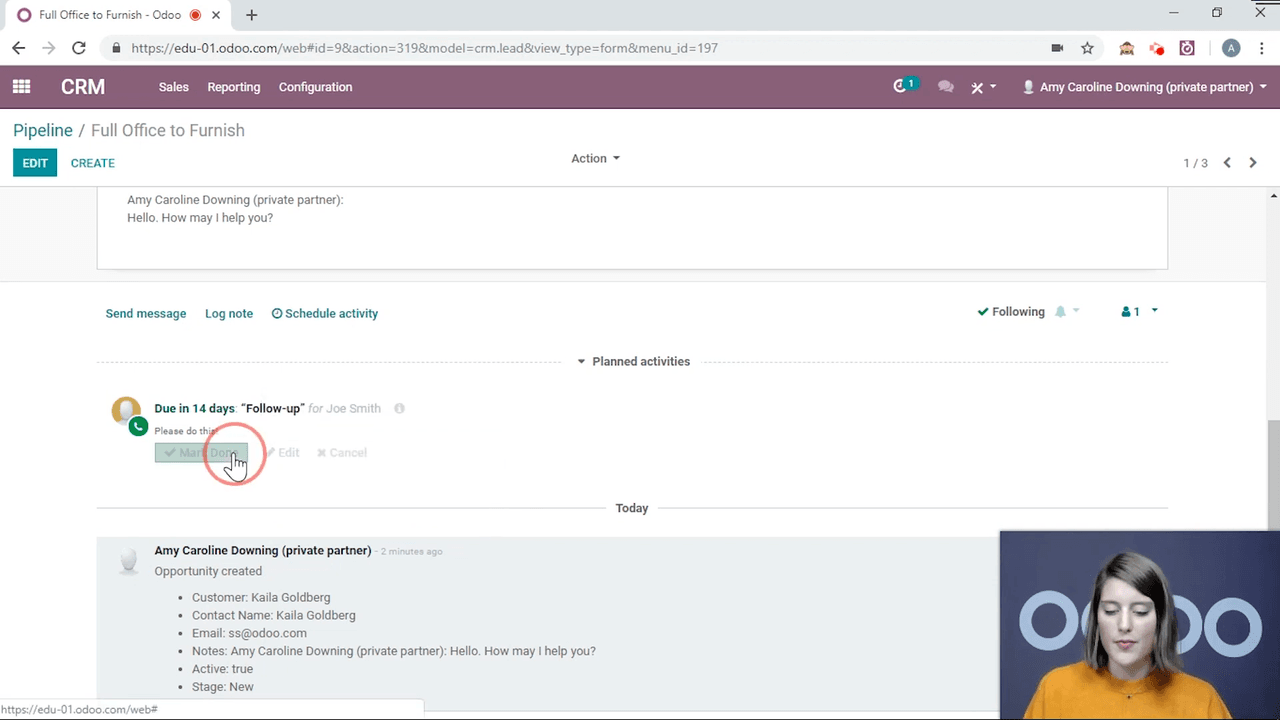
This chain of activities keeps workflows moving without manual intervention.
Click the clock icon in the top navigation bar to see all activities assigned to you. This view shows:
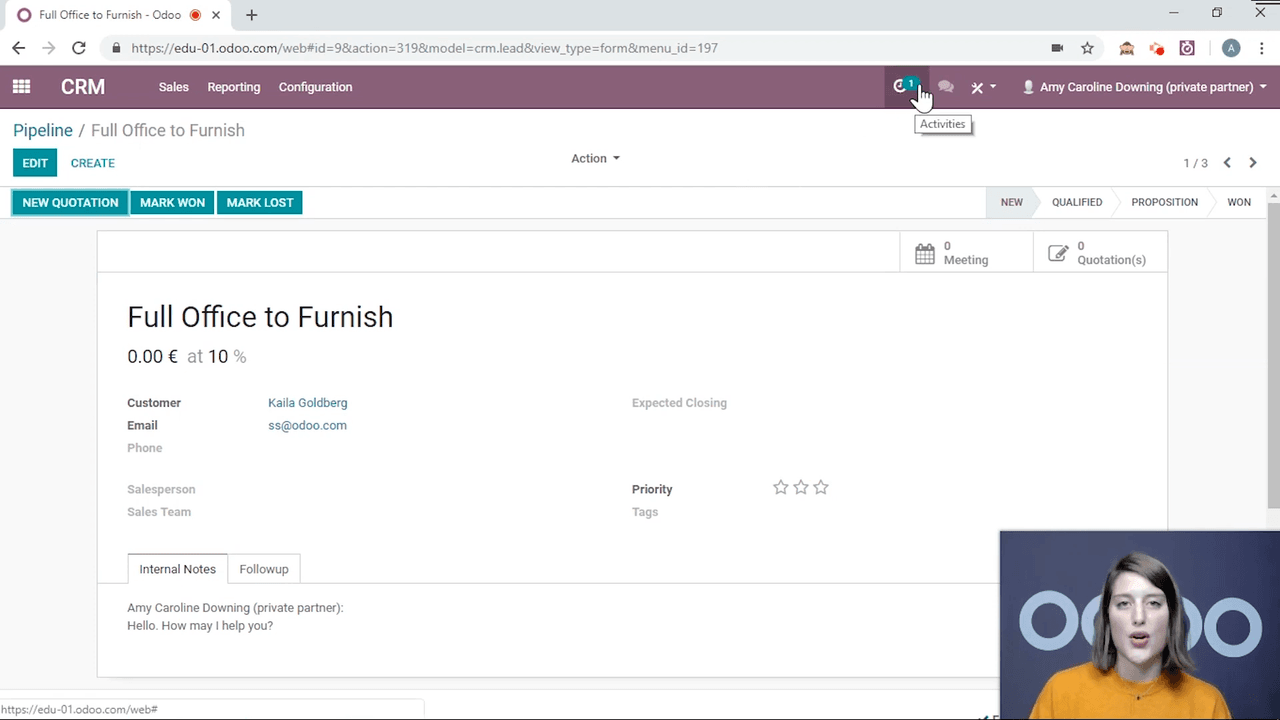
The clock icon only displays your own activities, not those assigned to others. Multiple activities on the same record are grouped together under a single document entry.
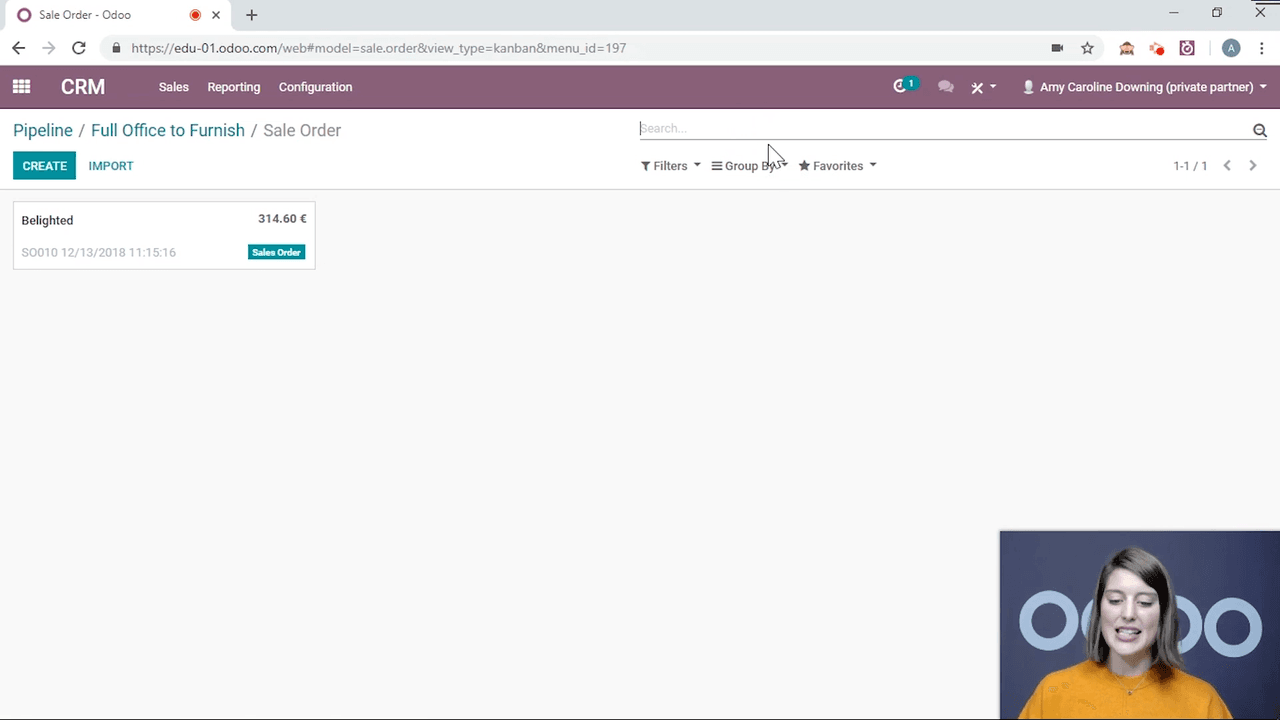
The default activity types (Email, Call, Meeting, To Do, Exception) cover common use cases, but you can create your own.
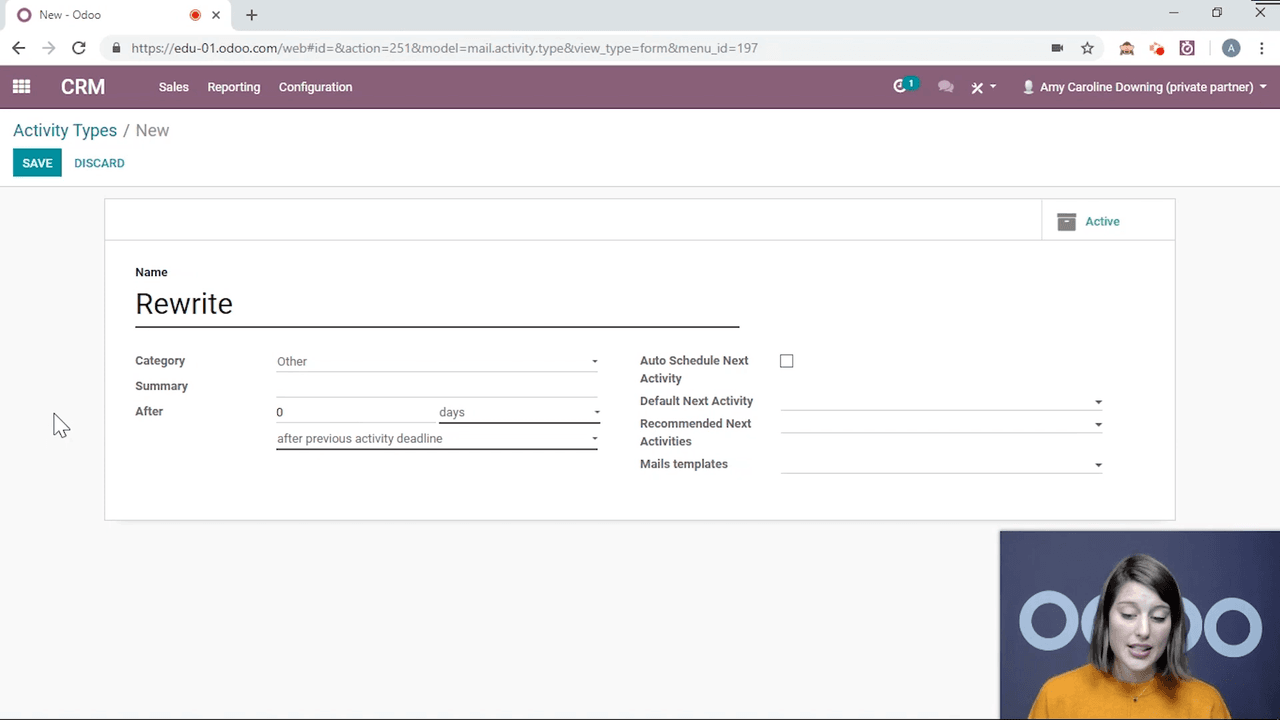
Custom activity types are available across all modules, so a type created in CRM also appears in Project, Sales, and other apps.
Activities are not limited to CRM. You can schedule them on:
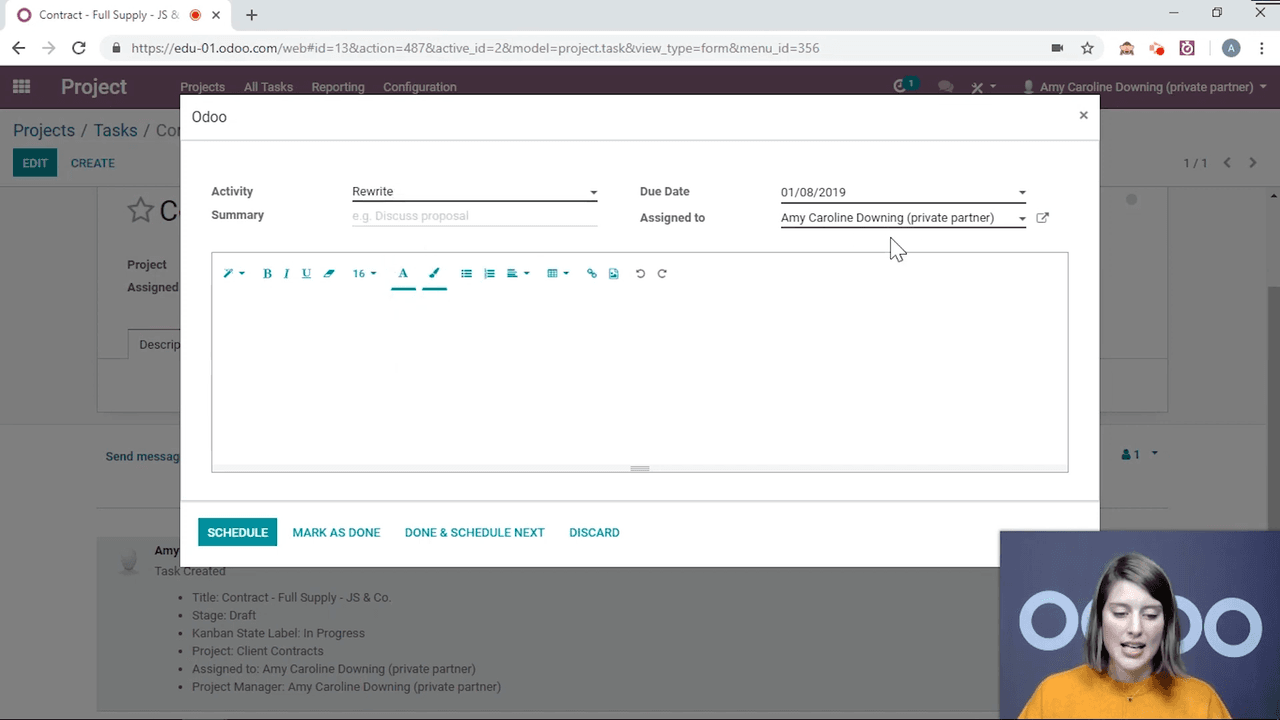
This cross-module consistency means your team uses one system for all task tracking, regardless of which Odoo app they work in.
Odoo activities replace sticky notes and scattered to-do lists with a structured, trackable system built directly into every record. Schedule them in seconds, assign them to team members, chain them together, and create custom types to match your workflows. The clock icon keeps everything visible so nothing falls through the cracks.

Zoo AI is a certified Odoo partner in Hong Kong, delivering expert ERP implementation and AI automation for SMEs. Get in touch to learn more.