

Selling effectively starts with the right tools. Without a streamlined system, salespeople waste time on manual tasks instead of closing deals. Odoo Sales solves this by automating quotation creation, customer management, and order processing — so your team can focus on selling.
This guide walks you through creating your first quotation in Odoo Sales, from adding customers to sending the final quote.
To create a quotation, navigate to Sales > Orders > Quotations and click Create.
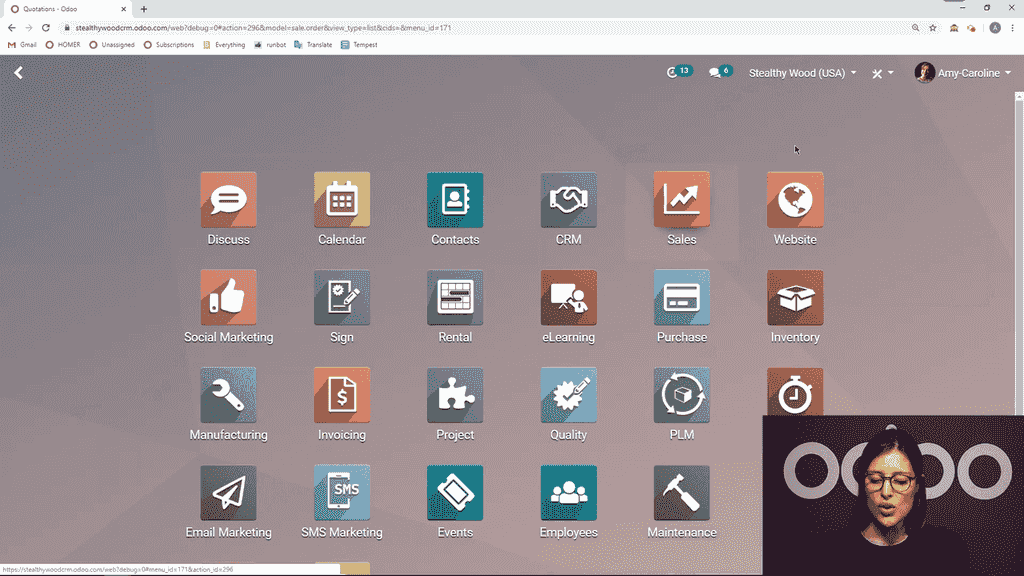
The first step is adding your customer. You have two options:
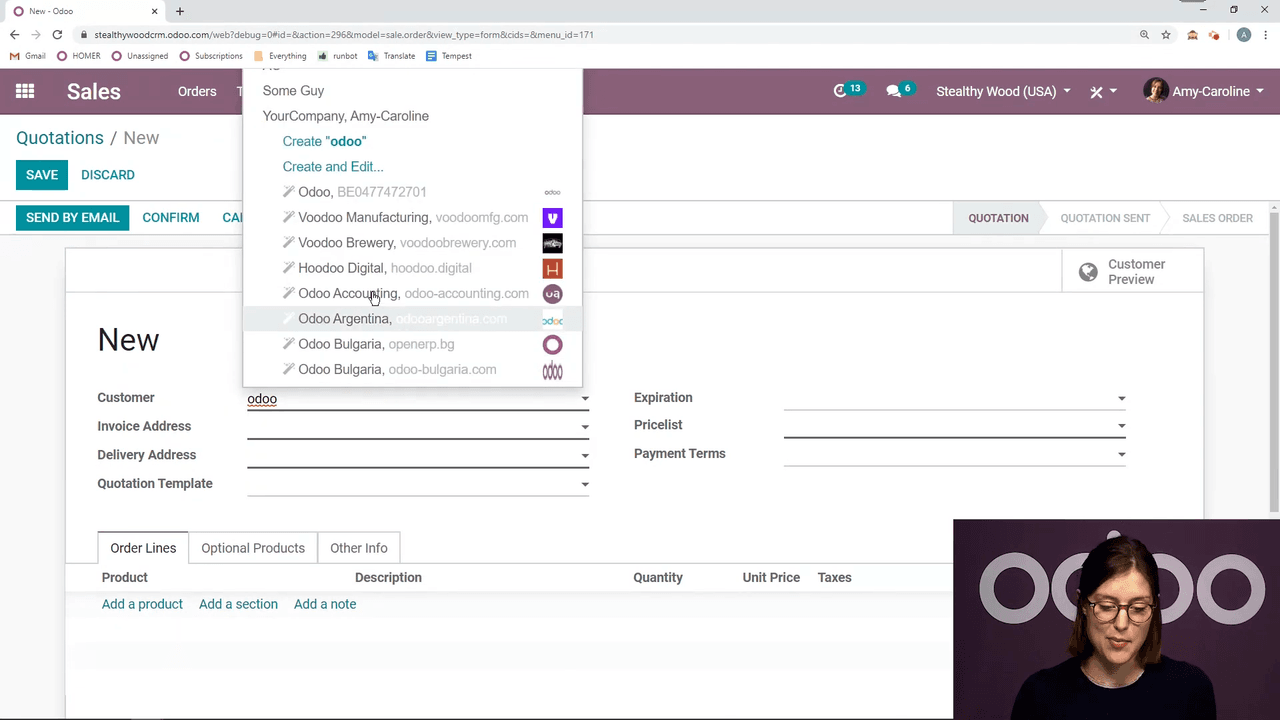
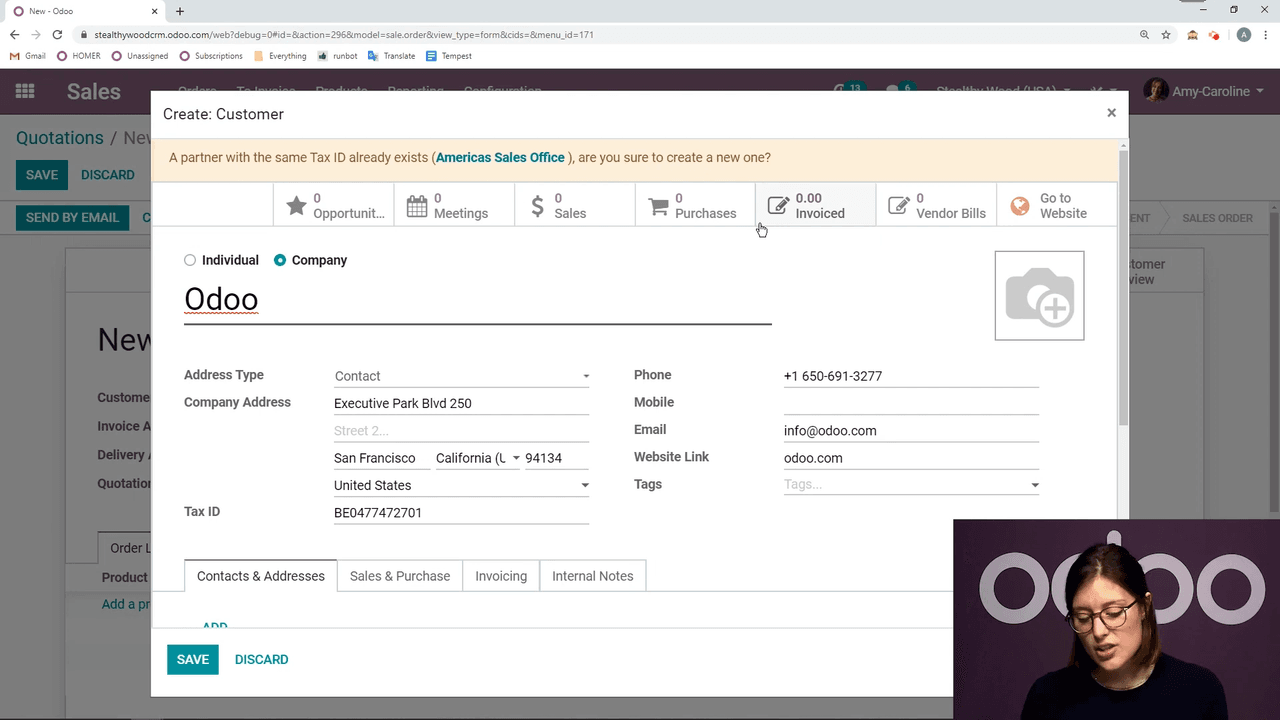
Once a contact is created via auto-complete, you can edit any field on the spot before saving. This eliminates manual data entry and reduces errors.
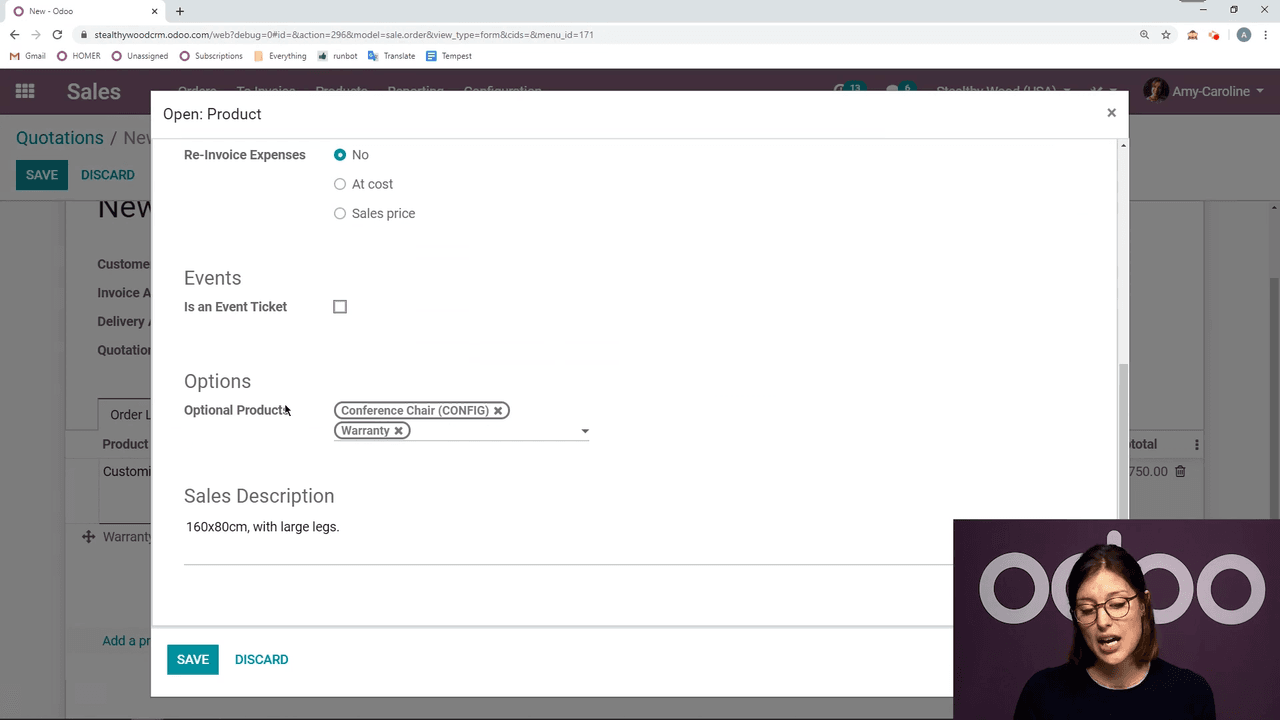
Click Add a product in the order lines to start building your quote. When you select a product with variants, Odoo's Product Configurator appears, letting you choose the exact variant your customer needs.
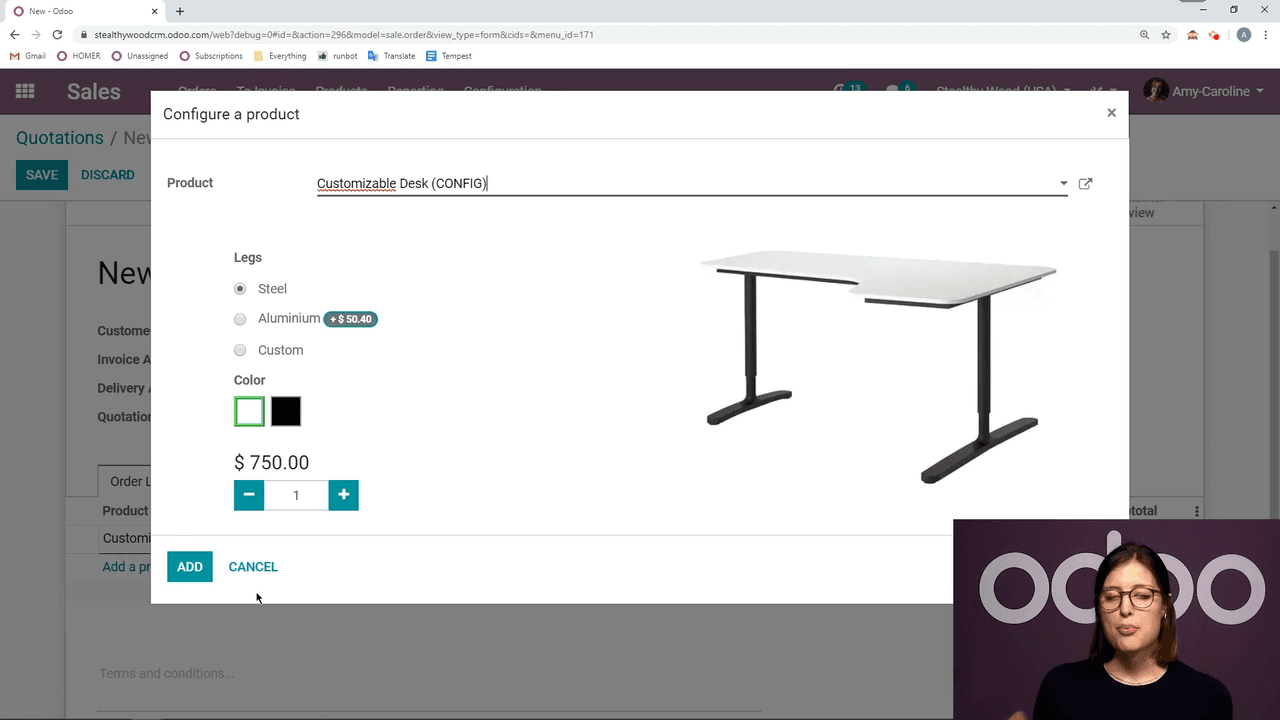
Key features when adding products:
=9*12 in numeric fields and Odoo computes the result instantly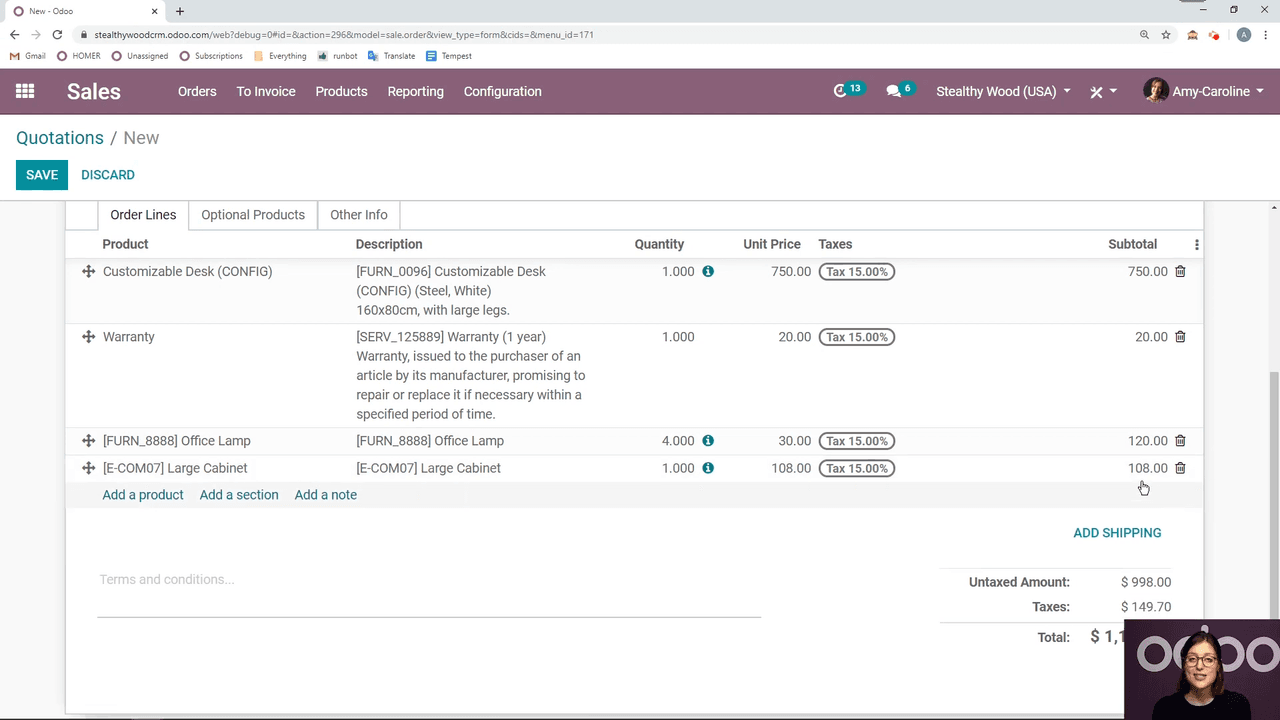
A well-organized quotation is easier for customers to review. Odoo provides two tools for this:
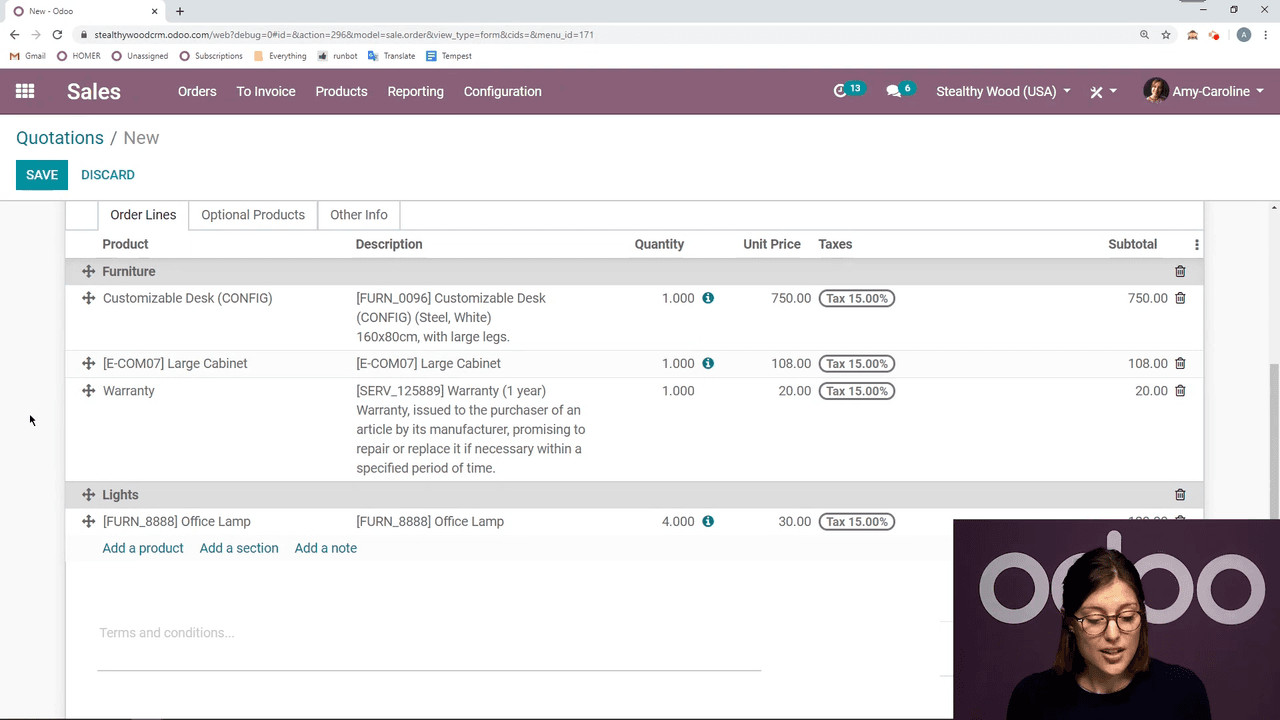
Click Add a section to group related products. For example:
| Section | Products |
|---|---|
| Furniture | Customizable Desk, Large Cabinet |
| Lights | Office Lamp |
Drag and drop sections and products to reorder them as needed.
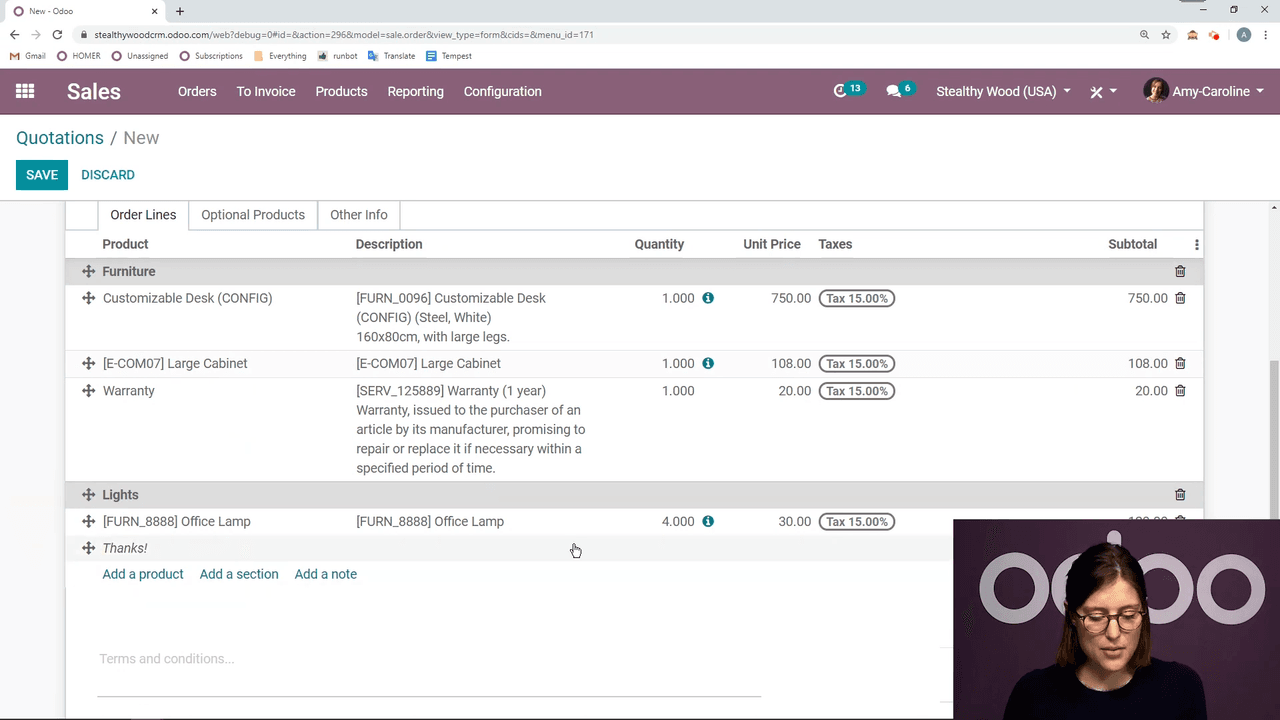
Click Add a note to insert custom text anywhere in the quotation. Use notes for thank-you messages, special terms, or additional context.
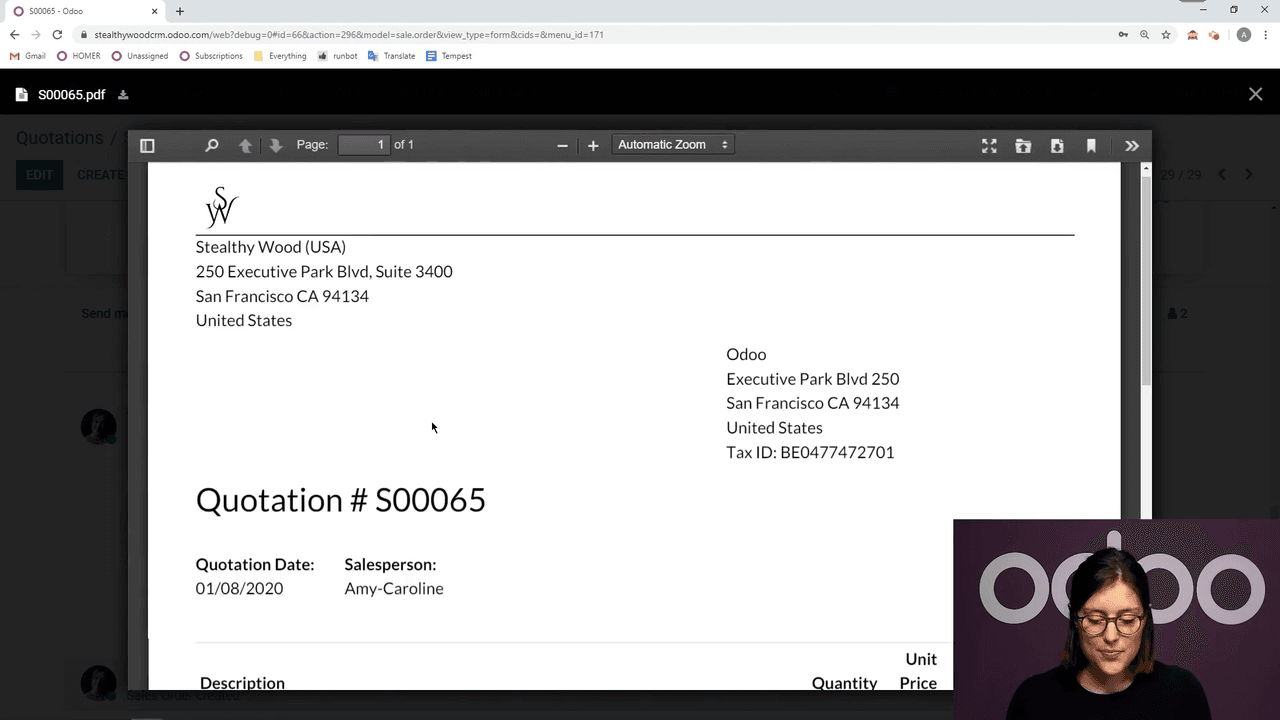
Once your quotation is ready, you have two delivery options:
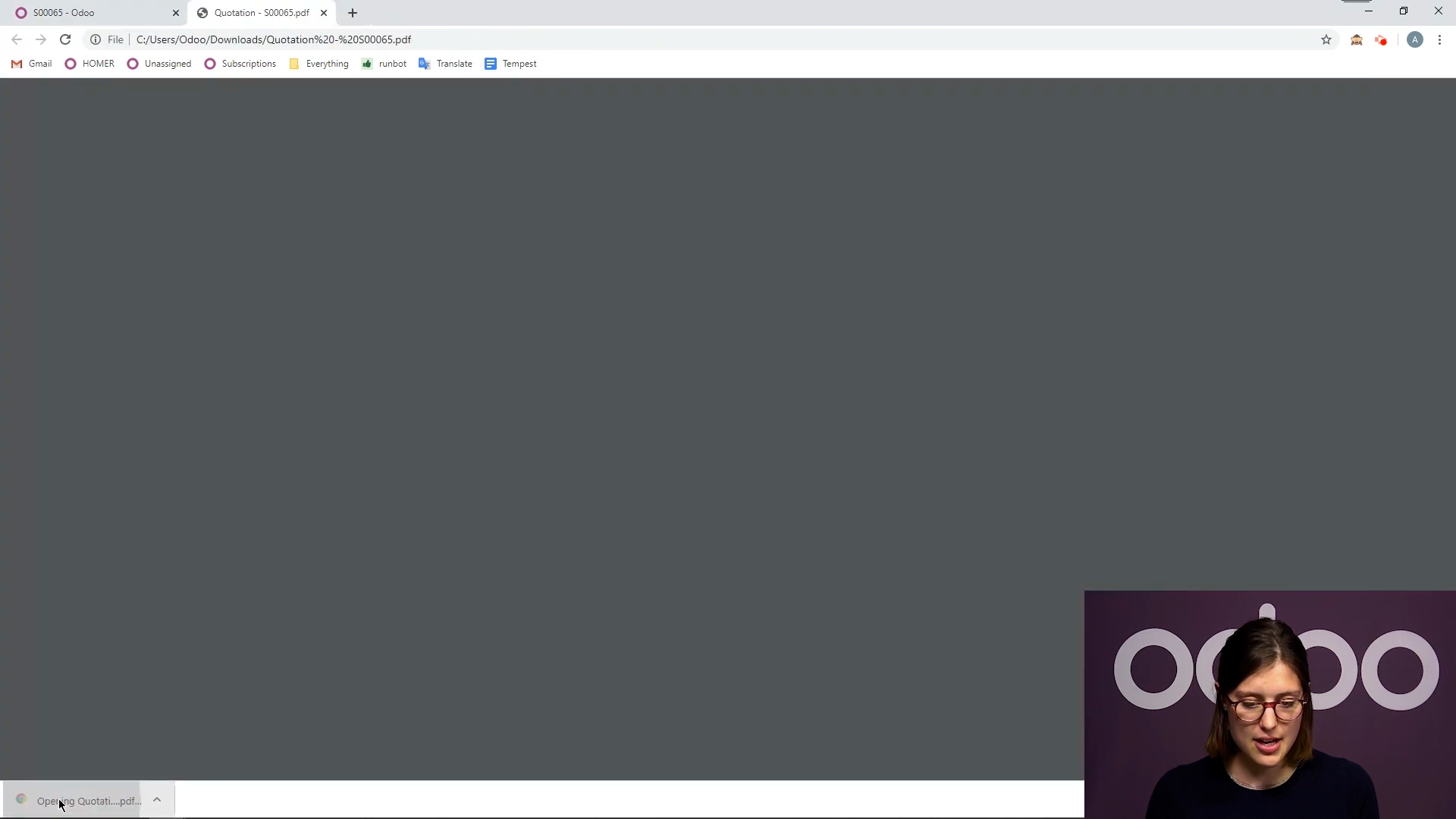
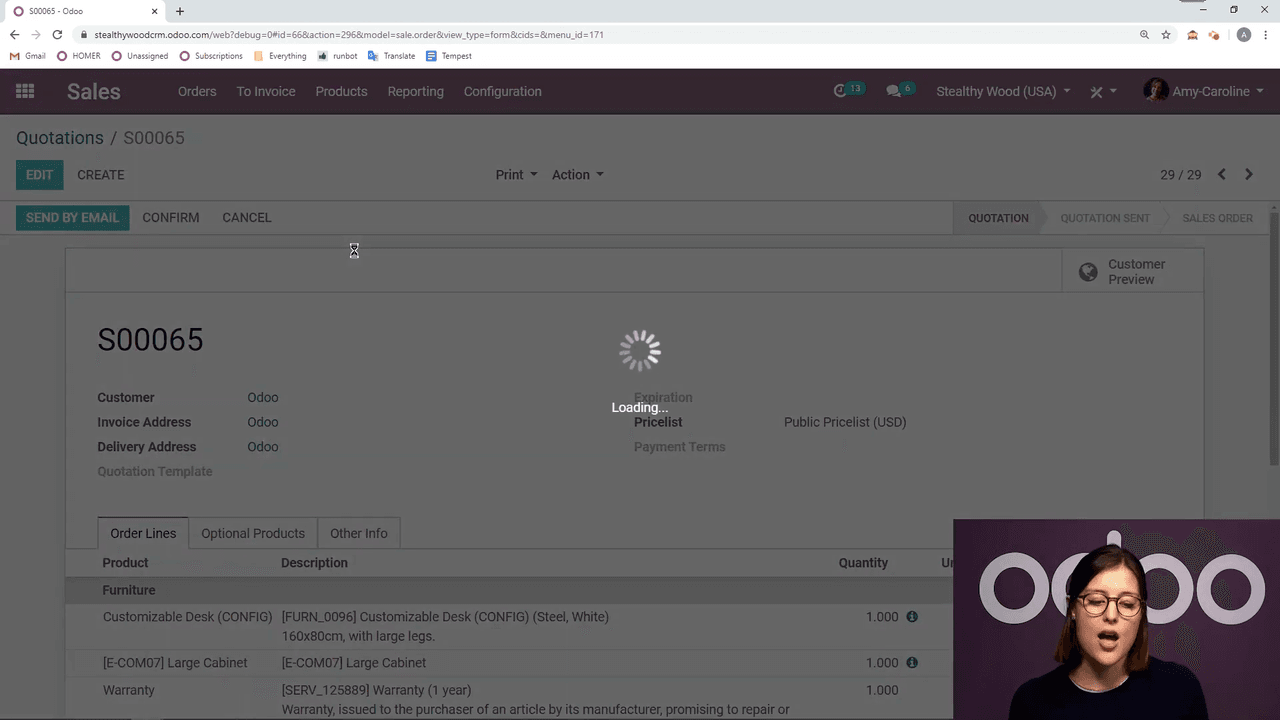
The email template is fully customizable. Modify the greeting, add personal messages, or leave the default text as-is before hitting Send.
After sending, Odoo keeps everything organized:
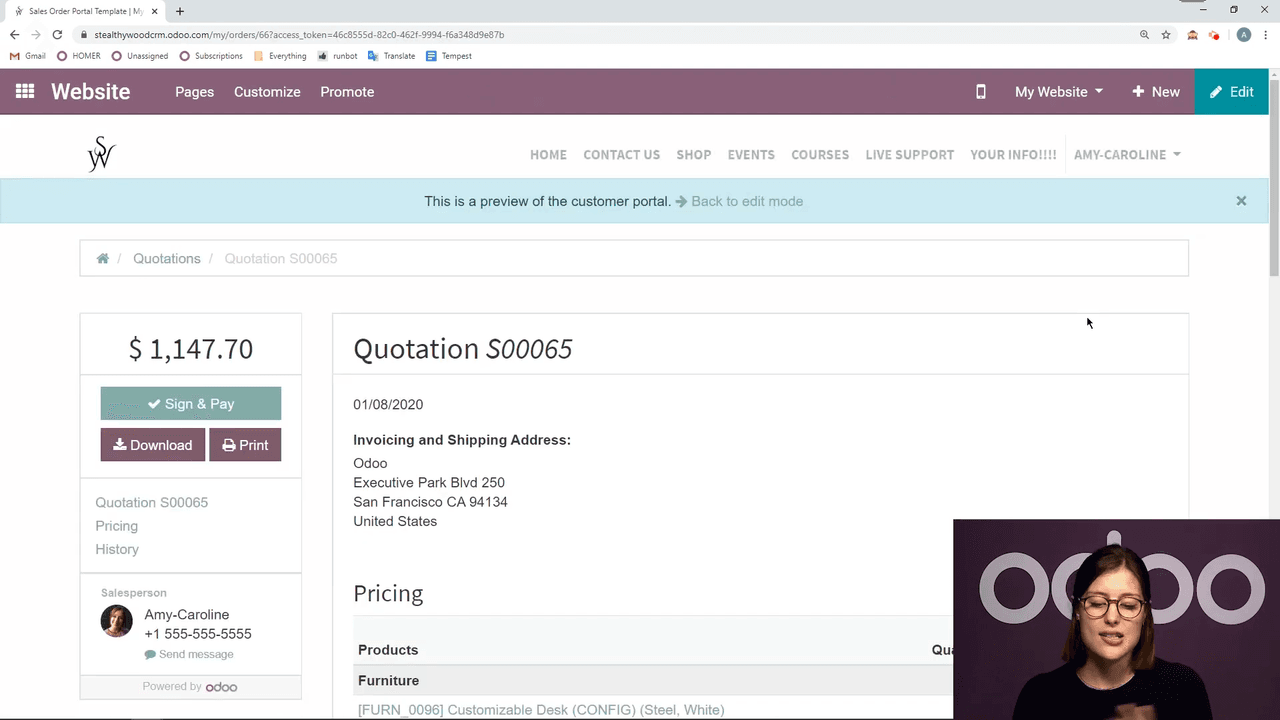
When the customer accepts (either online or verbally), click Confirm to convert the quotation into a sales order. This triggers:
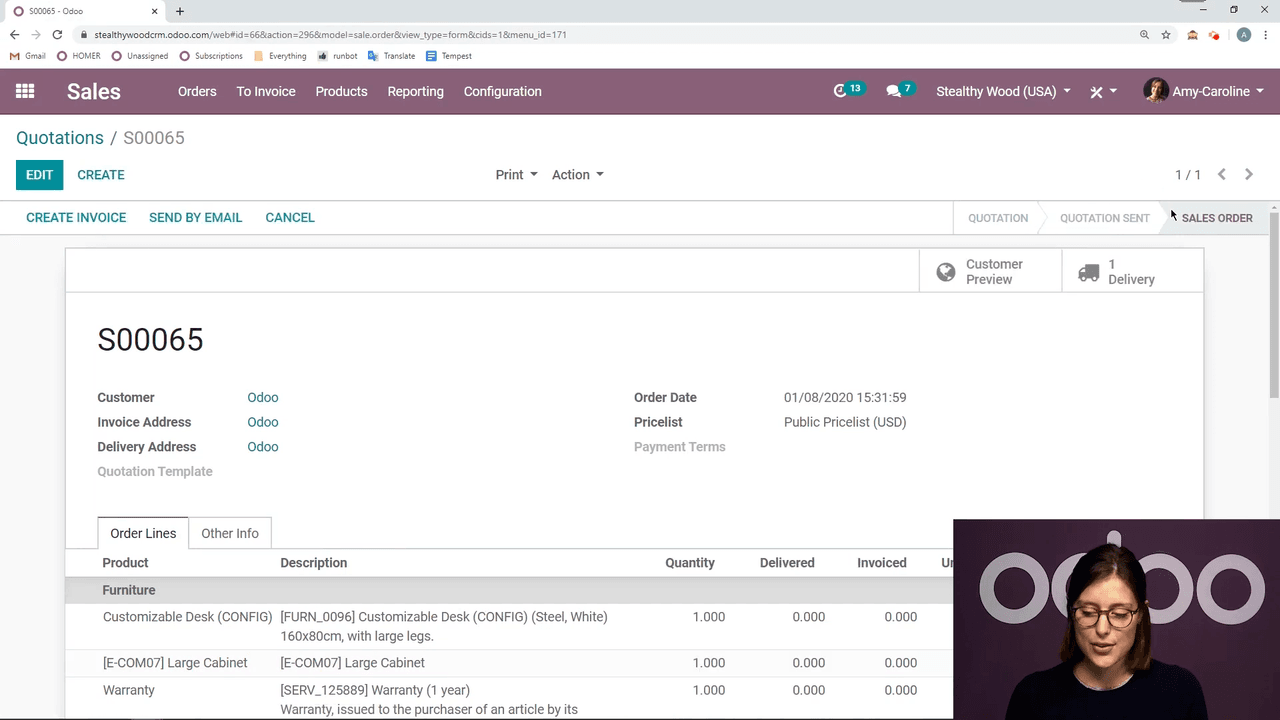
You can also resend the quote by email or cancel the order if needed.
Now that you know the basics, explore these related Odoo Sales features:

Zoo AI is a certified Odoo partner in Hong Kong, delivering expert ERP implementation and AI automation for SMEs. Get in touch to learn more.