

Processing receipts and delivery orders manually in Odoo works, but it is slow. The Odoo Barcode module lets warehouse staff scan products and trigger actions like validation directly from a barcode scanner — reducing a multi-click process to a few quick scans.
Barcodes in Odoo are not limited to identifying products. They can also trigger operations such as validate and cancel, making the entire warehouse workflow hands-free.
Before scanning anything, you need to install and configure the Barcode module.
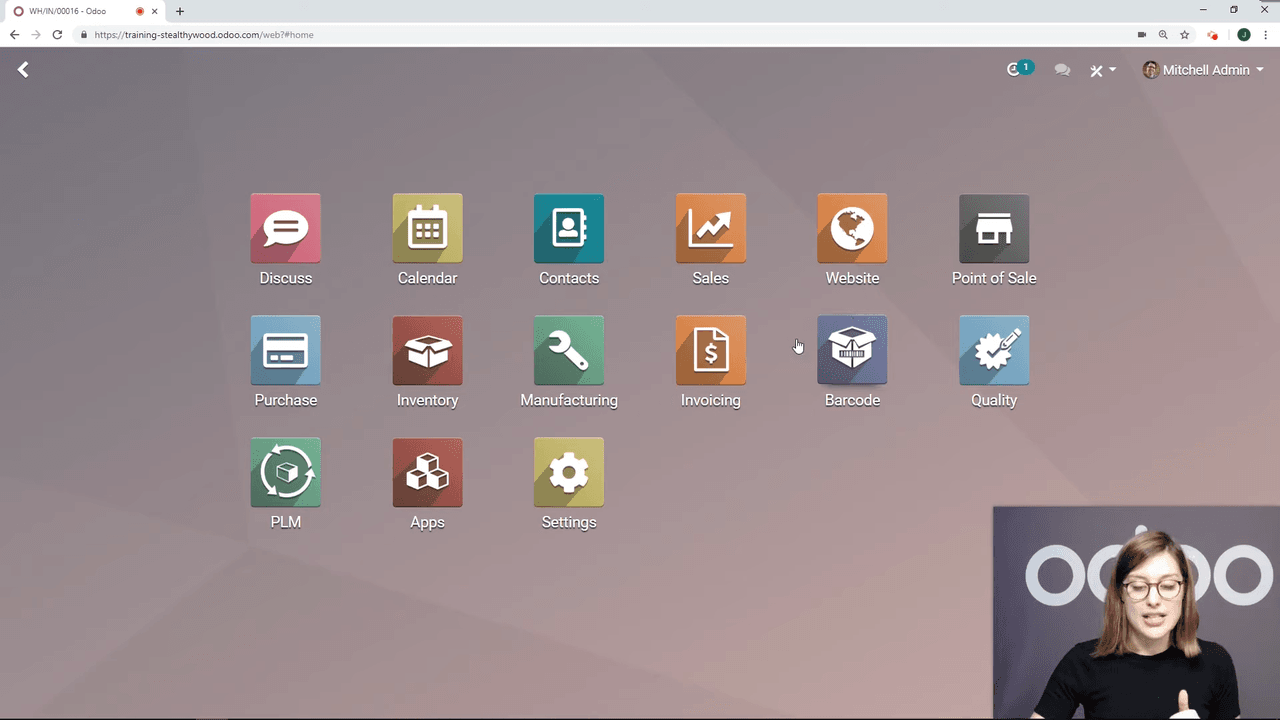
Go to Apps and search for "Barcode." Install the module if it is not already active.
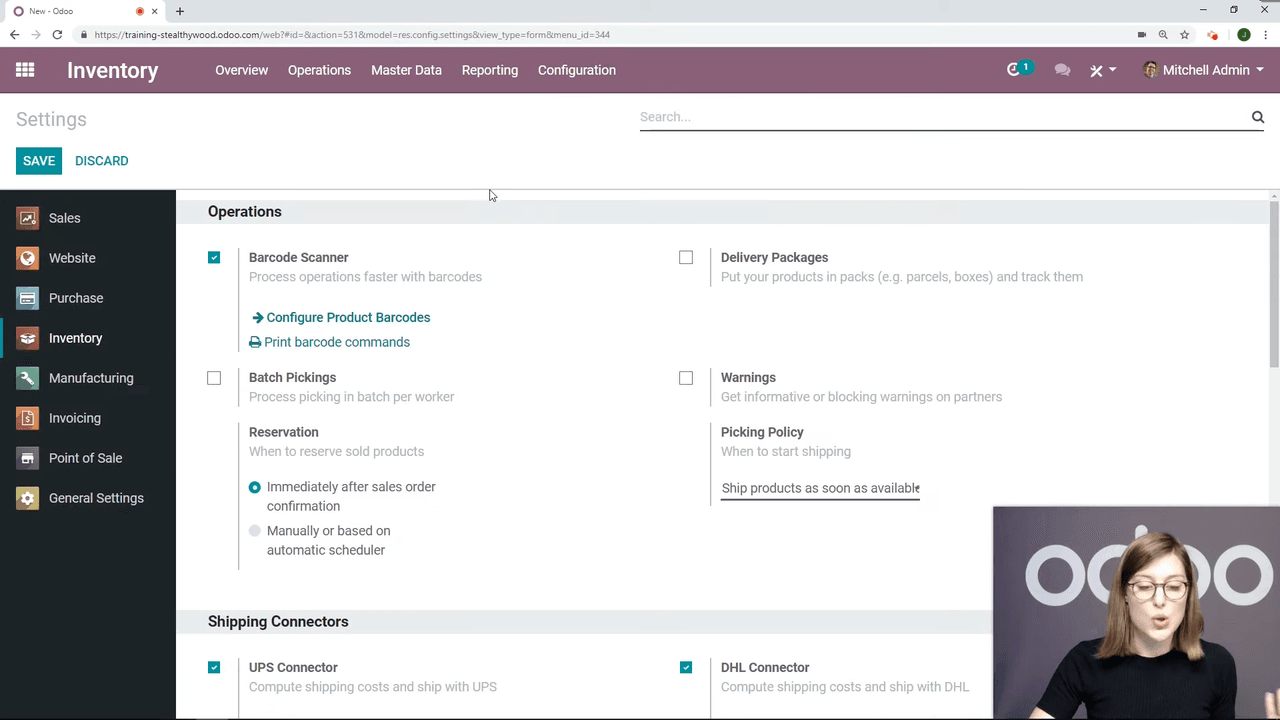
Navigate to Inventory > Configuration > Settings. Under the Barcode section, activate the option to use barcode scanners. Click Save.
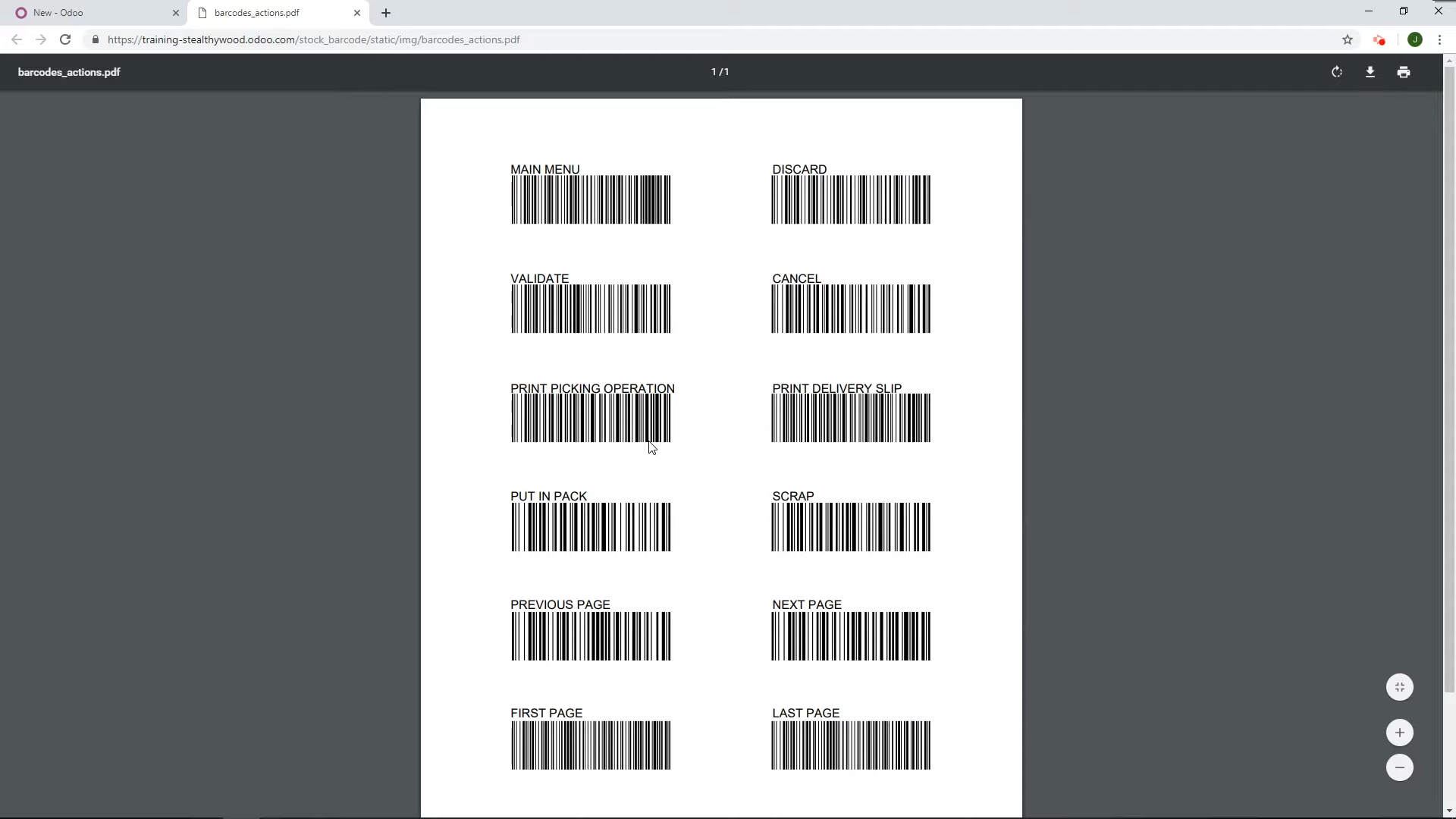
Still in Settings, click Print Barcode Commands. This generates a PDF containing action barcodes:
Print this sheet and keep it at your packing station for quick access.
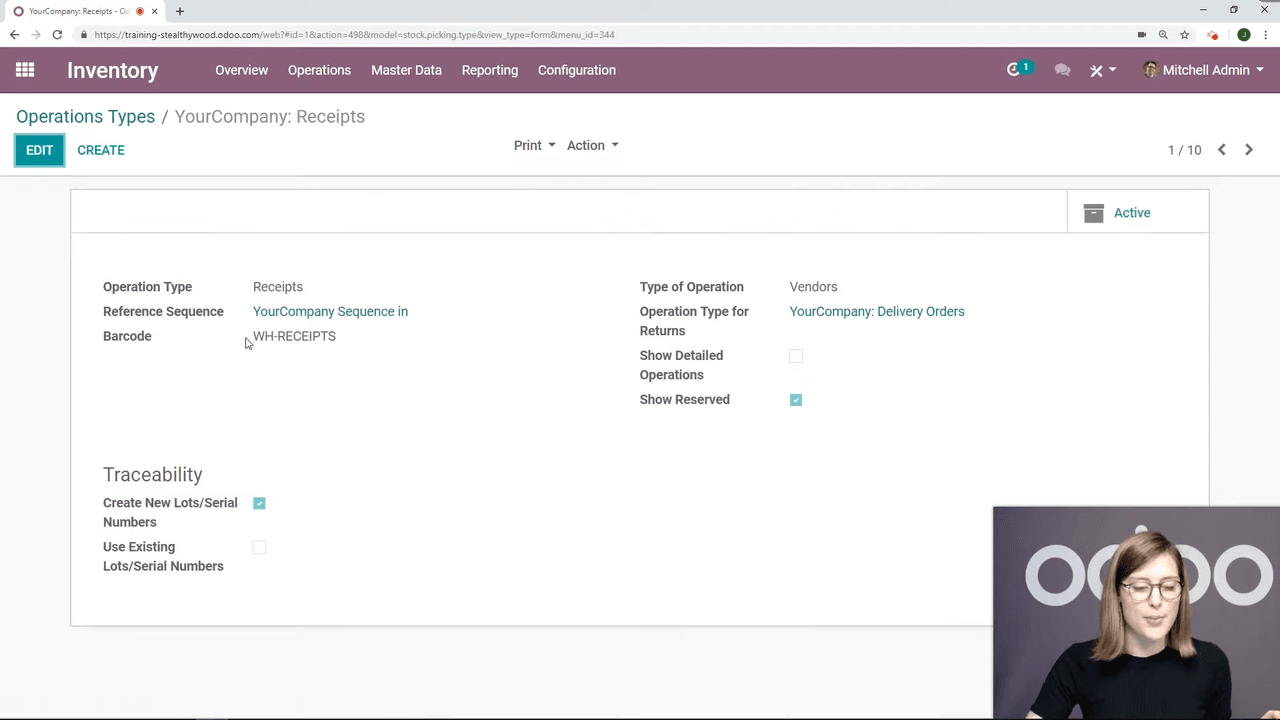
Odoo automatically generates a barcode for each operation type in your warehouse:
| Operation Type | Example Barcode Label |
|---|---|
| Receipts | WH-IN |
| Delivery Orders | WH-OUT |
| Internal Transfers | WH-INT |
You can view these under Inventory > Configuration > Operation Types. Each operation type has its own barcode that, when scanned, opens that operation in the Barcode app.
Here is the step-by-step flow for receiving goods using the barcode scanner.
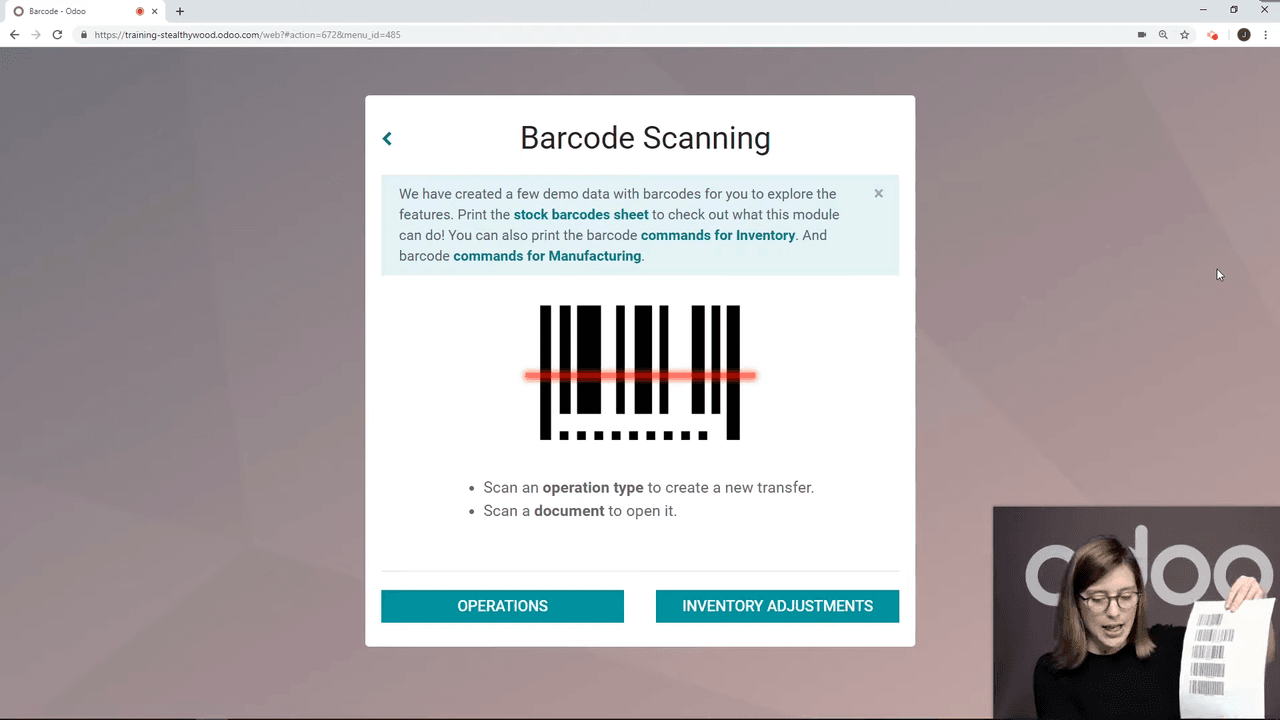
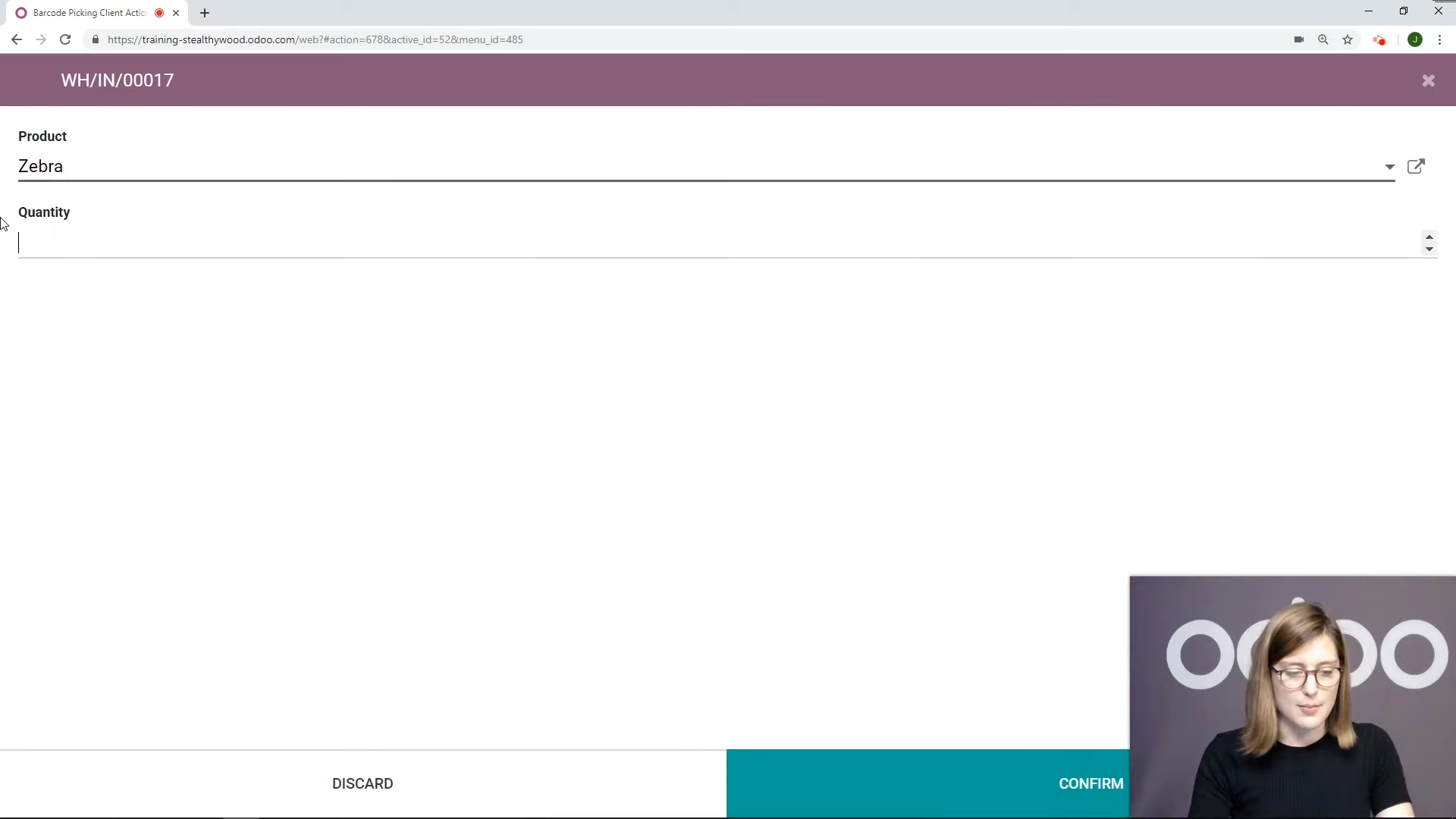
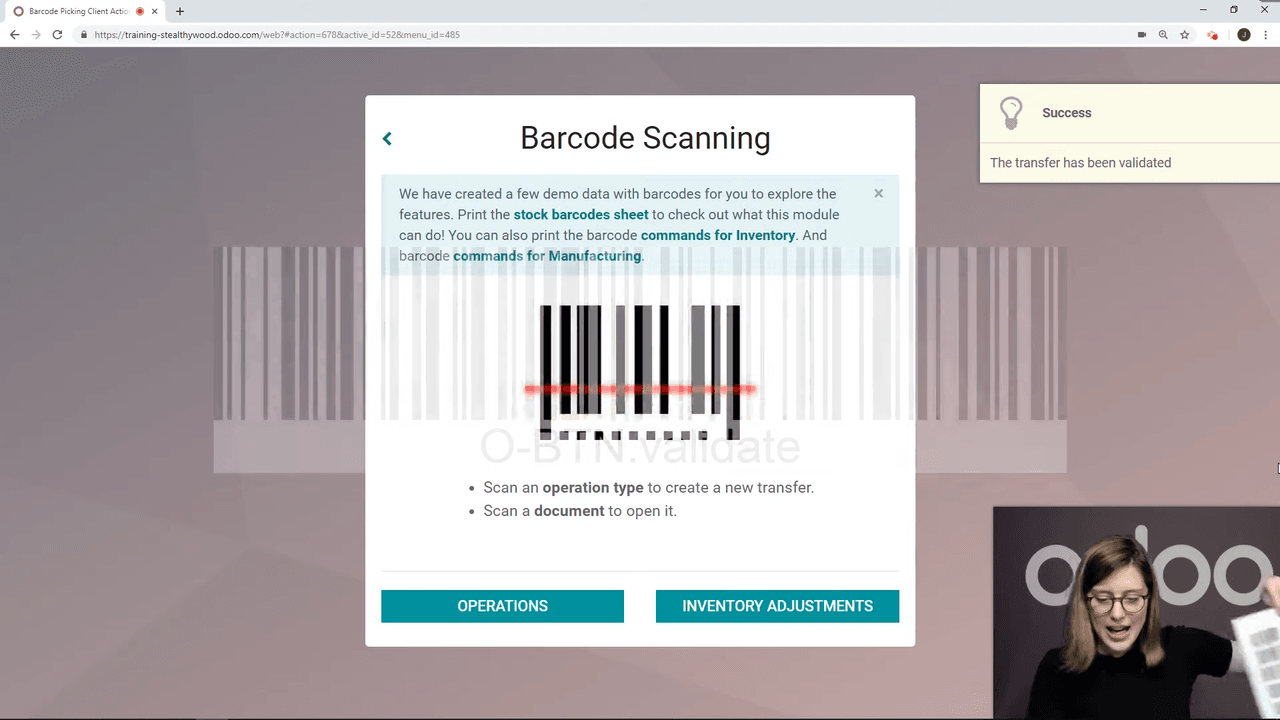
You can verify the receipt under Inventory > Receipts — the new receipt will show as "Done."
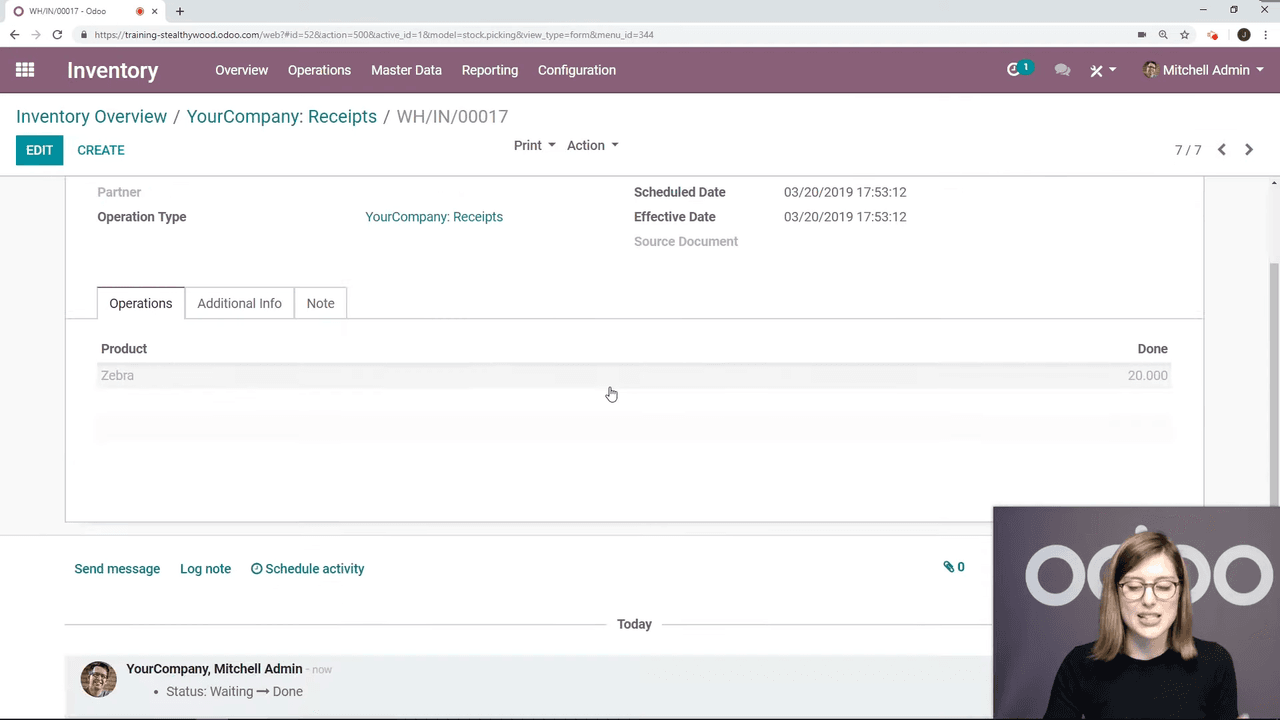
If you created a purchase order through the Purchase app, you can still validate the receipt via barcode:
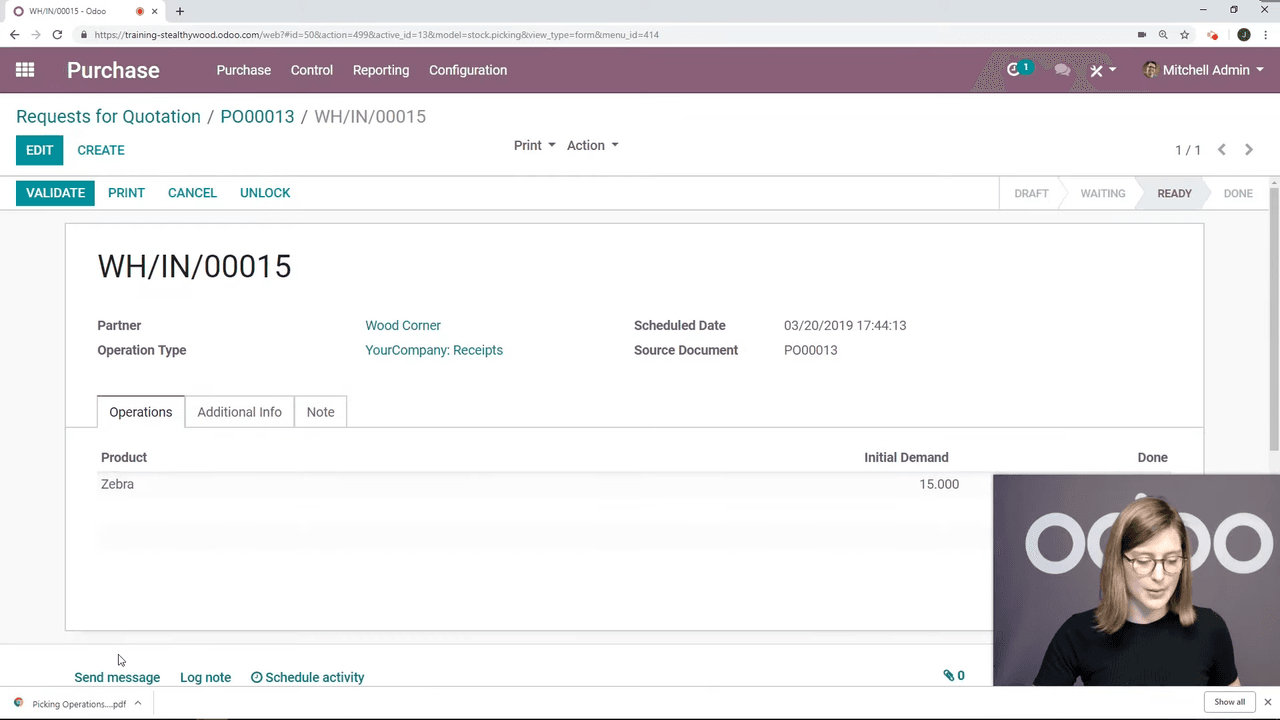
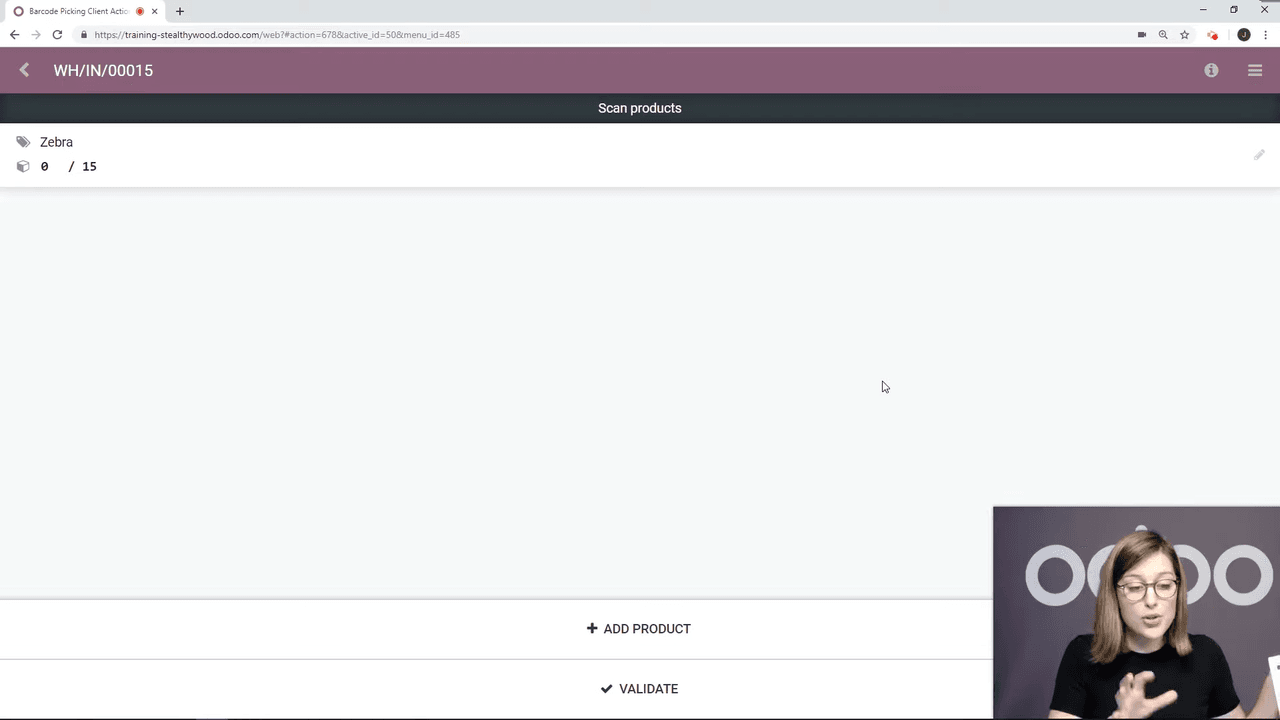
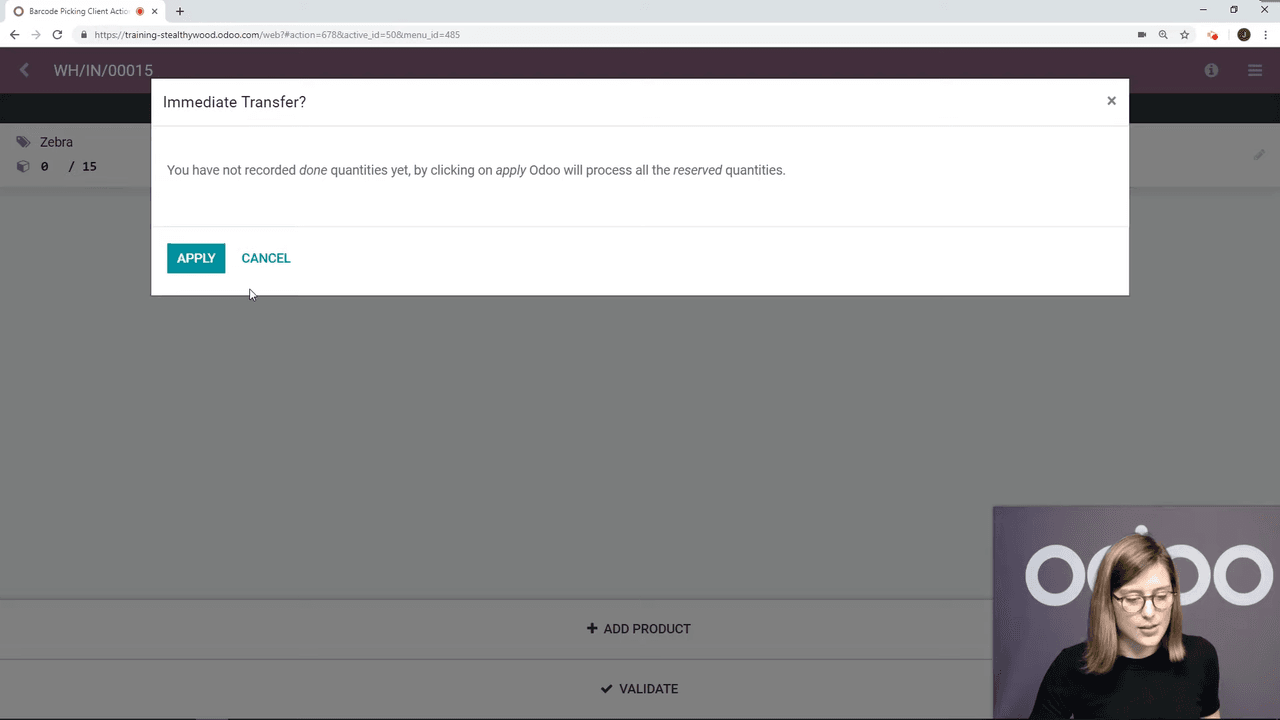
The same workflow applies to outbound shipments:
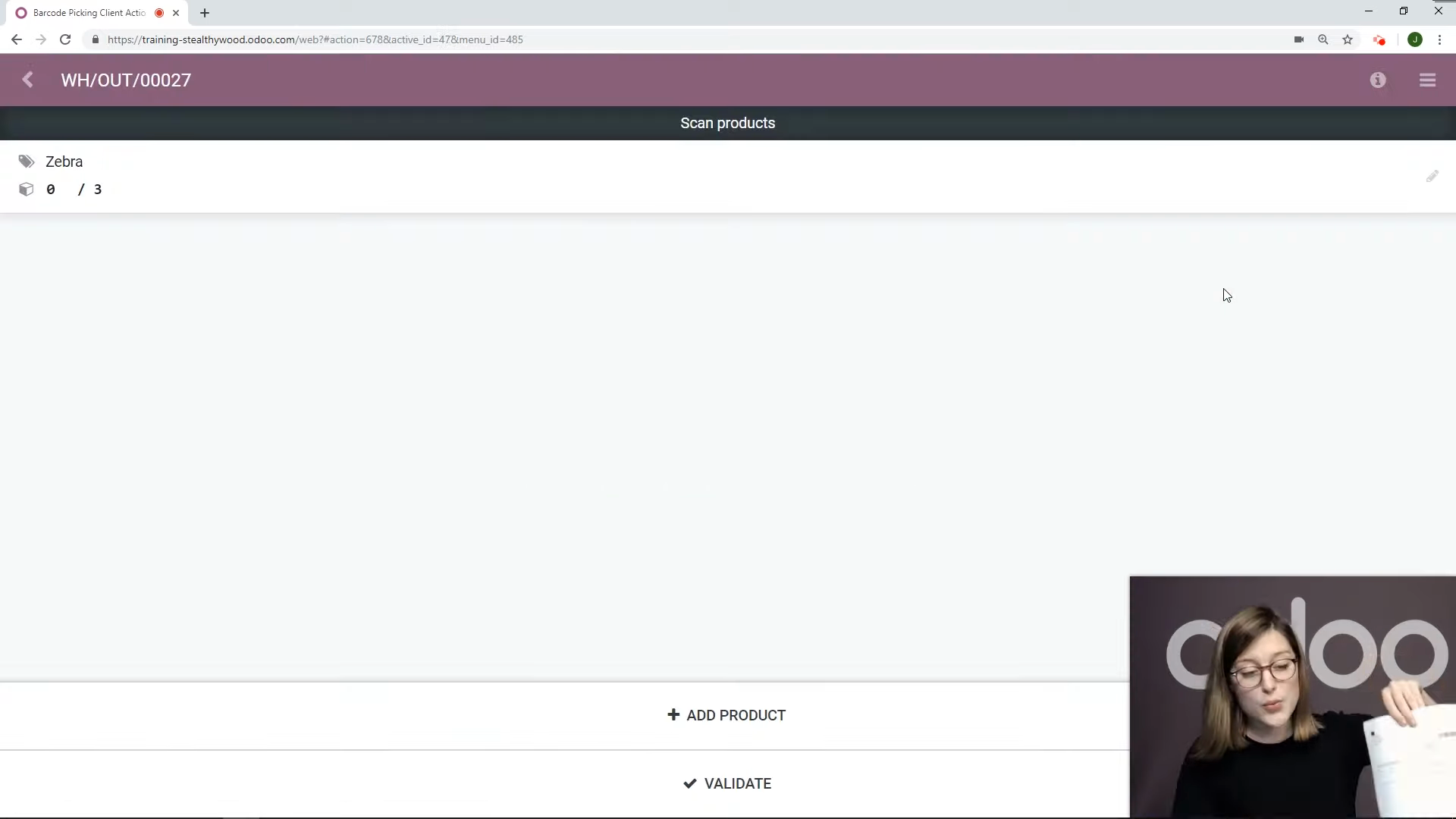
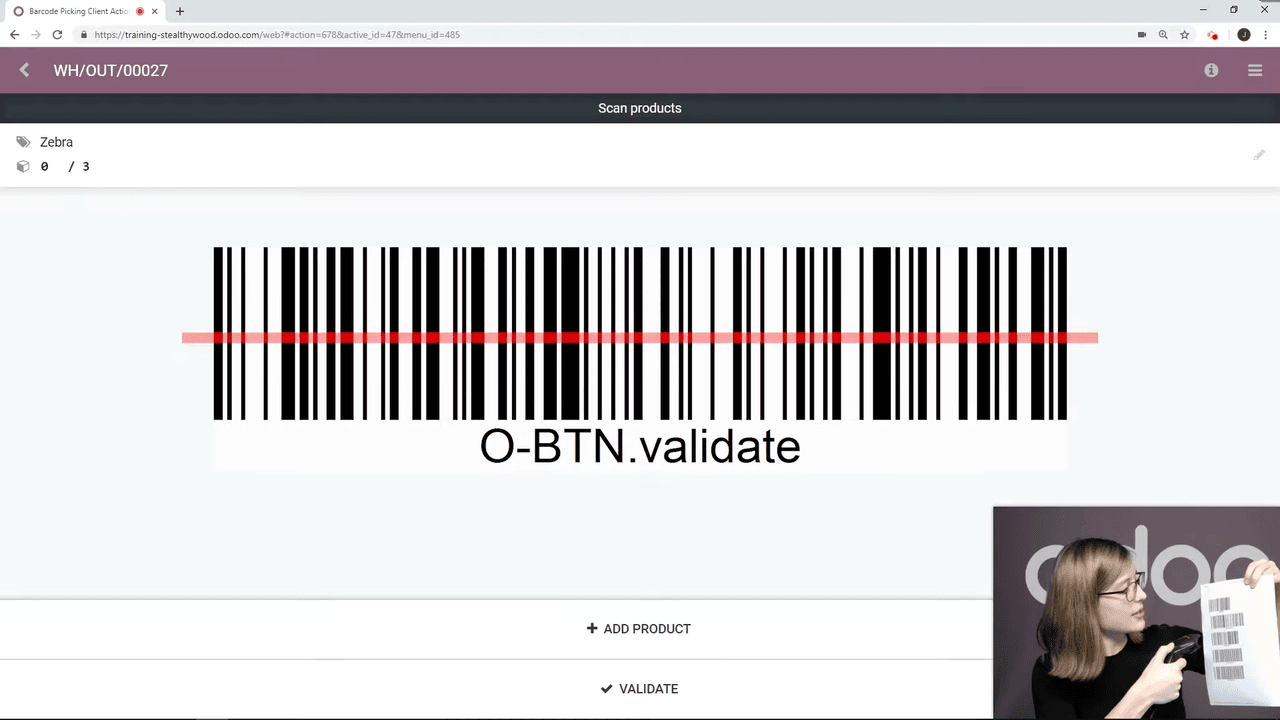
If done quantities are already recorded, the validation happens without any popup.
If you handle high volumes of receipts and deliveries, the Barcode module is one of the simplest ways to speed up operations. Start by installing the module, printing your action barcodes, and running a test receipt to get comfortable with the flow.
For more advanced setups, explore multi-step routes (e.g., pick-pack-ship) combined with barcode scanning for even greater efficiency.

Zoo AI is a certified Odoo partner in Hong Kong, delivering expert ERP implementation and AI automation for SMEs. Get in touch to learn more.