

Tracking employee attendance helps businesses identify patterns like consistent lateness or unexplained absences. Over time, accurate attendance data reduces costs tied to absenteeism and feeds into performance appraisals with objective information.
Manual tracking is tedious and error-prone. Odoo's Attendance app simplifies the entire process with multiple check-in methods and real-time reporting.
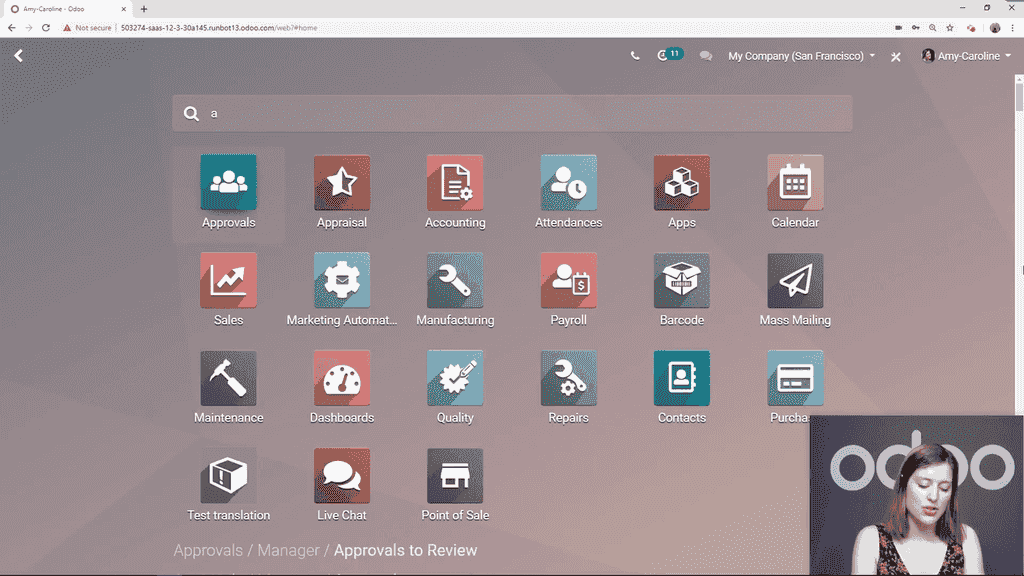
When you open the Attendance app, Odoo automatically recognizes the logged-in user. Checking in takes a single click:
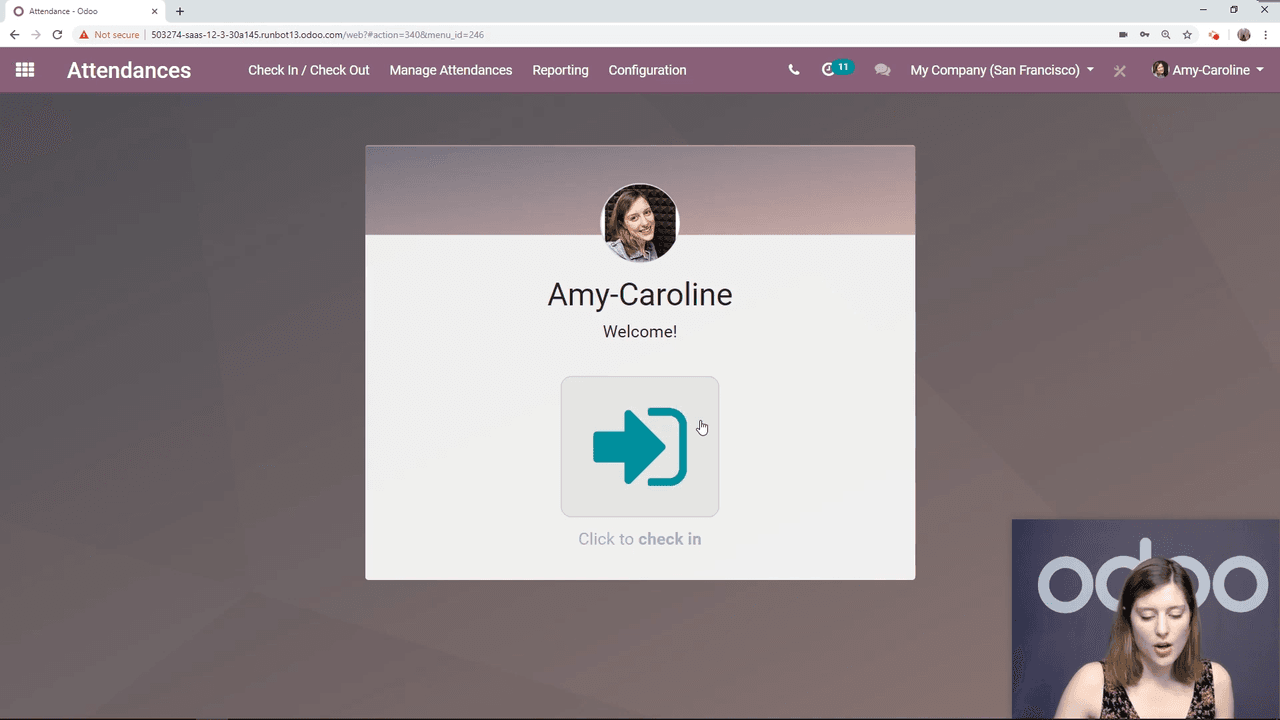
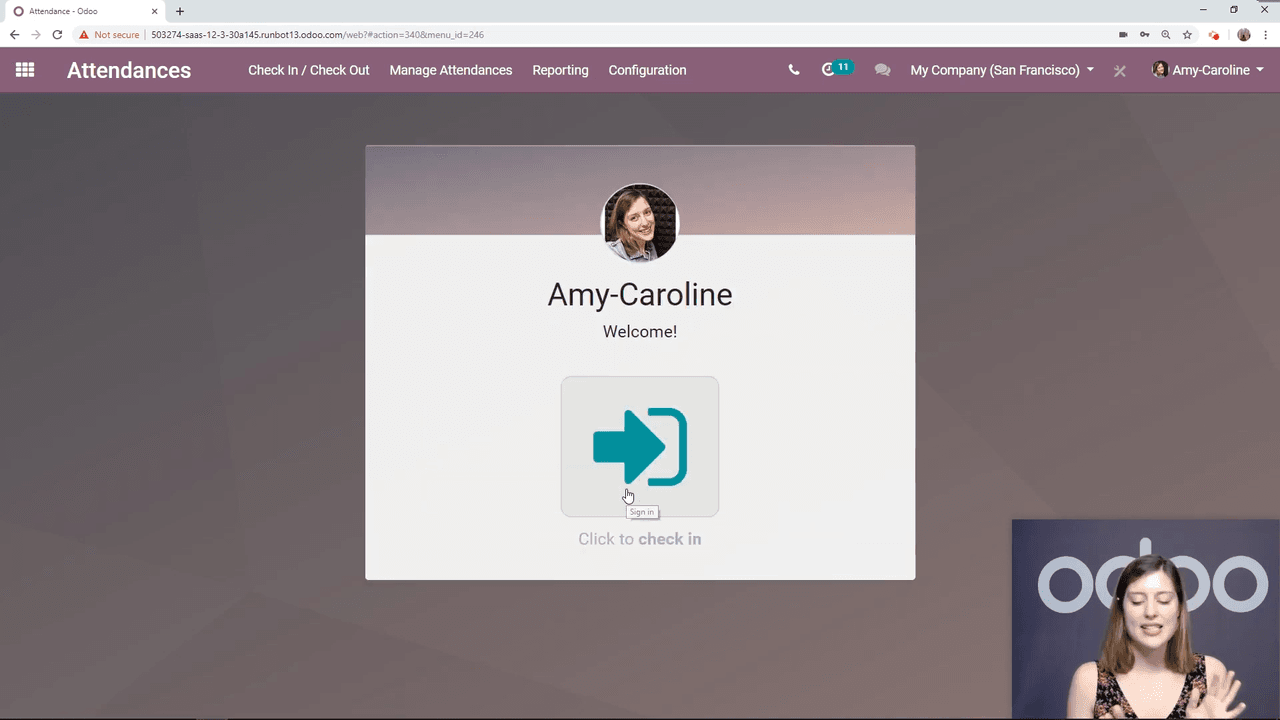
That is the entire process for employees who work directly in the Odoo backend.
Not every employee logs into Odoo daily. For warehouse staff, retail workers, or factory teams, kiosk mode provides a shared check-in station.
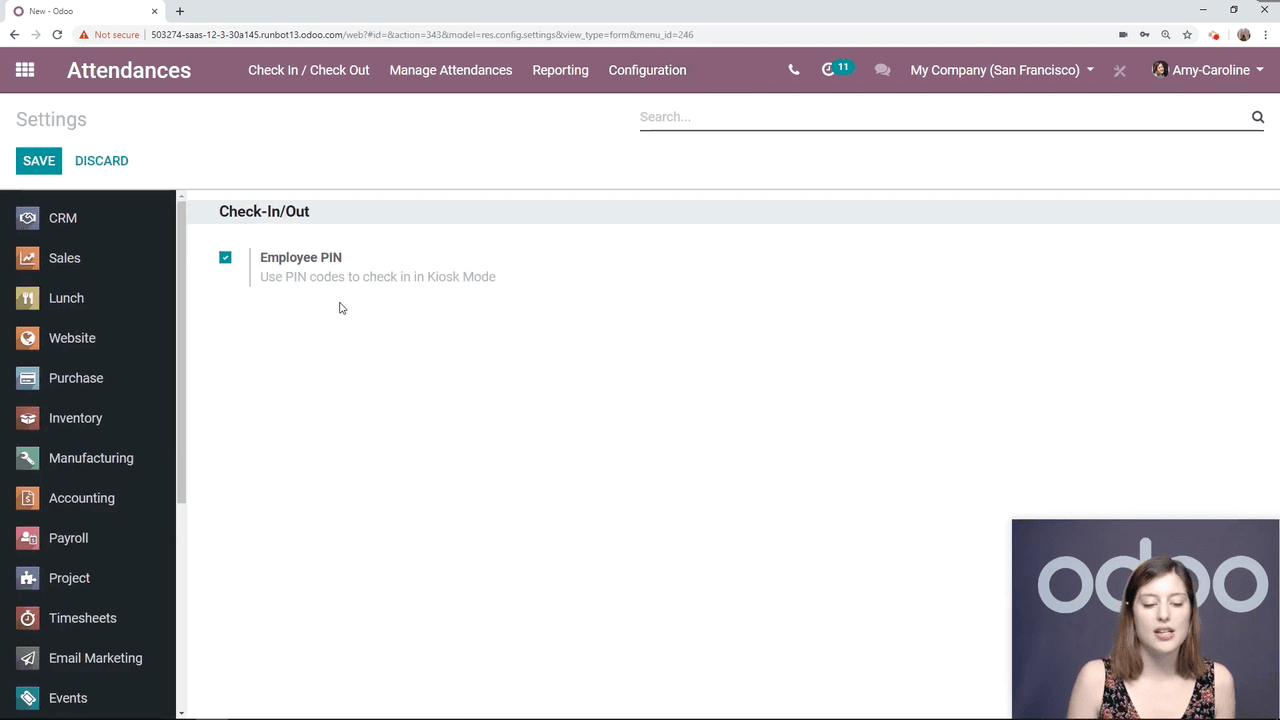
Before using kiosk mode, enable PIN authentication:
Each employee needs a PIN or badge configured on their profile:
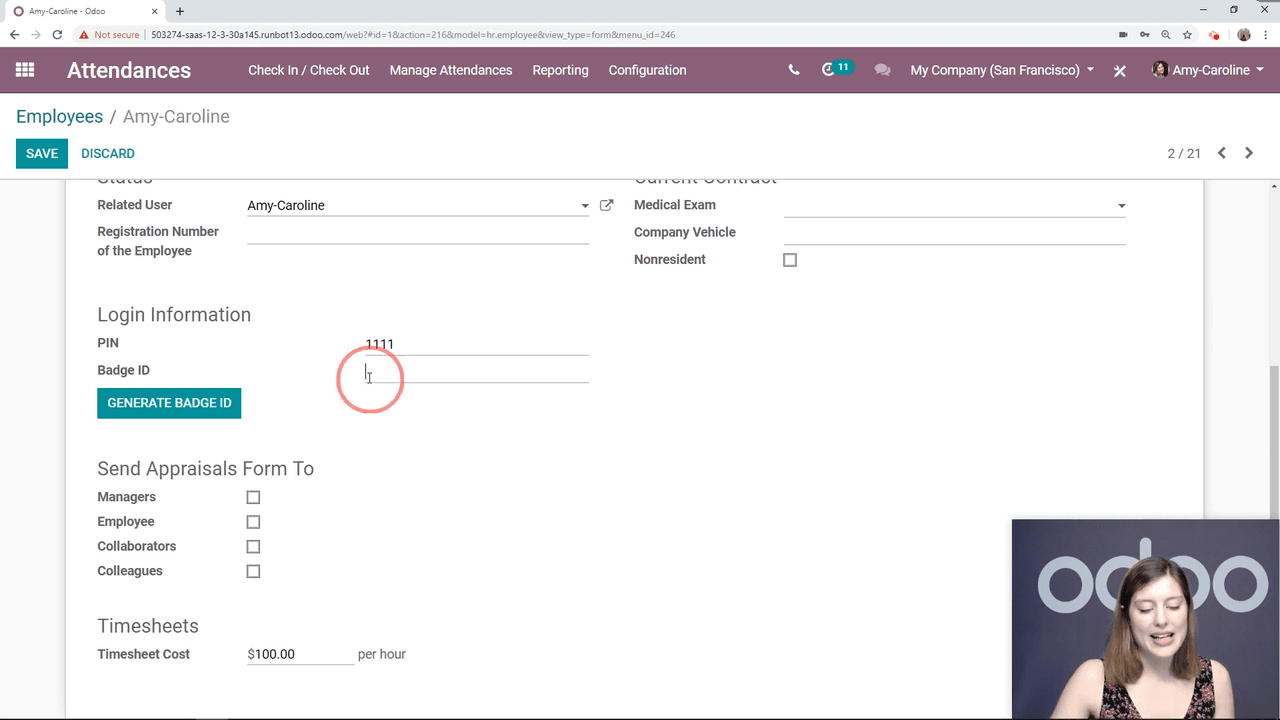
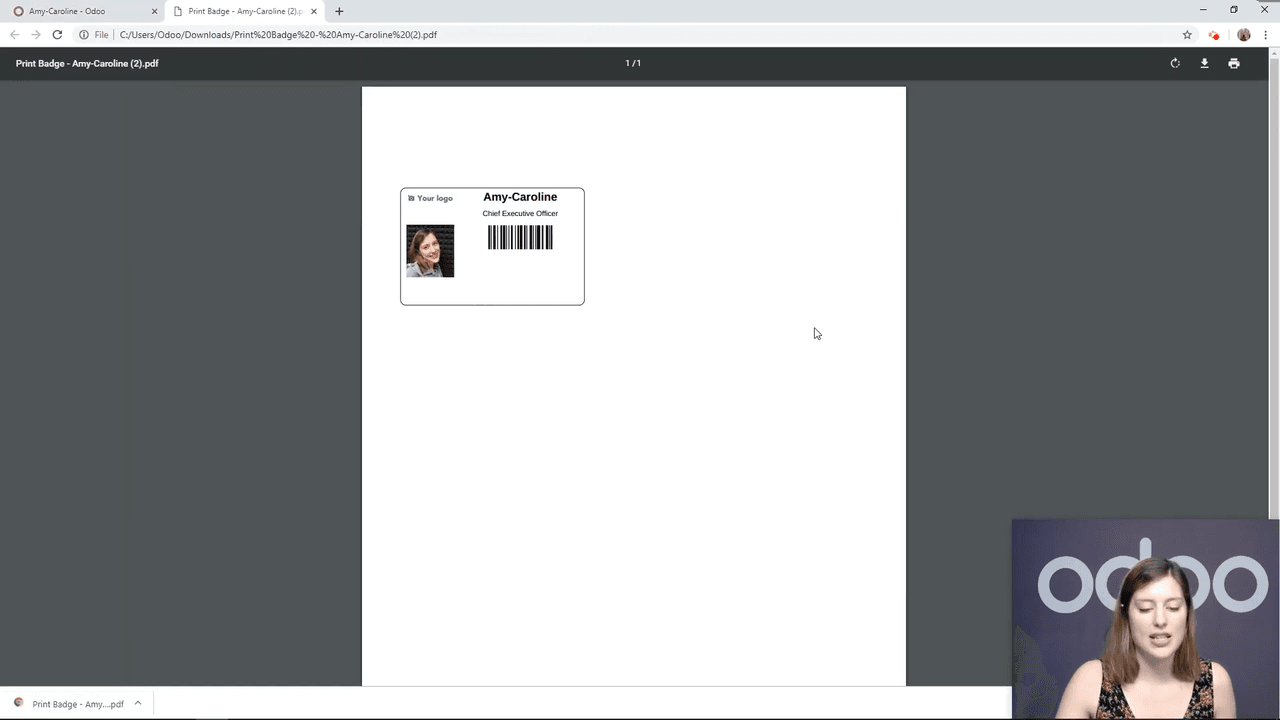
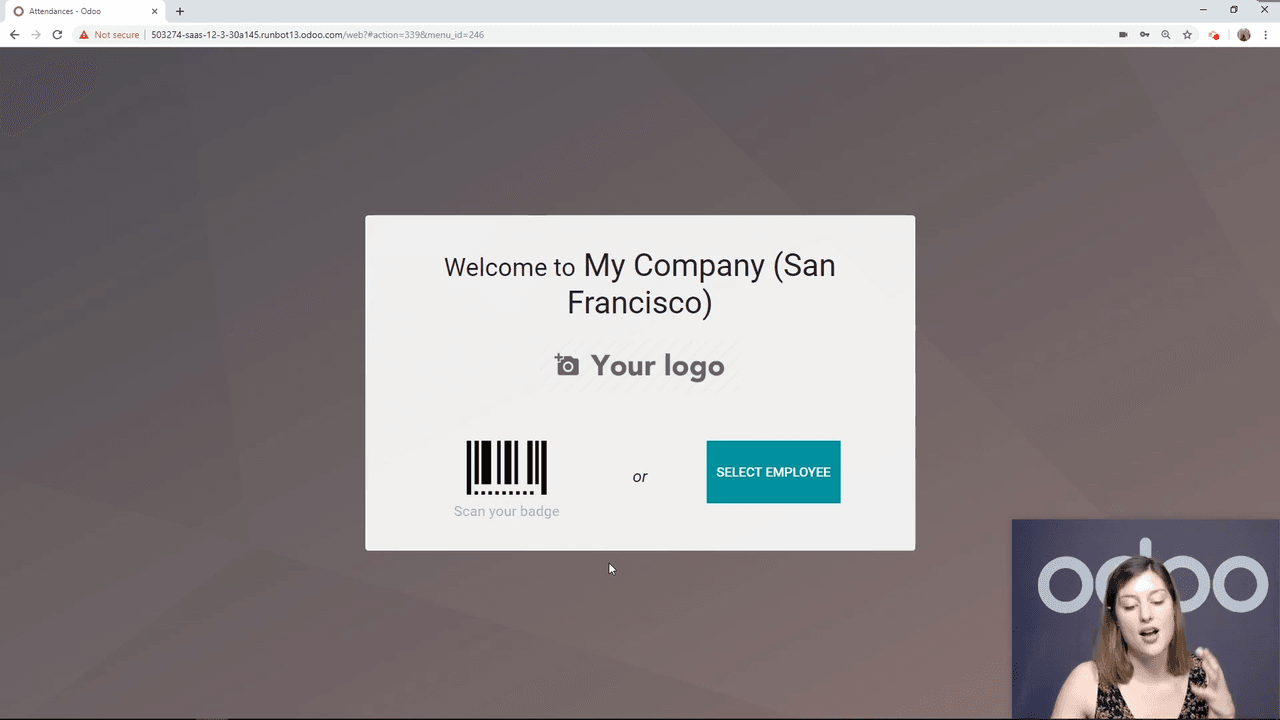
Access kiosk mode from Attendance > Manage Attendances > Kiosk Mode. Employees have two options:
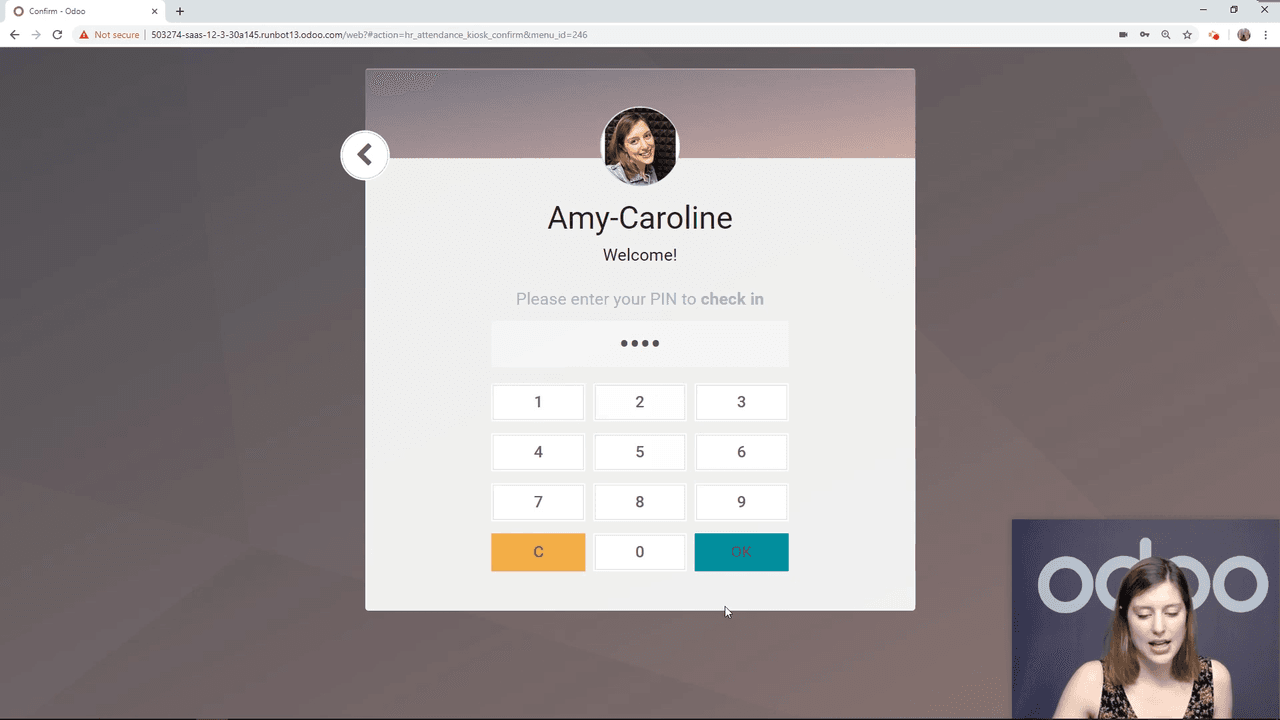
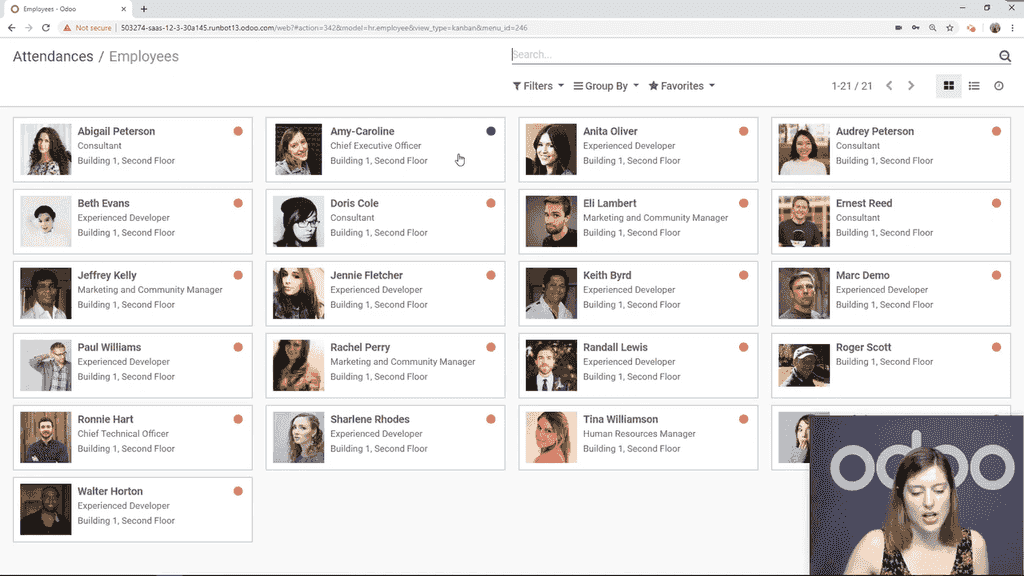
If an employee forgets their badge, the PIN serves as a backup. Both methods record the same attendance data.
Managers can review all attendance data under Attendance > Manage Attendances > Attendances. The list shows:
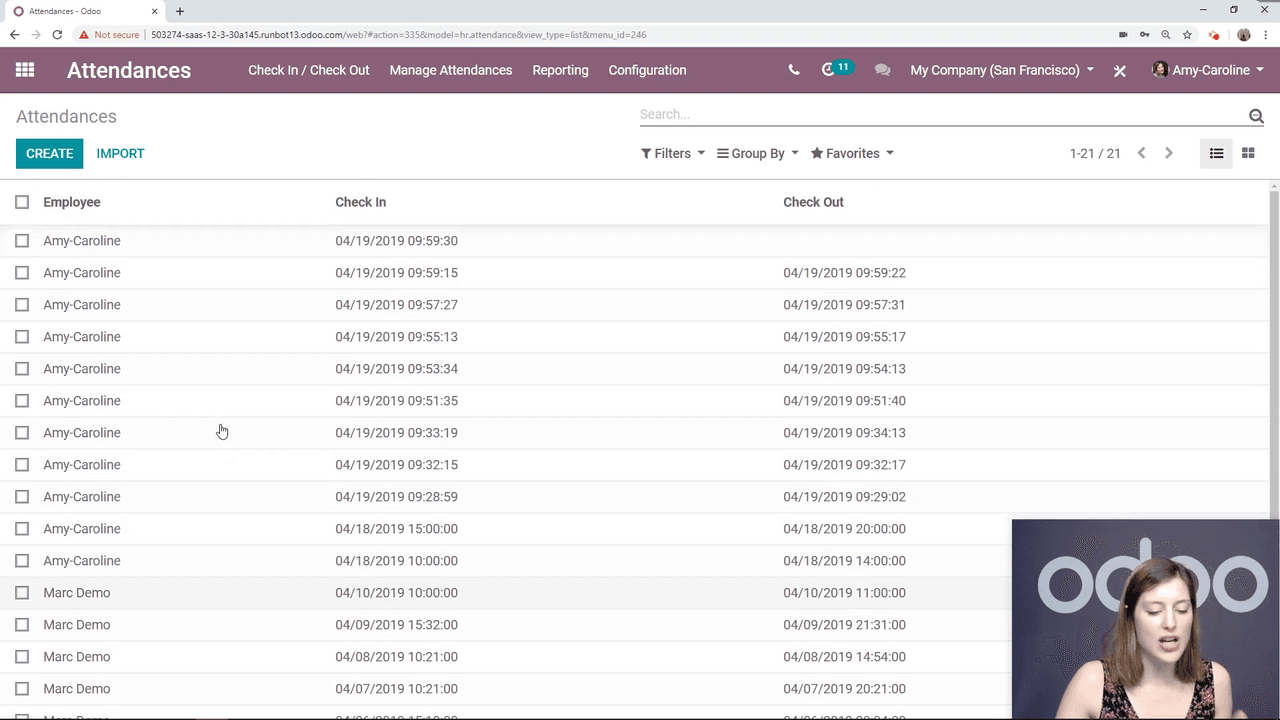
If an employee checked in but has not checked out yet, Odoo displays the check-in time and leaves the check-out field empty. The employee can check out later from either the kiosk or the Odoo backend.
The Attendance app works out of the box with minimal configuration. To get started:
For companies that also track time off, the Attendance app integrates with Odoo's Time Off module to give a complete picture of employee presence.

Zoo AI is a certified Odoo partner in Hong Kong, delivering expert ERP implementation and AI automation for SMEs. Get in touch to learn more.