Table of Contents
Why Choose Odoo eCommerce
Starting an online store can feel overwhelming — choosing a platform, setting up payments, designing product pages, and managing orders. Odoo eCommerce simplifies all of this into one integrated solution.
Here is what sets it apart:
- No commission on payments — what you sell is what you earn
- AI-powered setup — auto-generates colour palettes, images, and product descriptions
- Drag-and-drop editor — no coding knowledge required
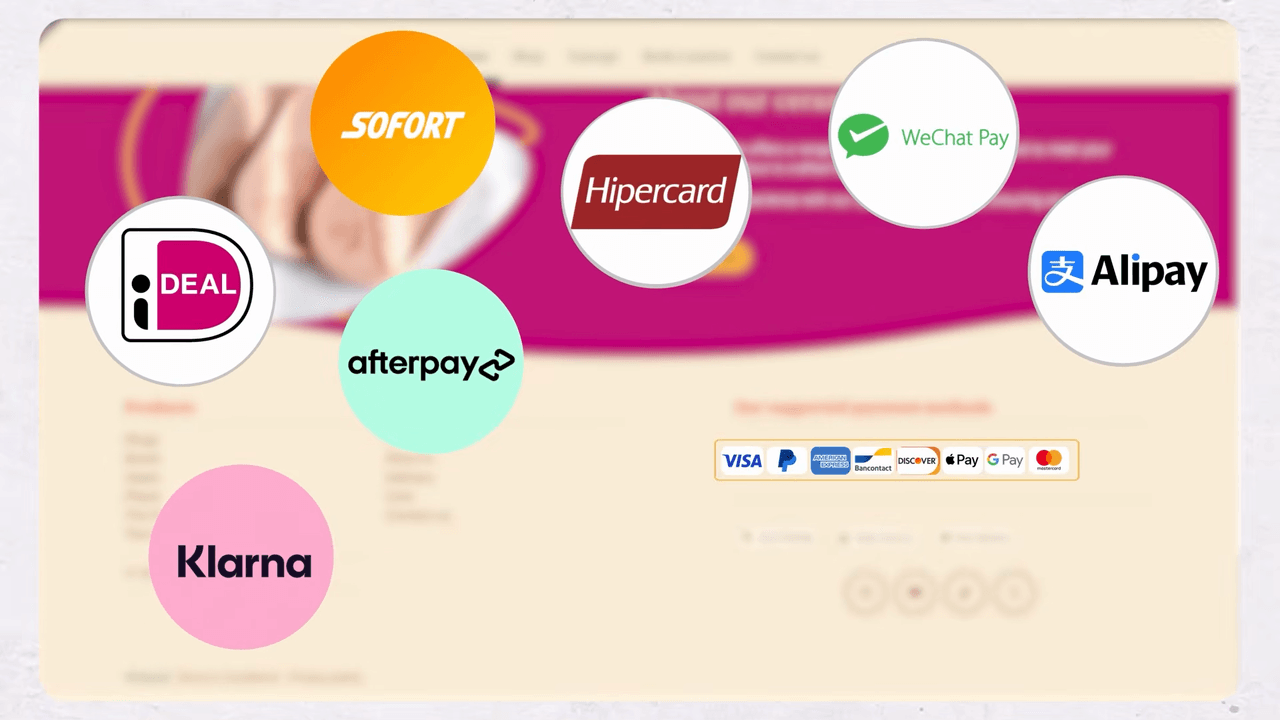
- A wide range of payment methods supported worldwide (depending on version or plan)
- All apps included — appointments, inventory, invoicing, and more come with your subscription
Whether you sell ceramics, flowers, coffee, food, or rent electric bikes, Odoo eCommerce adapts to every business need.
Getting Started with AI-Powered Setup
Odoo uses AI to accelerate the initial setup of your online store:
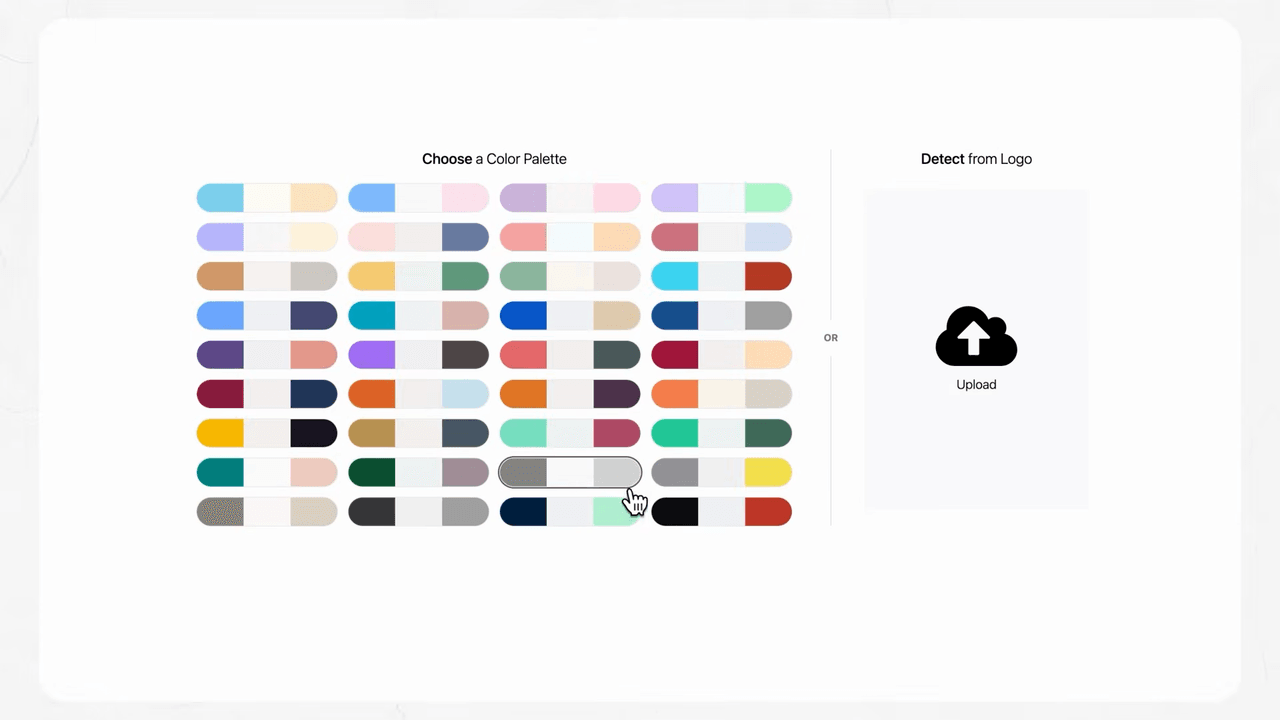
- Upload your logo — Odoo automatically generates a colour palette that matches your brand
- AI selects images — relevant, professional photos are chosen for your storefront
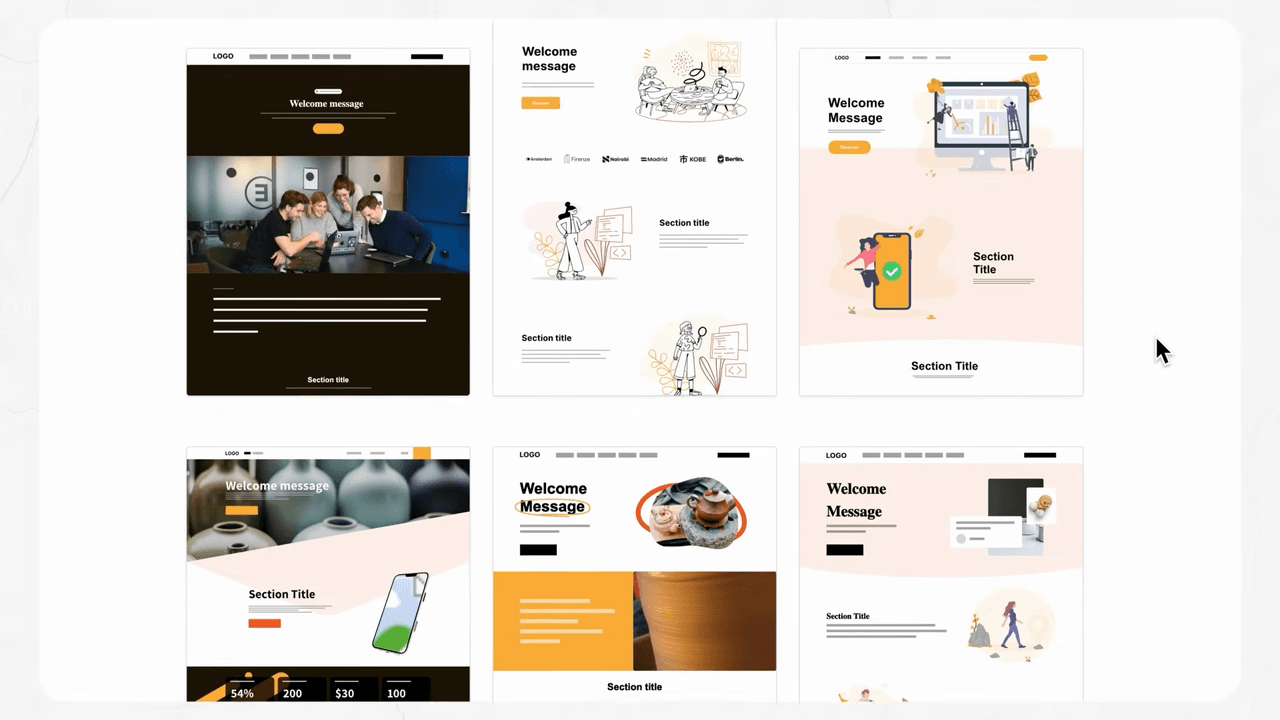
- AI writes copy — compelling, tailored text is generated based on your business type
This means you can have a professional-looking store ready in minutes, not days.
Customizing Your Store with Drag and Drop
Even with AI-generated content, you maintain full creative control. The website editor uses a building block system:
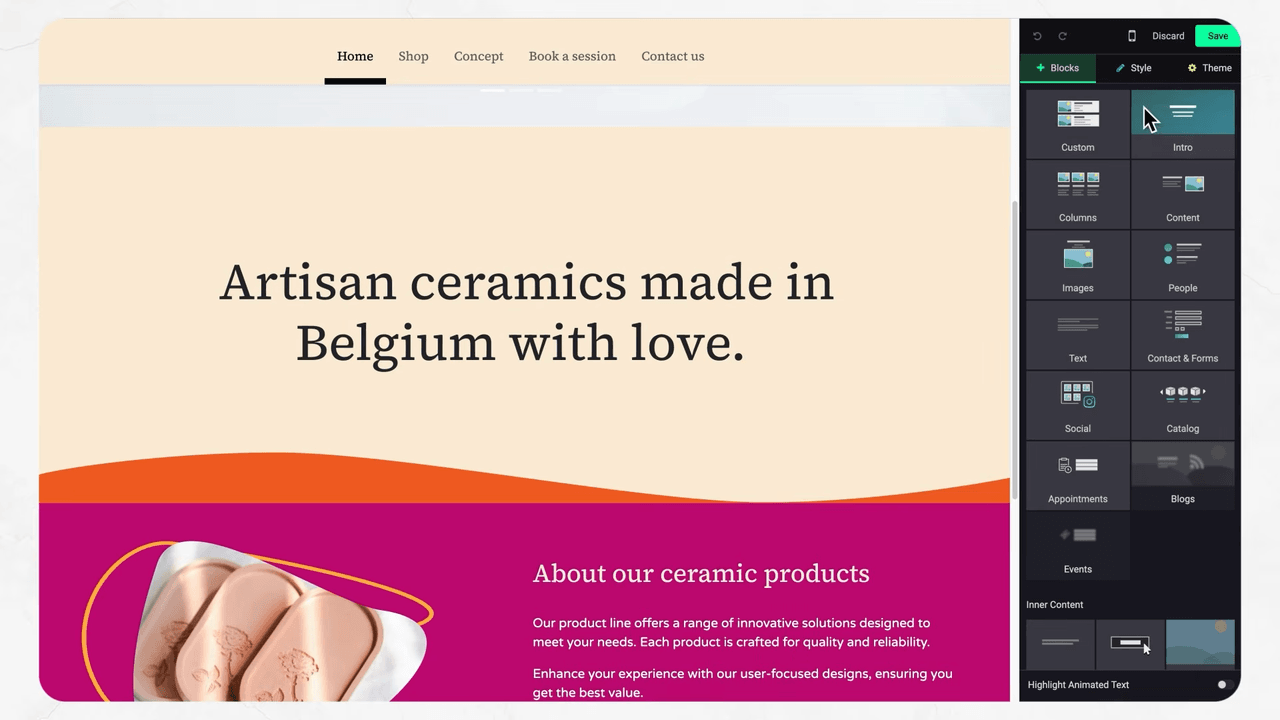
- Drag and drop elements to rearrange your layout
- Change templates for your catalog page at any time — all templates are free
- Redesign sections of your shop without touching any code
- Adjust product page layouts to match your brand's style
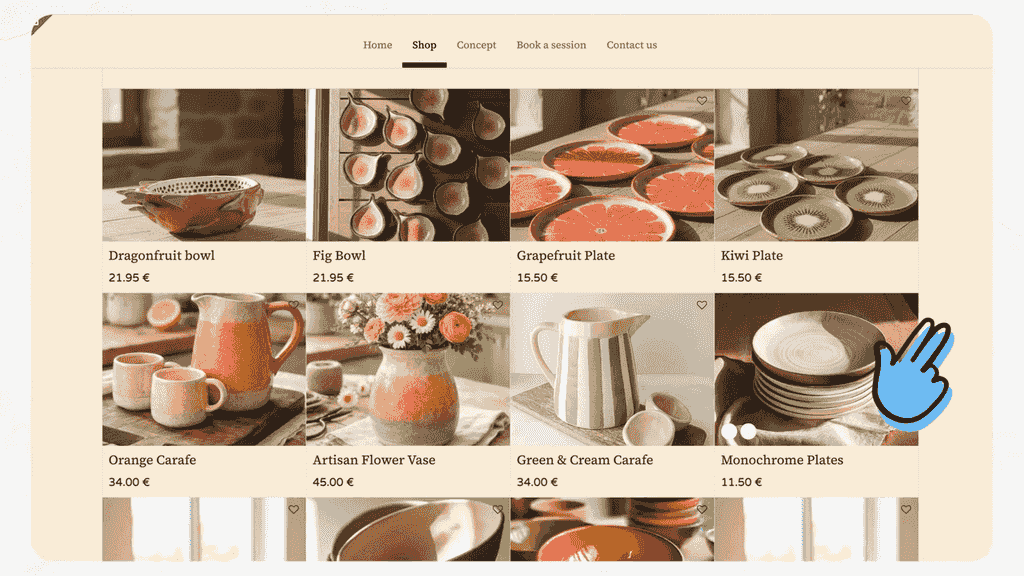
Odoo offers multiple catalog page templates that you can switch between freely. Whether you prefer a grid layout, a list view, or something more visual, the choice is yours.
Adding and Managing Products
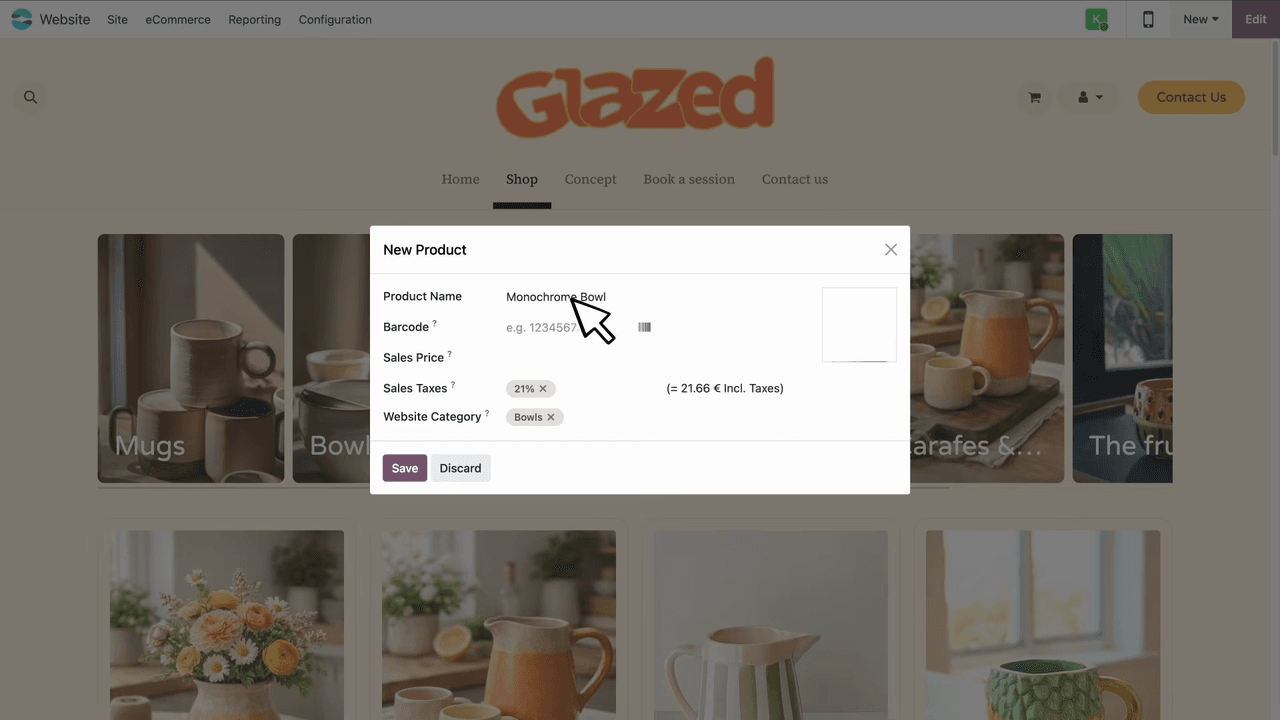
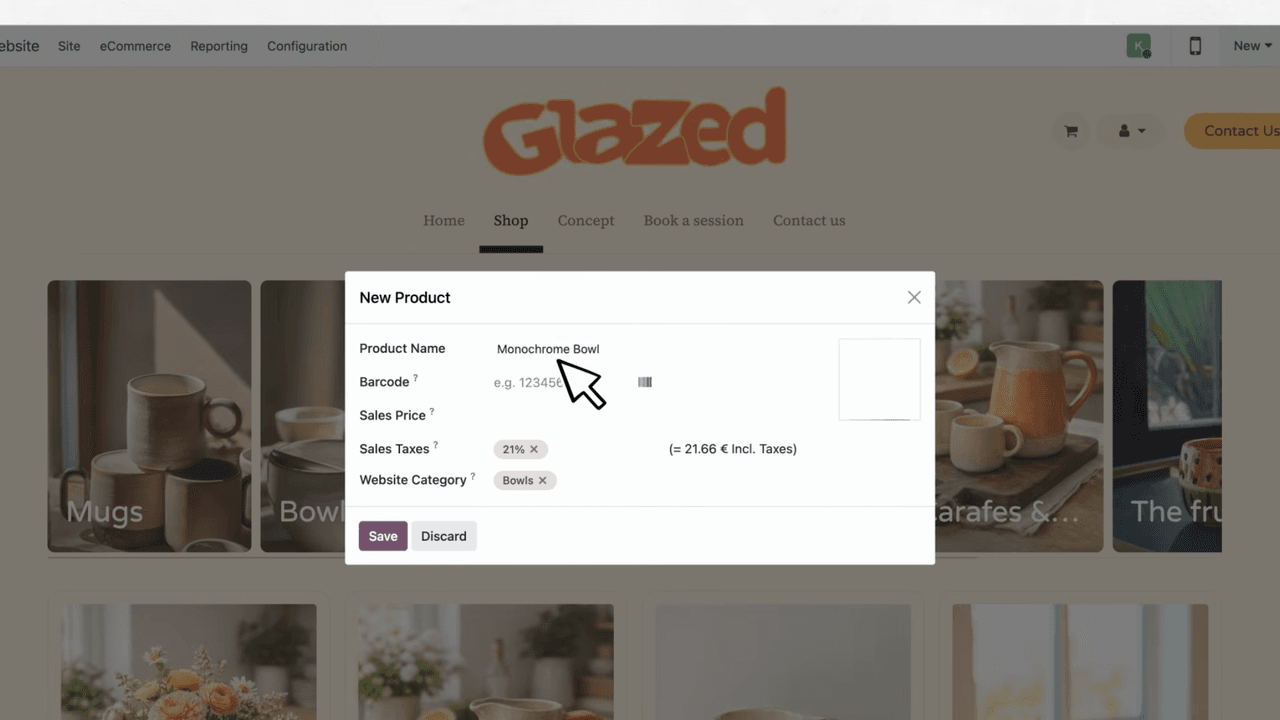
Creating a new product takes seconds:
- Add a title
- Set the price
- Upload a picture
- Publish
Product Attributes and Filters
Odoo makes it easy to manage product variations:
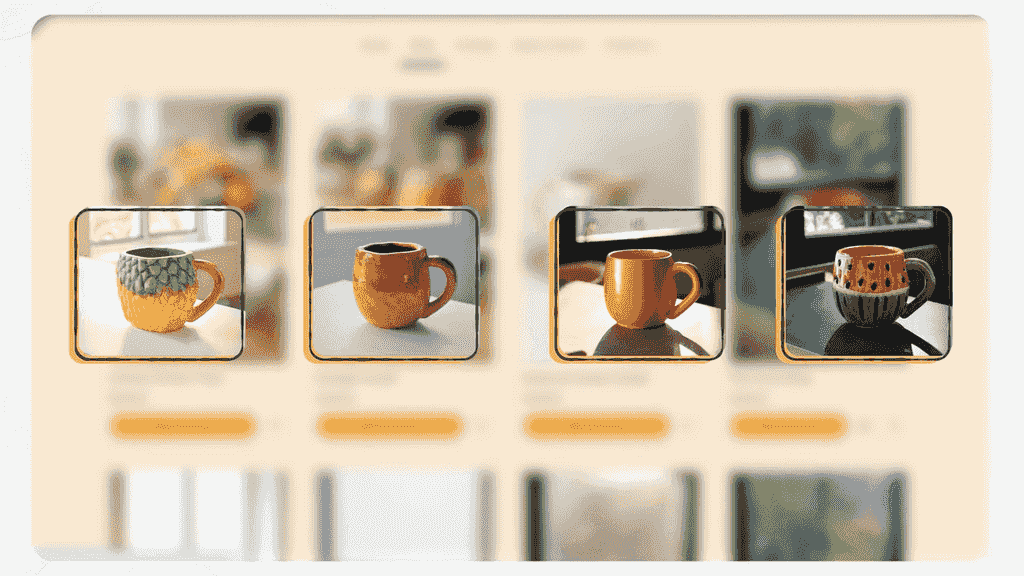
- Attributes — define options like colours, sizes, and textures
- Filters — let customers narrow down products without extra clicks
- Badges and ribbons — highlight featured items or favourite collections
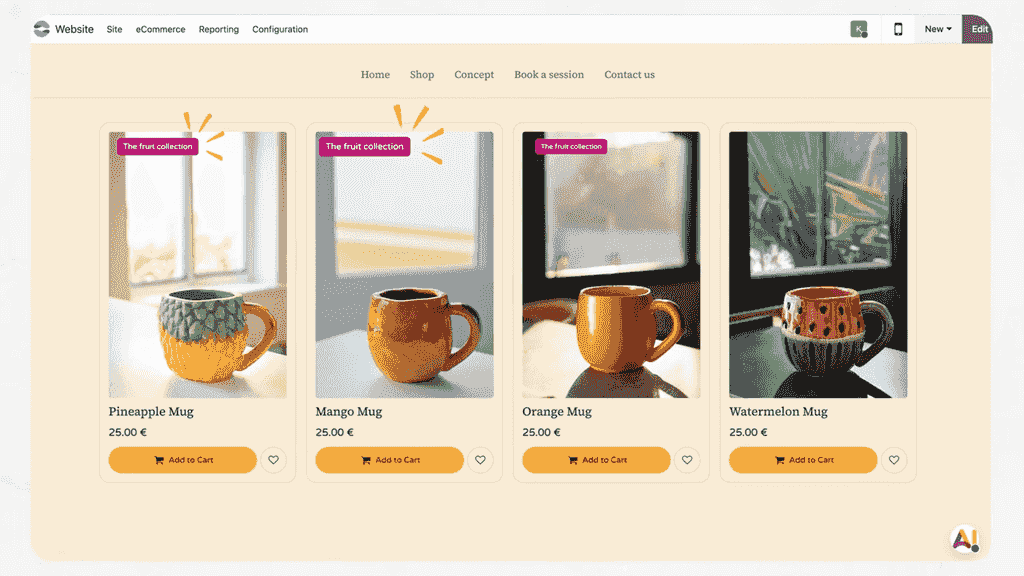
- Wish lists — customizable design that encourages future purchases
Product Page Customization
Every product page is fully customizable:
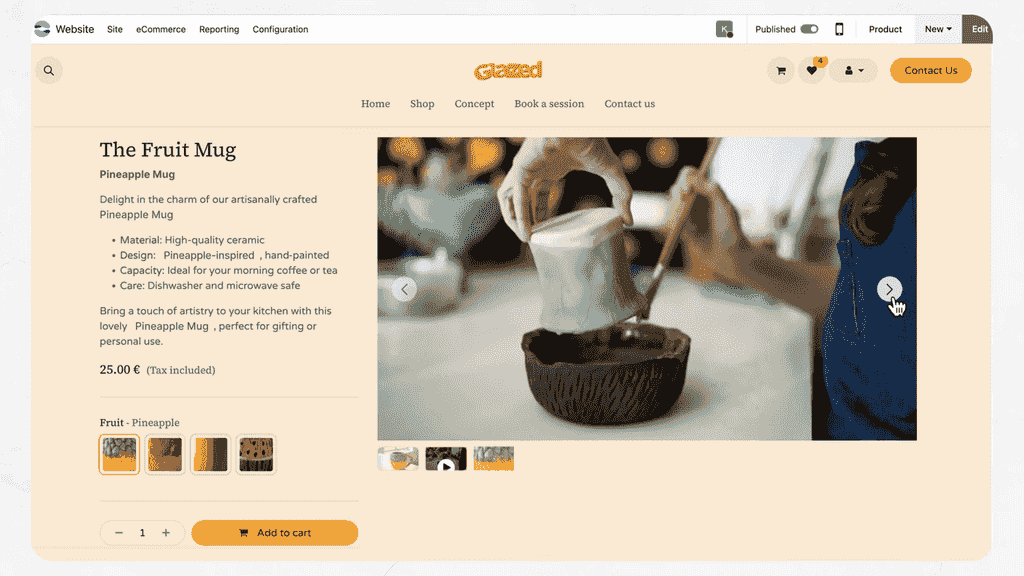
- Add videos and extra media to showcase your products
- Display detailed textures and close-up views
- Choose from different page templates
- Adjust with larger buttons or boxed options for better accessibility and readability
AI Tools for Product Content
Odoo integrates AI directly into the product management workflow:
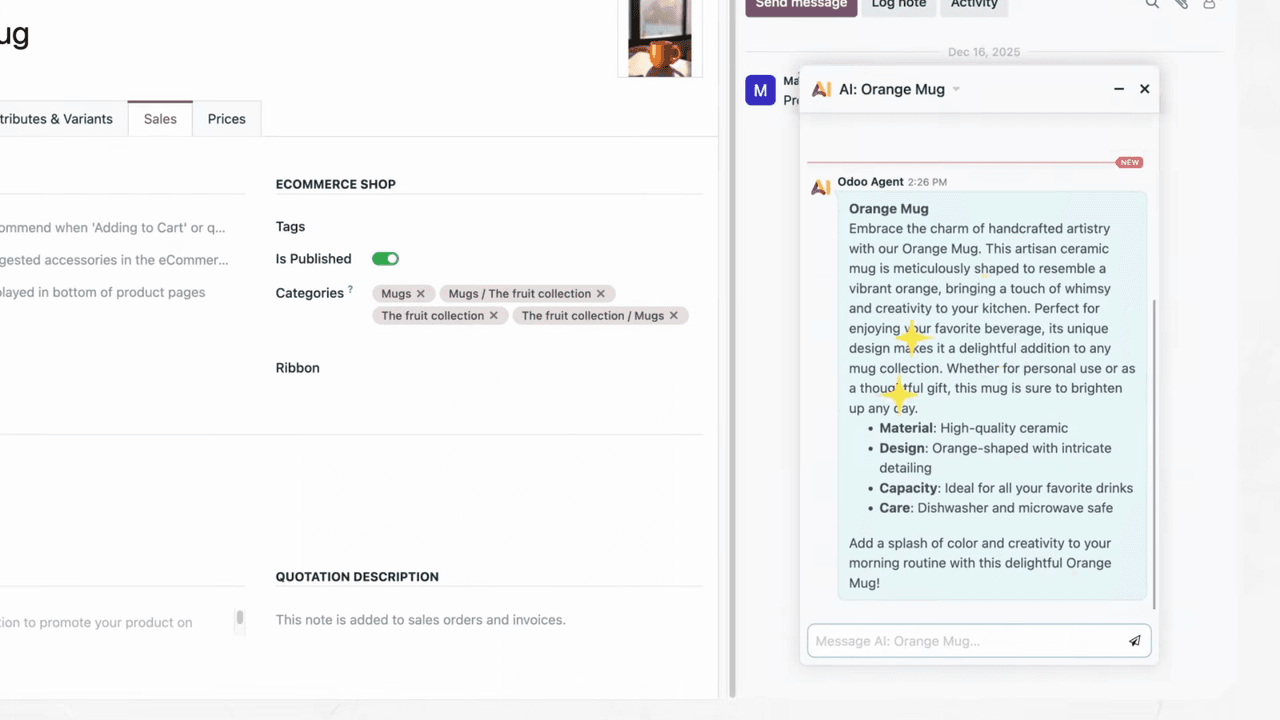
- AI product descriptions — stuck on what to write? Let AI generate compelling copy for your products
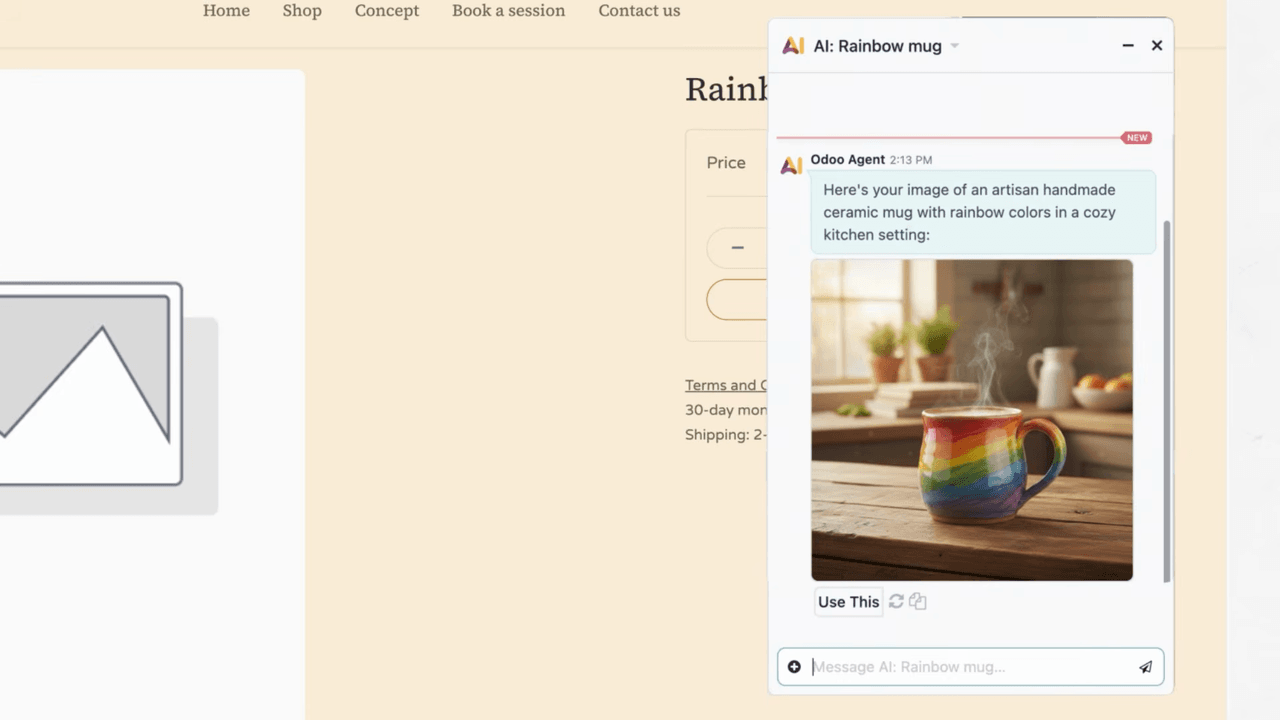
- AI-generated images — use placeholder images while your real photos are still being prepared
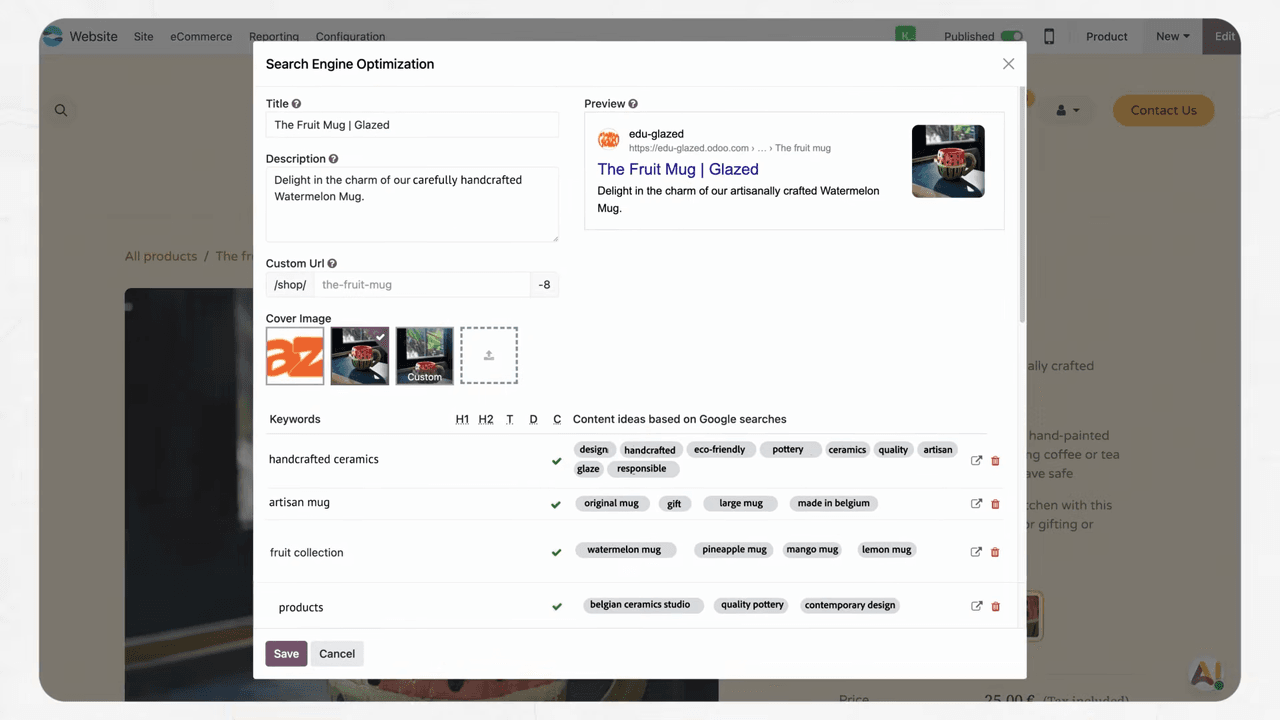
- SEO optimizer — Odoo automatically ensures your titles, descriptions, and links are optimized for search engines
These tools save time and help maintain consistent, professional content across your entire store.
Payments, Checkout, and Shipping
Payment Methods
Odoo supports a wide range of payment methods (depending on version or plan), giving you the flexibility to do business anywhere in the world. Payment icons displayed in your site's footer help build customer trust and confidence.
Crystal-Clear Checkout
The checkout process is designed so no customer gets lost before confirming their order:
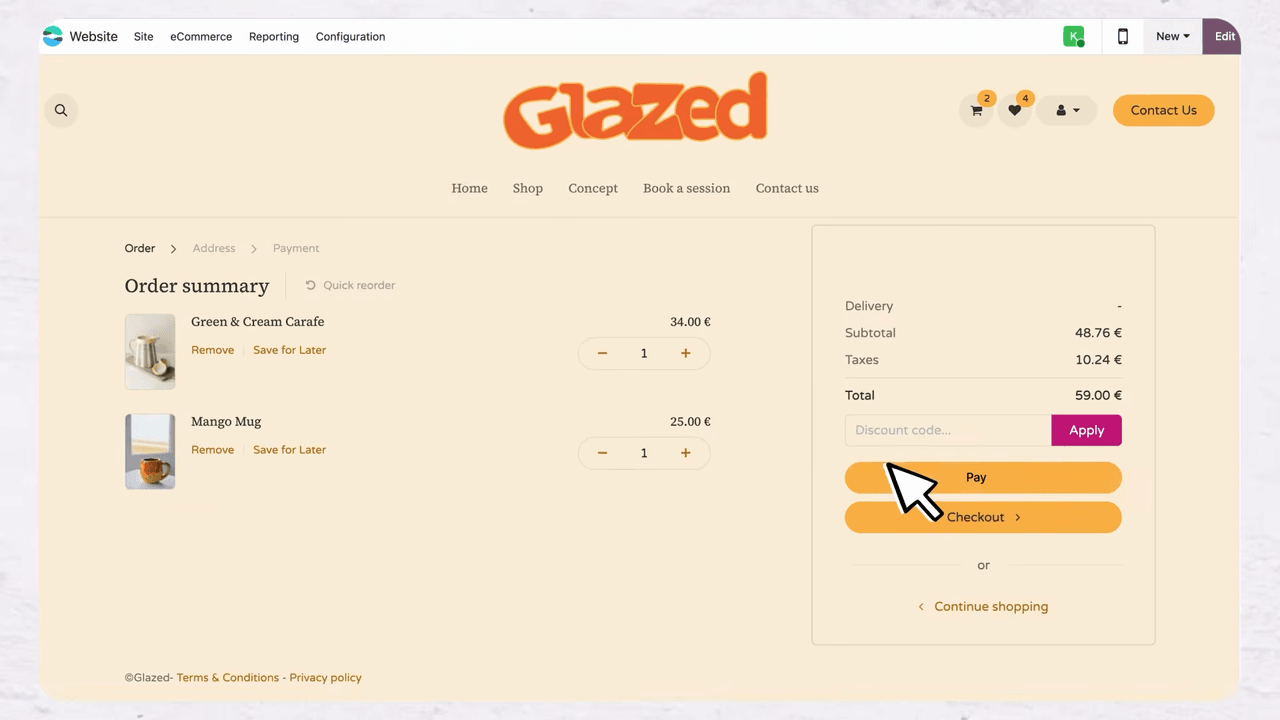
- Clean, straightforward checkout flow
- Click and collect support for customers who prefer to pick up their orders
- Zero commission on all payments — you keep every dollar you earn
Shipping Options
Selling worldwide? Odoo connects with multiple carriers, making it easy to offer the right shipping options based on where your customers are located.
Order Management at a Glance
Once orders start coming in, Odoo provides a clear overview of every order's status:
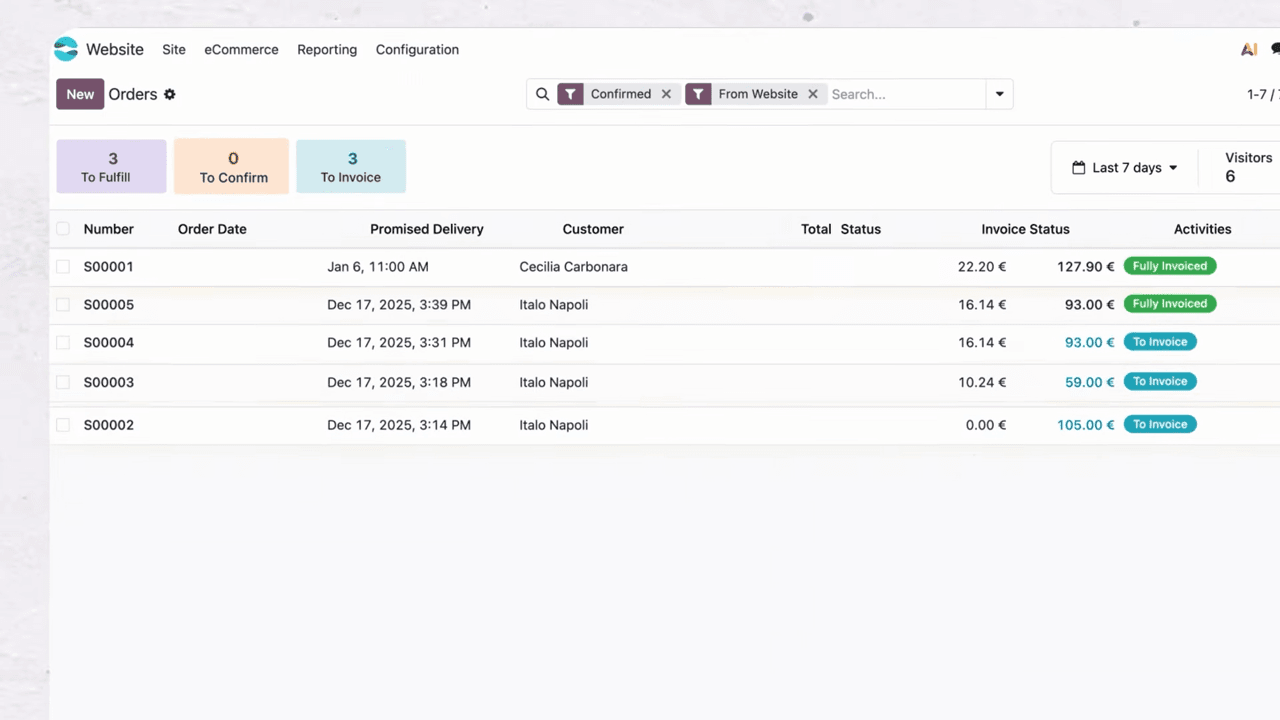
- What needs to be fulfilled?
- What needs to be confirmed?
- What needs to be invoiced?
Everything is visible at a glance, so you spend less time on admin and more time on your craft.
Expanding Beyond eCommerce
One of Odoo's biggest advantages is its modular ecosystem. All apps are included in your subscription — no hidden fees for additional features.
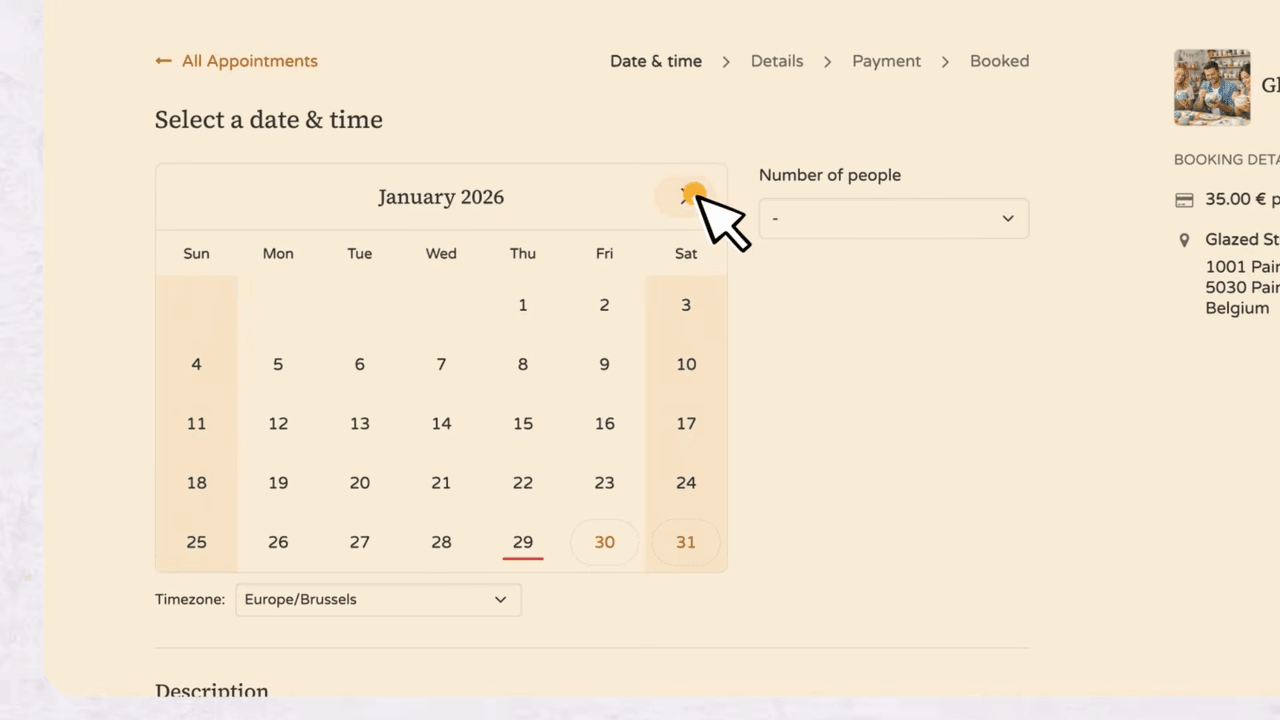
For example, if you want to offer workshops or services alongside your products, the Appointments app integrates seamlessly. Customers can book a slot in just a few clicks, directly from your website.
This modular approach means Odoo grows with your business. Start with eCommerce today, add CRM, invoicing, or inventory management tomorrow.
Next Steps
Ready to launch your online store? Here is how to get started:
- Try Odoo for free — set up your store and explore the features at no cost
- Upload your logo and let AI build your initial storefront
- Add your first products and start selling in minutes
- Explore other Odoo apps to streamline your entire business workflow
References


